
Connecting Calendly with CallHippo lets your team reach scheduled meeting attendees by phone, so you can confirm bookings and cut down on no-shows.
Before you begin
You will need an active CallHippo account and a Calendly account you can authorize. The steps below are performed entirely inside your CallHippo dashboard.
Steps to integrate Calendly with CallHippo
- Log in to CallHippo. Sign in to your CallHippo account.
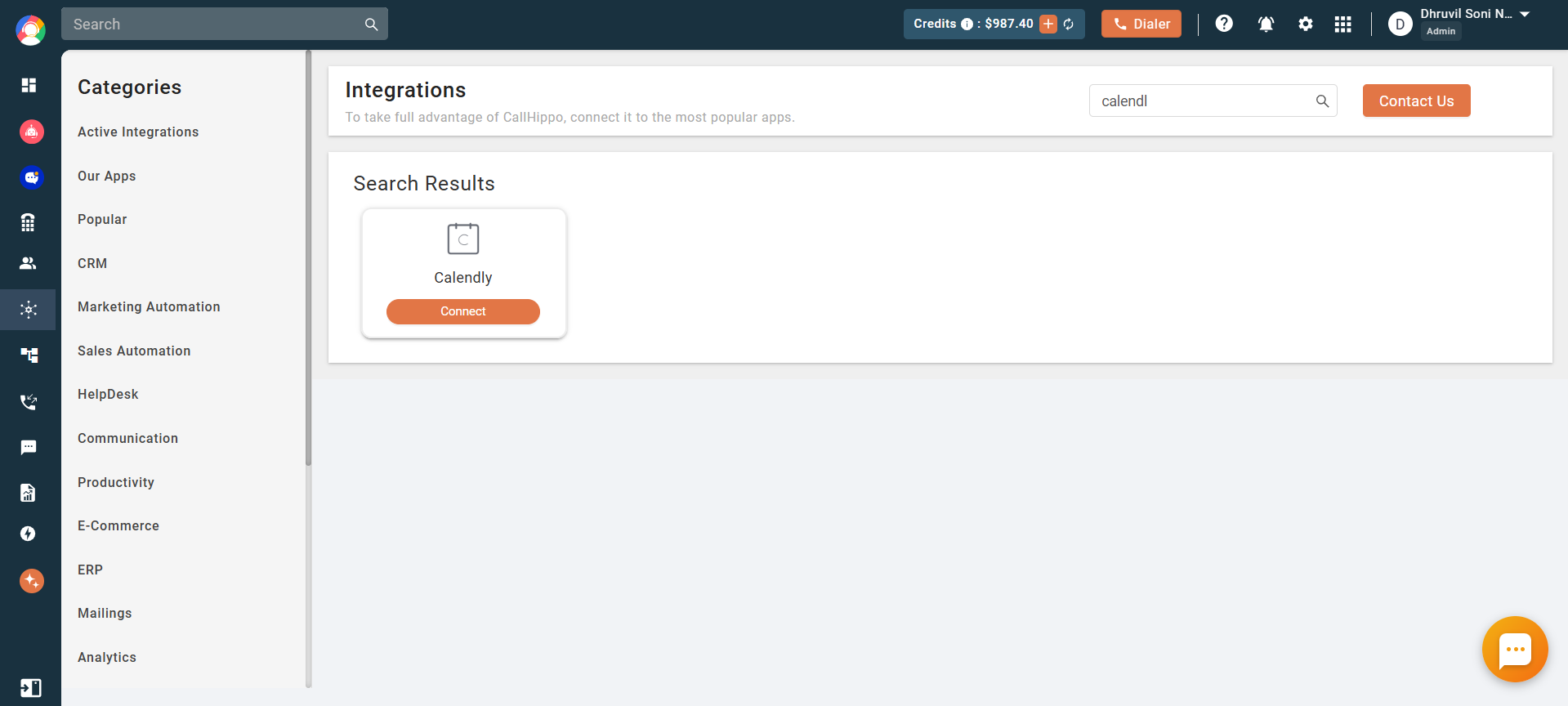
- Open Integrations. From the left sidebar of your dashboard, click Integrations, search for Calendly, and click Connect.
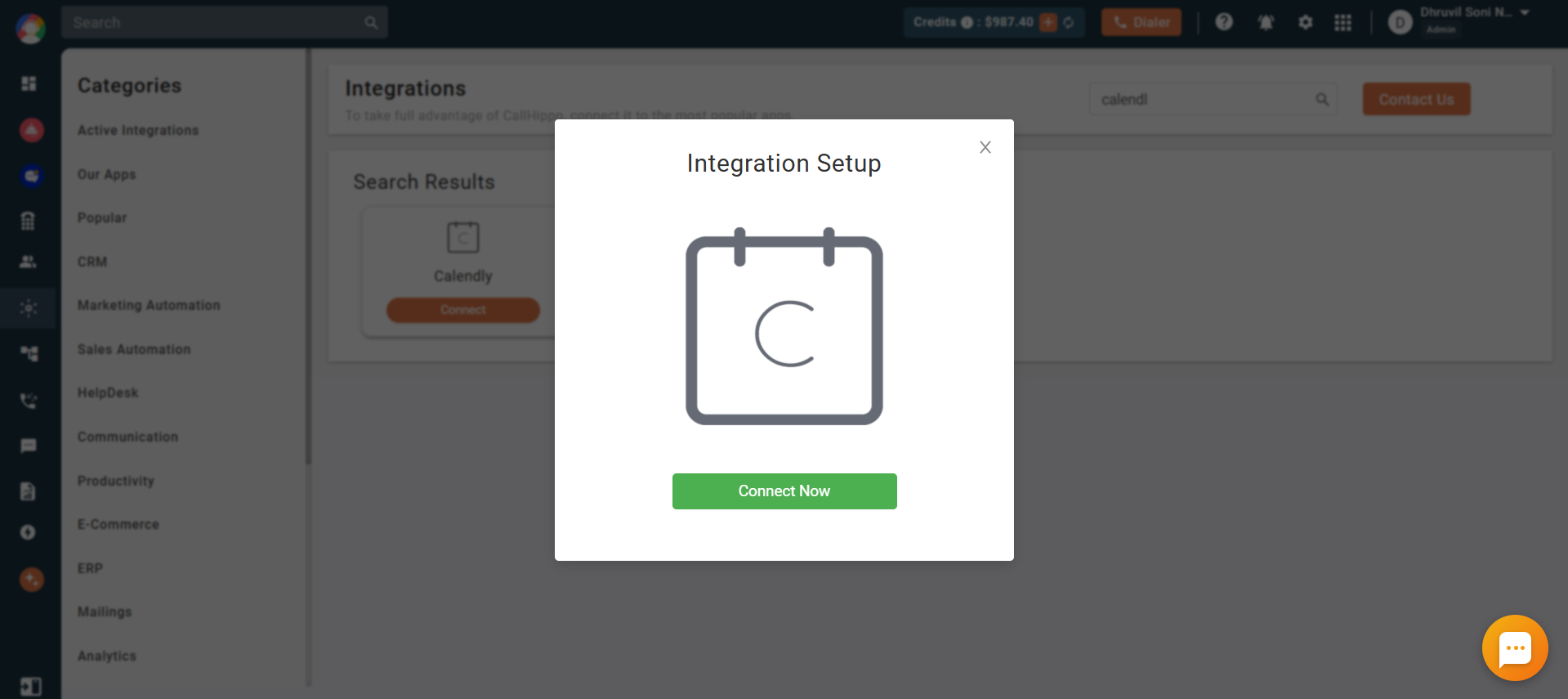
- Start the setup. In the Integration Setup pop-up, click the Connect Now button.
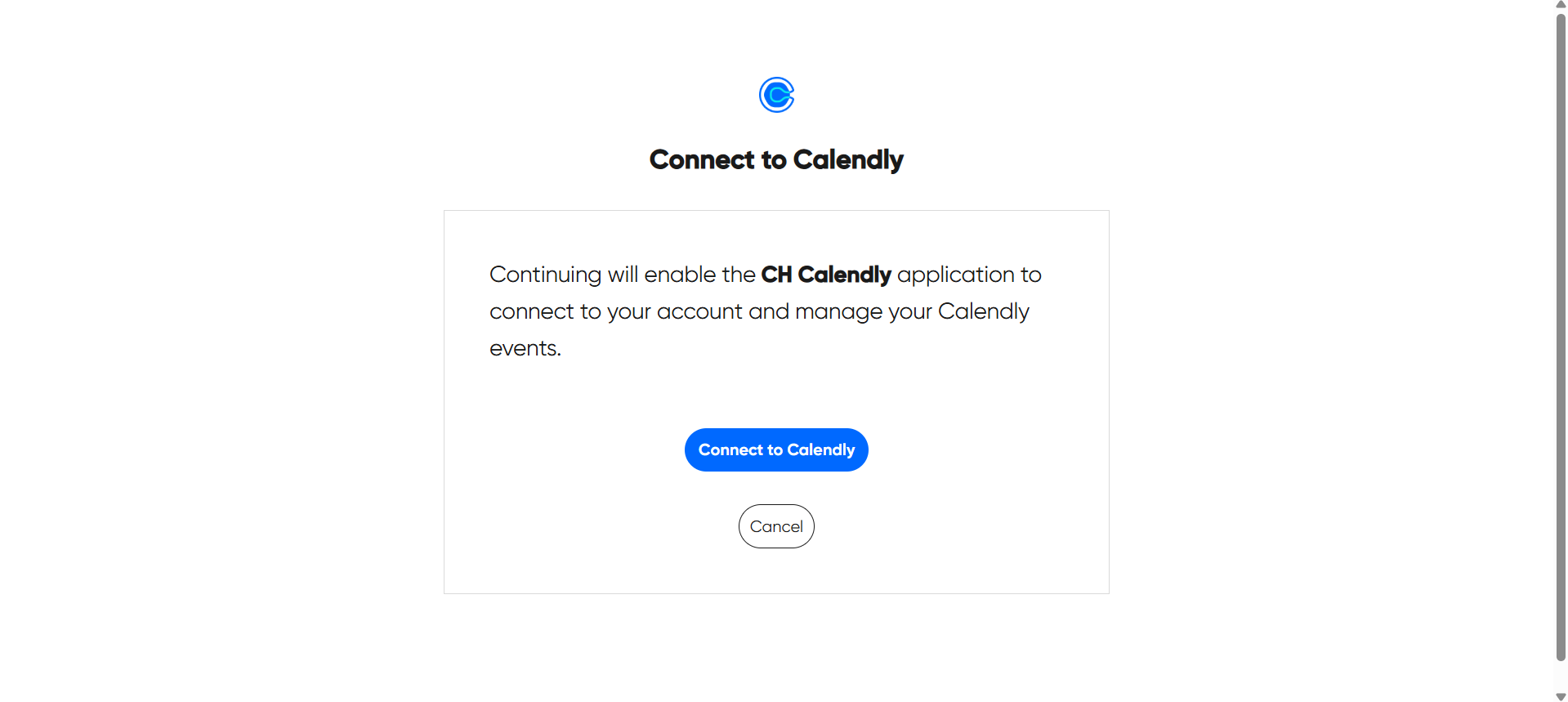
- Authorize CallHippo. Click Connect to Calendly to allow the CH Calendly application to access and manage your Calendly events.
- Confirm the connection. Your Calendly account is now integrated, and the integration status will show as Integrated.
Good to know
- No call-log sync: Call log activity is not supported for the Calendly integration.
Frequently asked questions
Do I need to authorize Calendly every time?
No. Authorization is a one-time step. Once you have connected CallHippo to Calendly, the integration stays active until you disconnect it.
Why does call activity not appear in Calendly?
The Calendly integration does not support call-log syncing, so calls made through CallHippo are not written back to Calendly.
Need a hand connecting Calendly? Reach our team at [email protected] and we will help you get set up.