
Connecting Nutshell CRM with CallHippo keeps your contacts in sync and logs every call and text automatically against the right person in Nutshell.
Step 1: Generate an API key in Nutshell
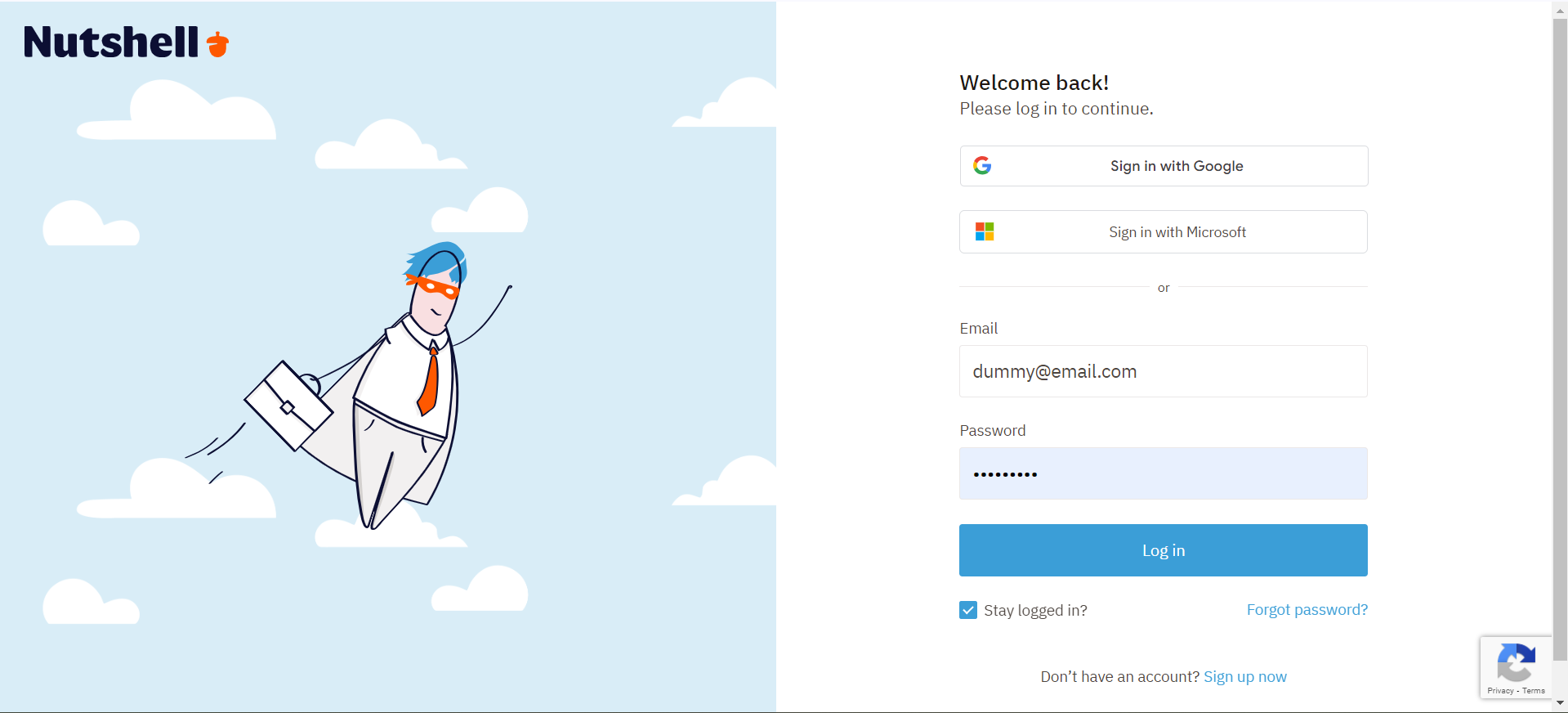
- Log in to Nutshell. Sign in to your Nutshell account.
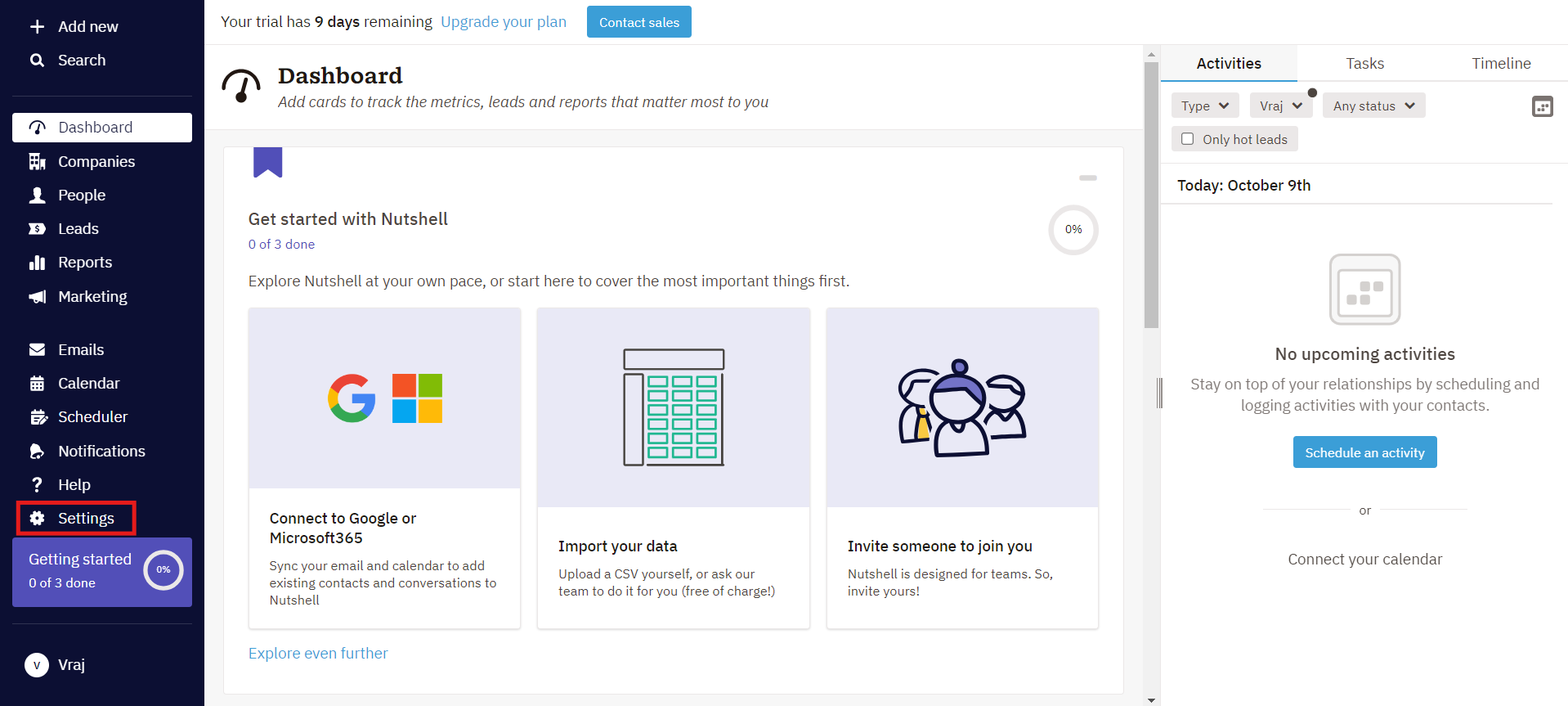
- Open Settings. Click Settings in the left menu.
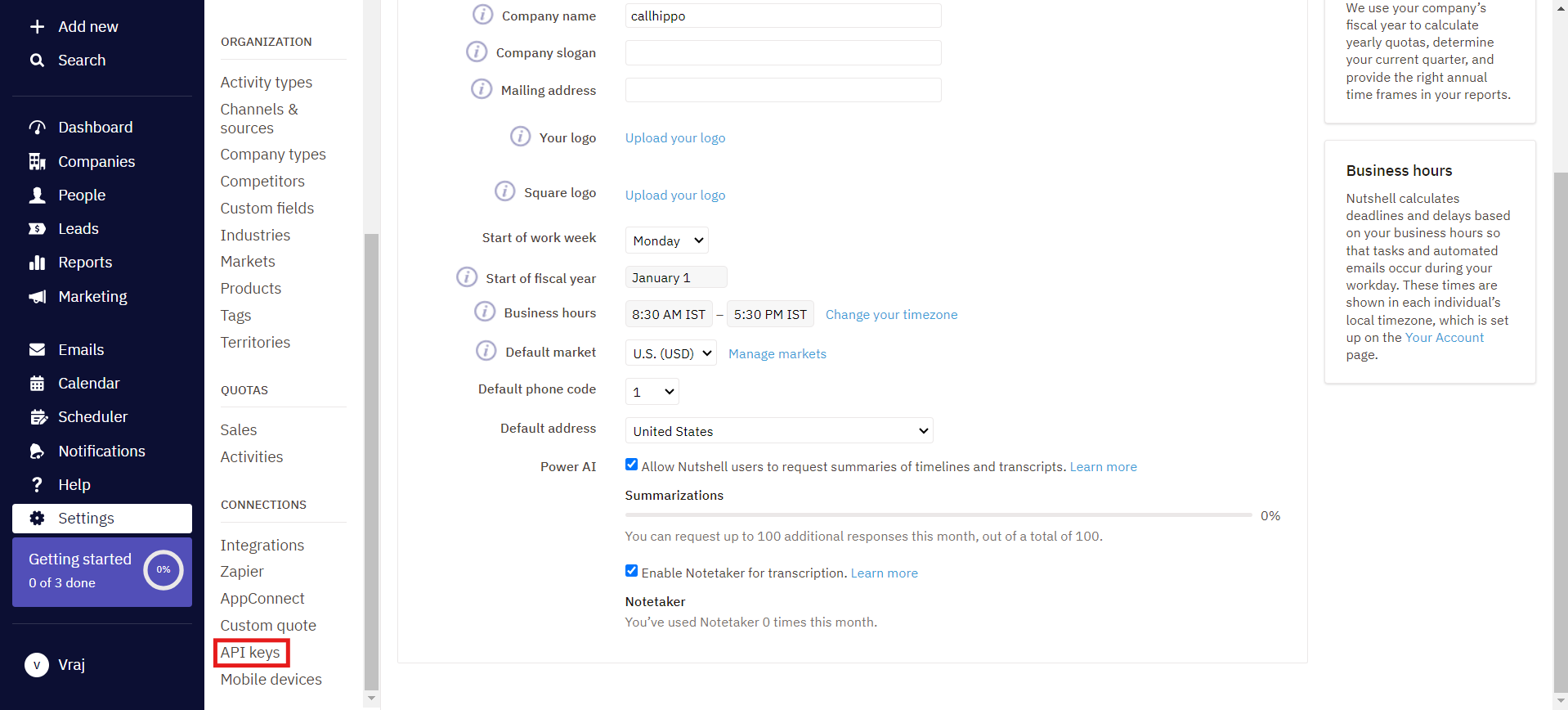
- Go to API keys. Scroll down and click API keys under Connections.
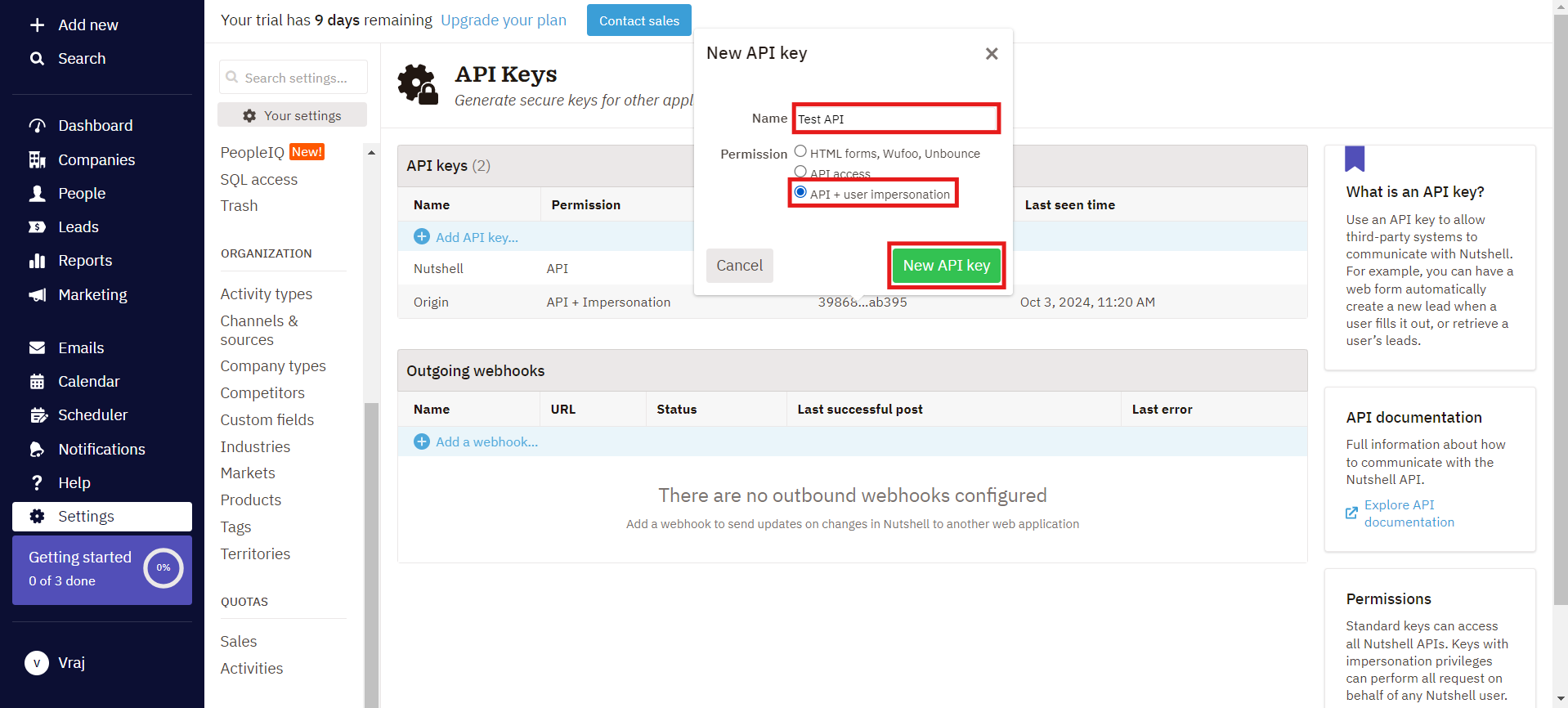
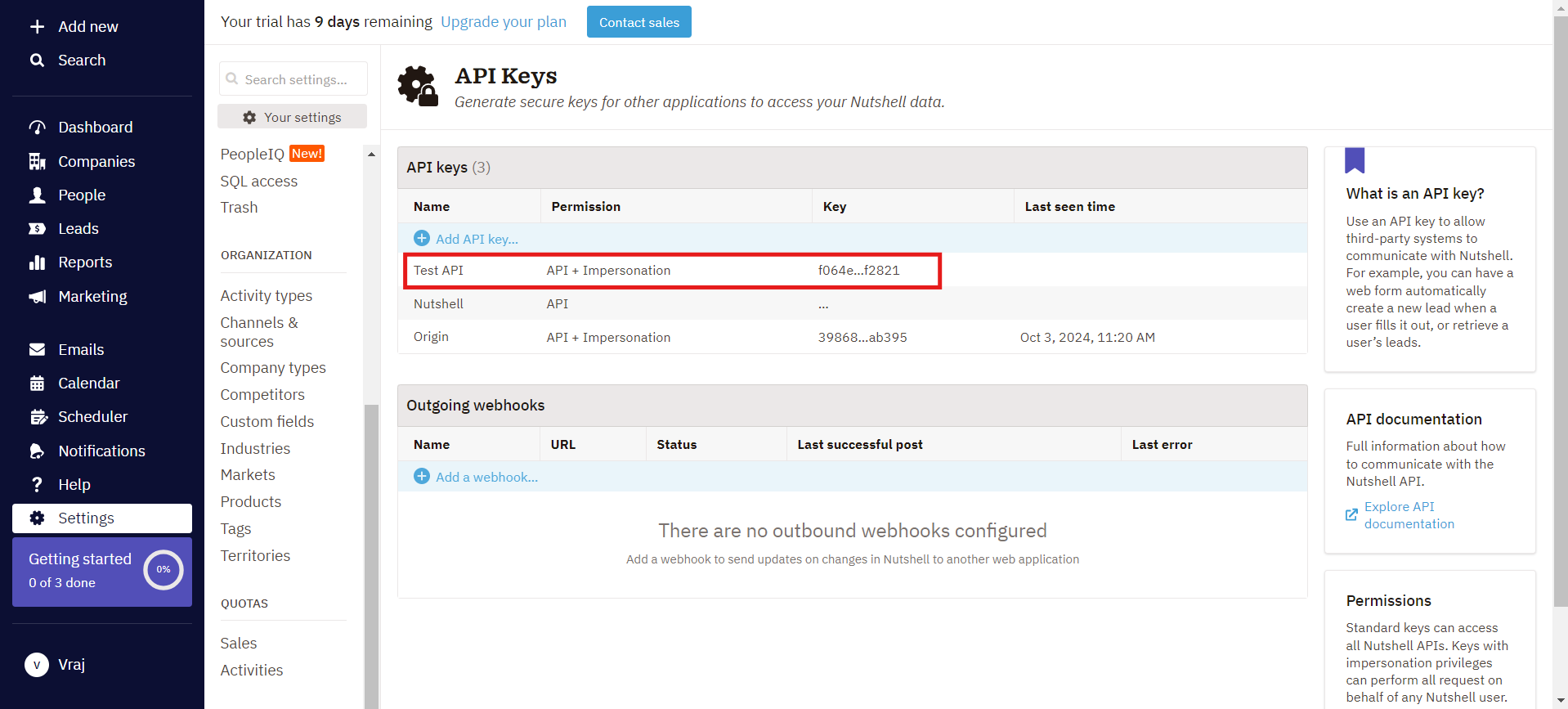
- Add a new key. Click Add API key, give it a name, choose the API + User impersonation option, and click New API key.
- Open the new key. Click the newly generated key in the list.
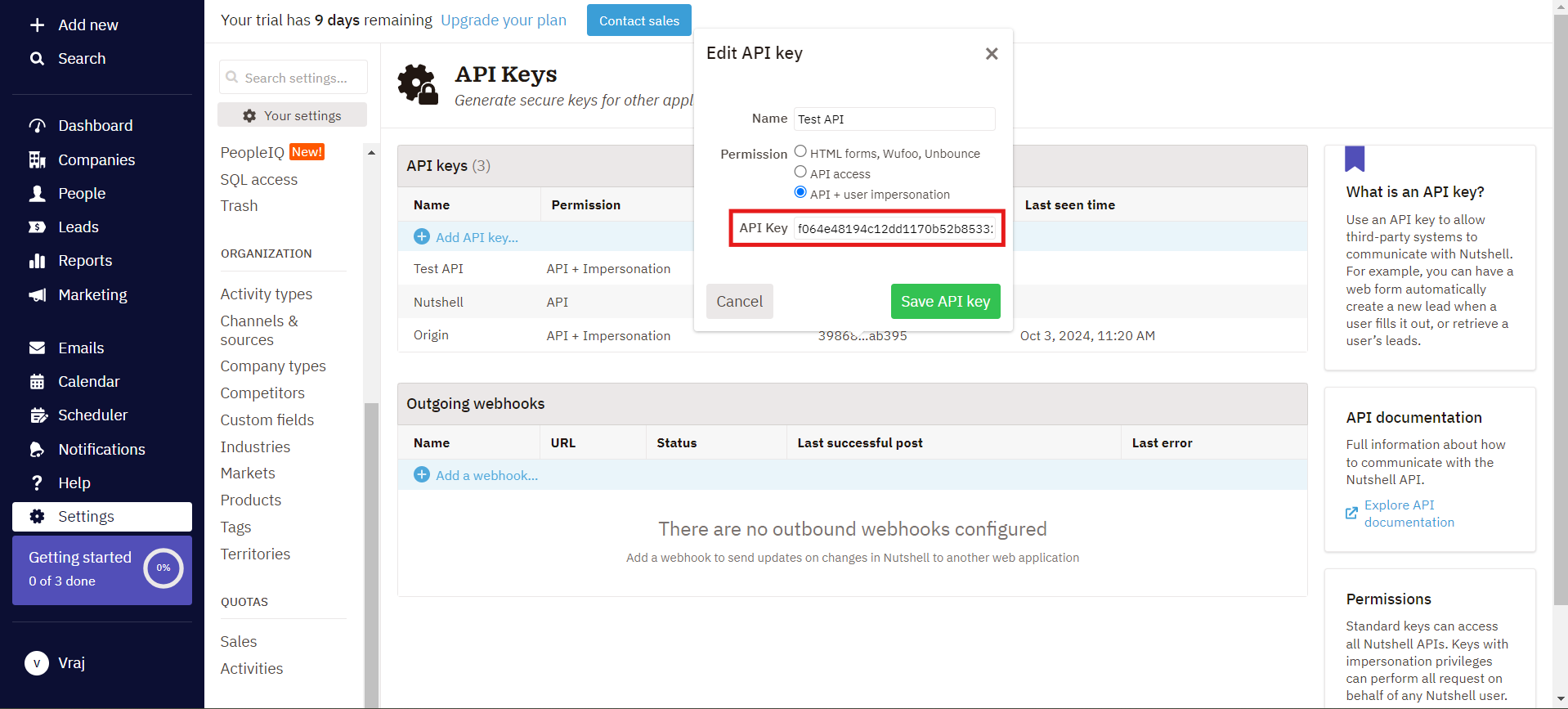
- Copy the key. Copy the API key value shown in the edit view and keep it handy.
Step 2: Connect Nutshell in CallHippo
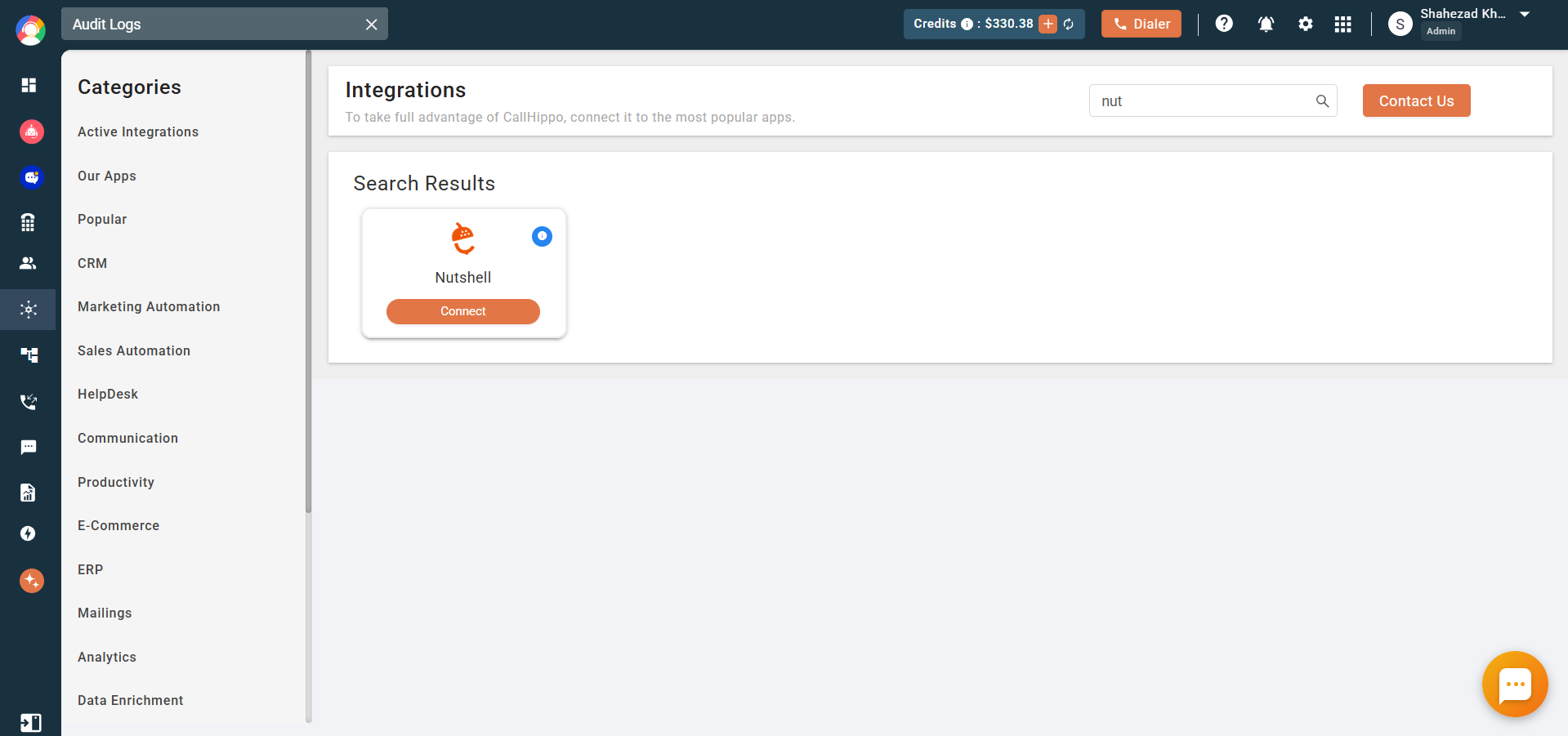
- Open Integrations. Log in to your CallHippo account, go to the Integrations tab, find Nutshell, and click Connect.
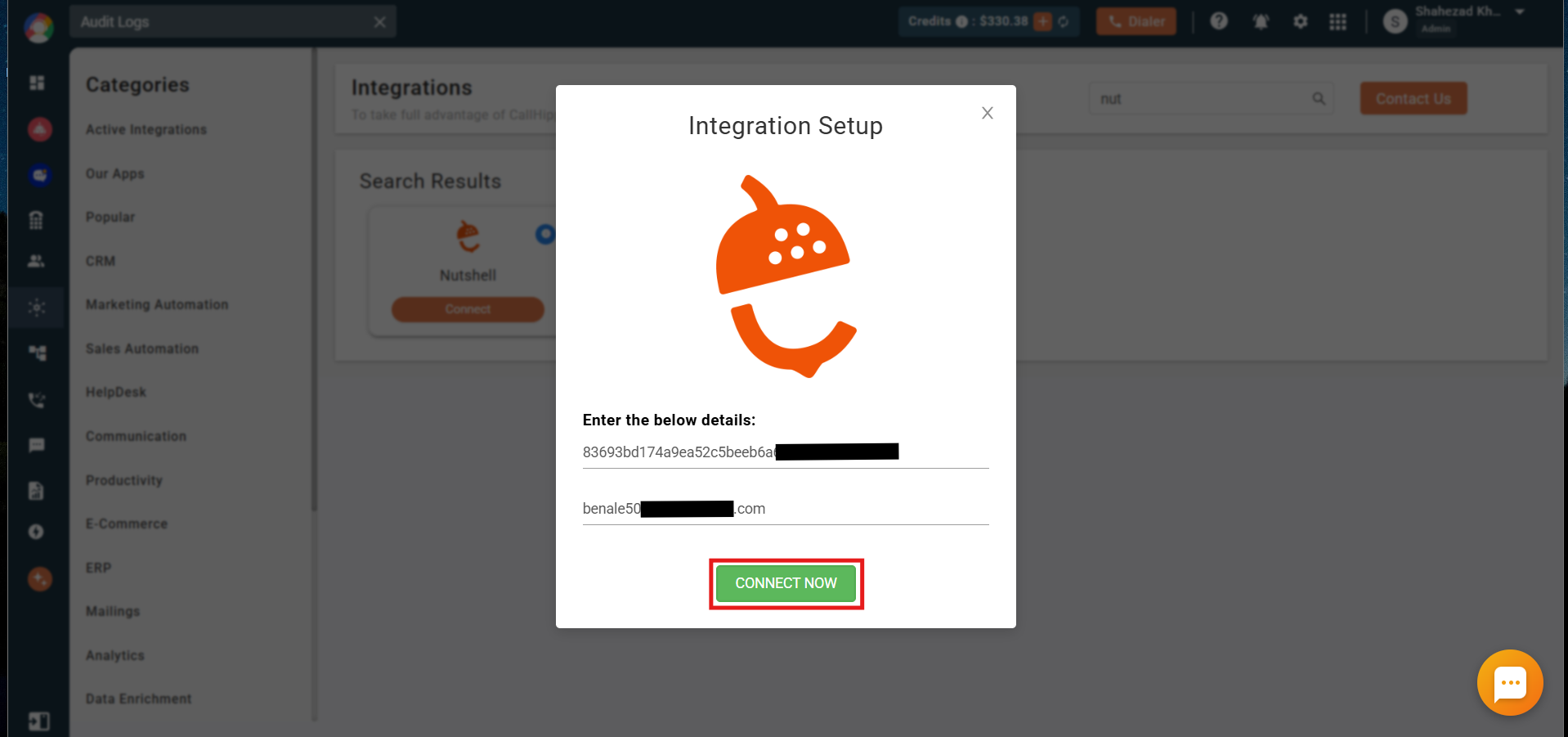
- Enter your details. Enter the API key and email you noted from Nutshell, then click Connect Now.
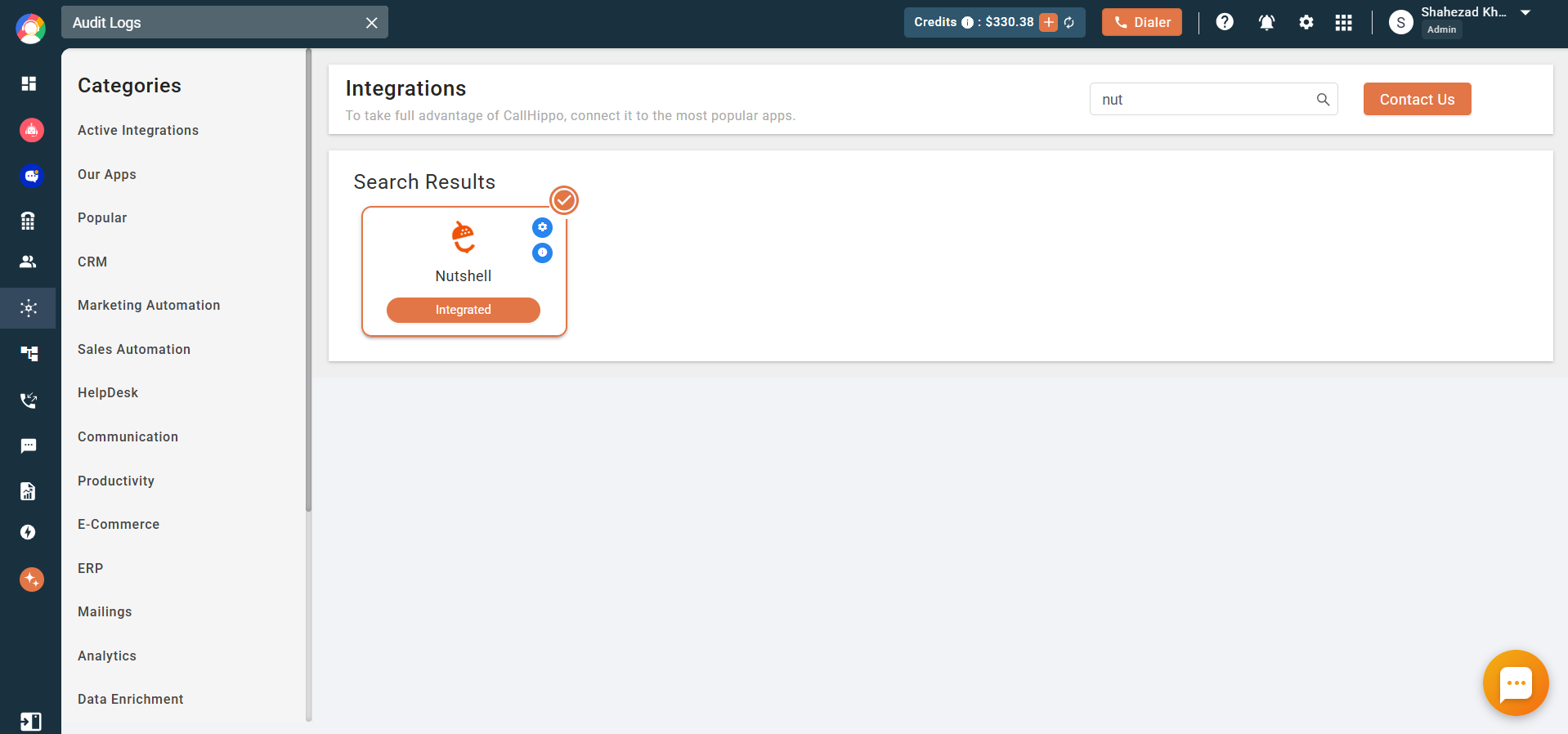
- Confirm. You will be redirected back to your CallHippo account and the status will change to Integrated.
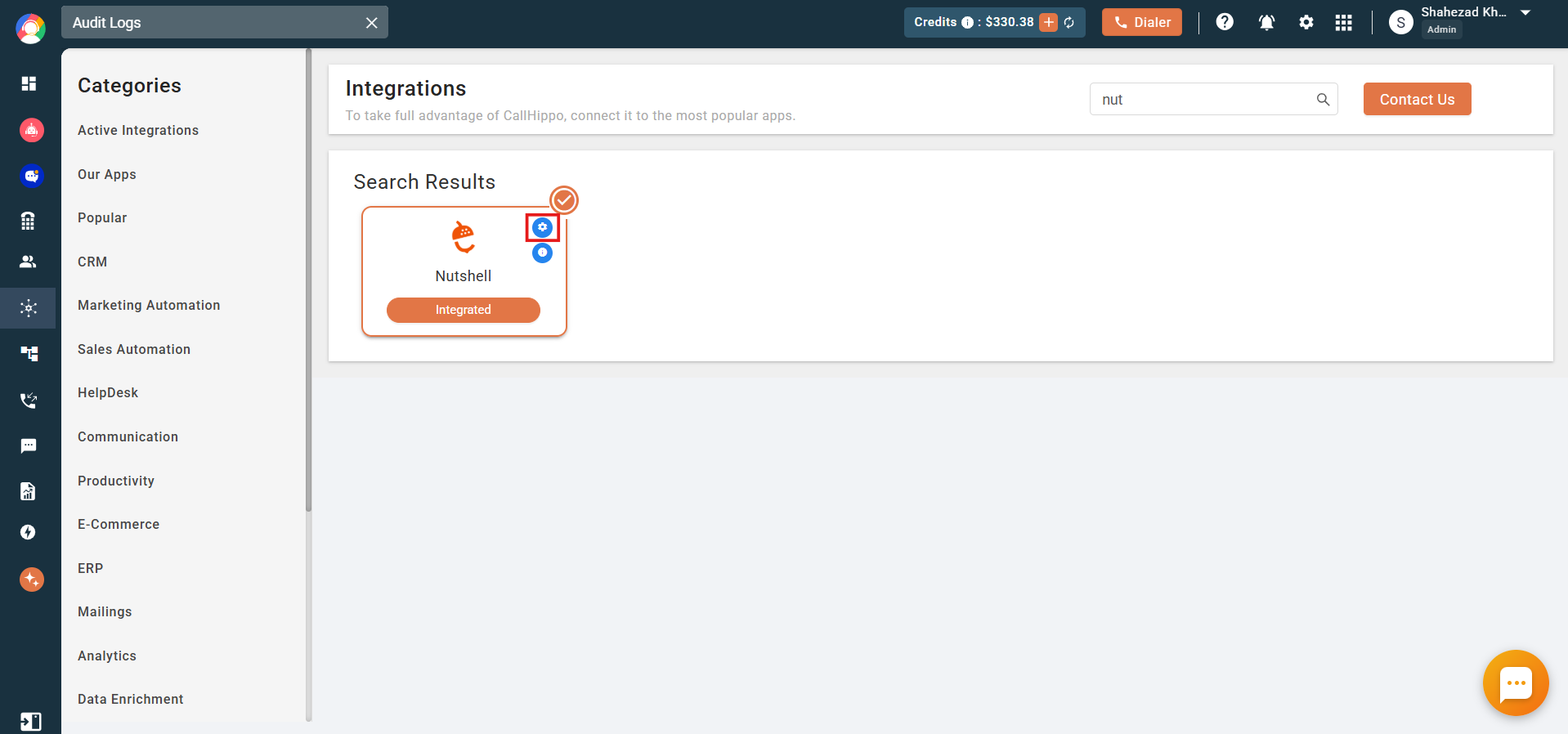
- Adjust settings. Use the integration settings to control activity syncing and number allocation.
Features of the Nutshell and CallHippo integration
- Contact sync: All your Nutshell leads are synced to the CallHippo dialer as contacts. New or updated people in Nutshell sync to CallHippo within four hours.
- Call activity: Every call made to or received from a Nutshell contact is logged in the CallHippo dialer.
- SMS activity: Every SMS sent or received from a Nutshell contact is captured in the CallHippo dialer as well.
- Activity feed: Call activity appears in the Activity feed of the relevant person (contact) in Nutshell.
Enable Click to Call
Install the CallHippo Click-to-Call Chrome extension to place calls directly from Nutshell. You can add it from the Chrome Web Store.
Frequently asked questions
Which permission should I choose for the API key?
Select API + User impersonation when creating the key so CallHippo can sync activity on behalf of your Nutshell users.
How long does contact syncing take?
New and updated people in Nutshell sync with the CallHippo dialer within about four hours.
Need help connecting Nutshell? Write to us at [email protected] and our team will assist you.