
Linking TalentLyft with CallHippo syncs your candidates into the dialer and logs every call and SMS back to each candidate’s timeline, so your recruiting team can reach talent without leaving TalentLyft.
Get your access token in TalentLyft
- Log in to your TalentLyft account.
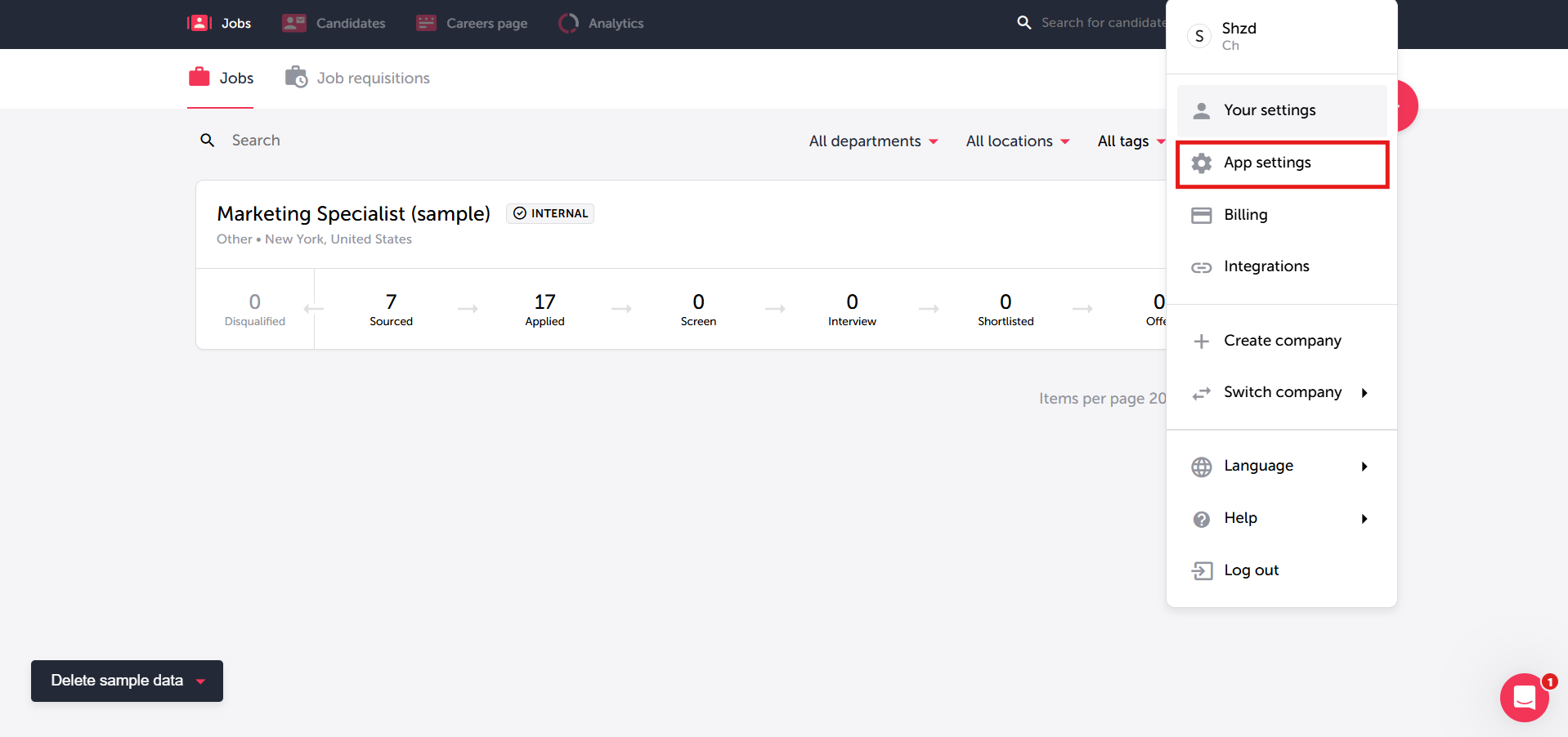
- Open your profile menu and click App settings.
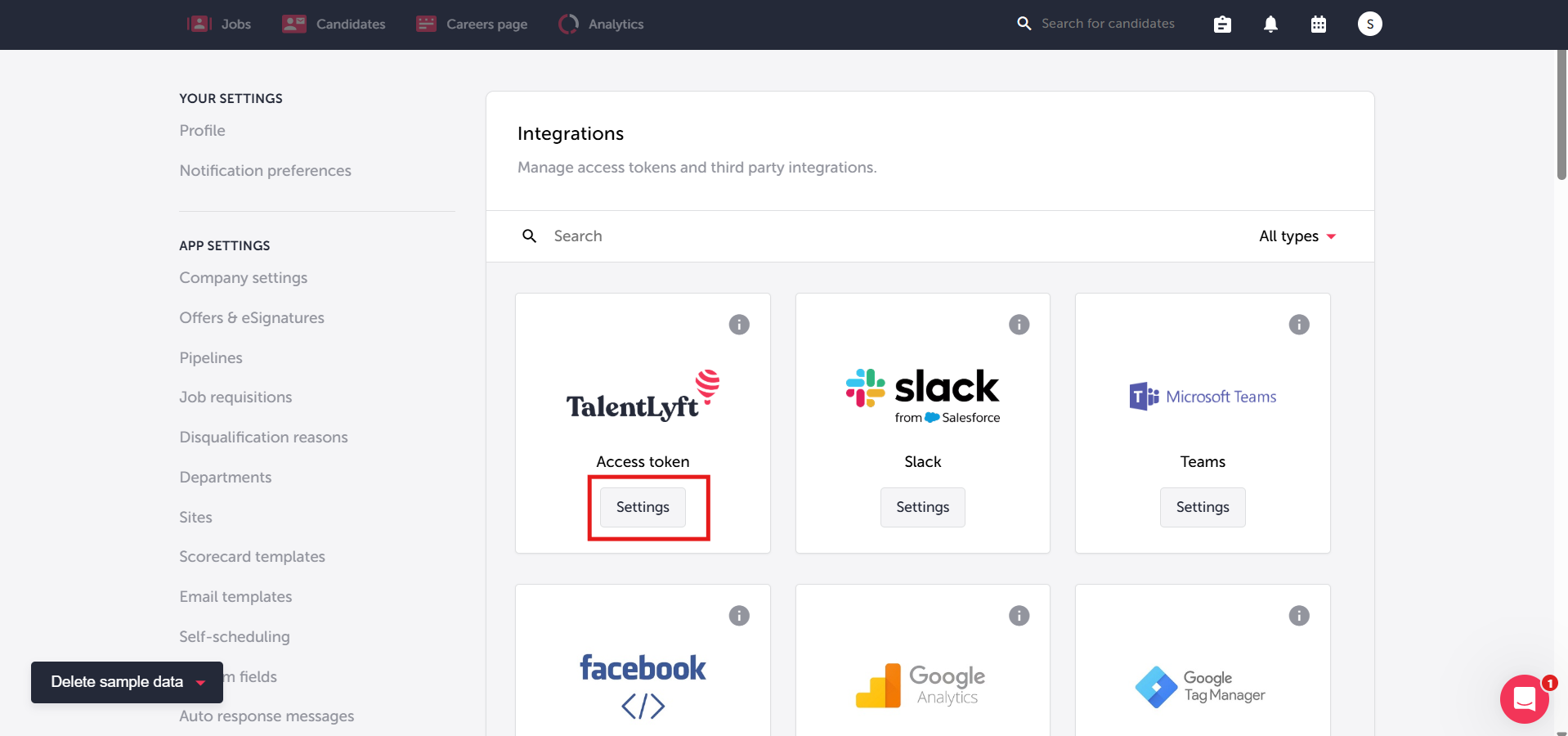
- Go to Integrations, find the TalentLyft Access token card, and click Settings.
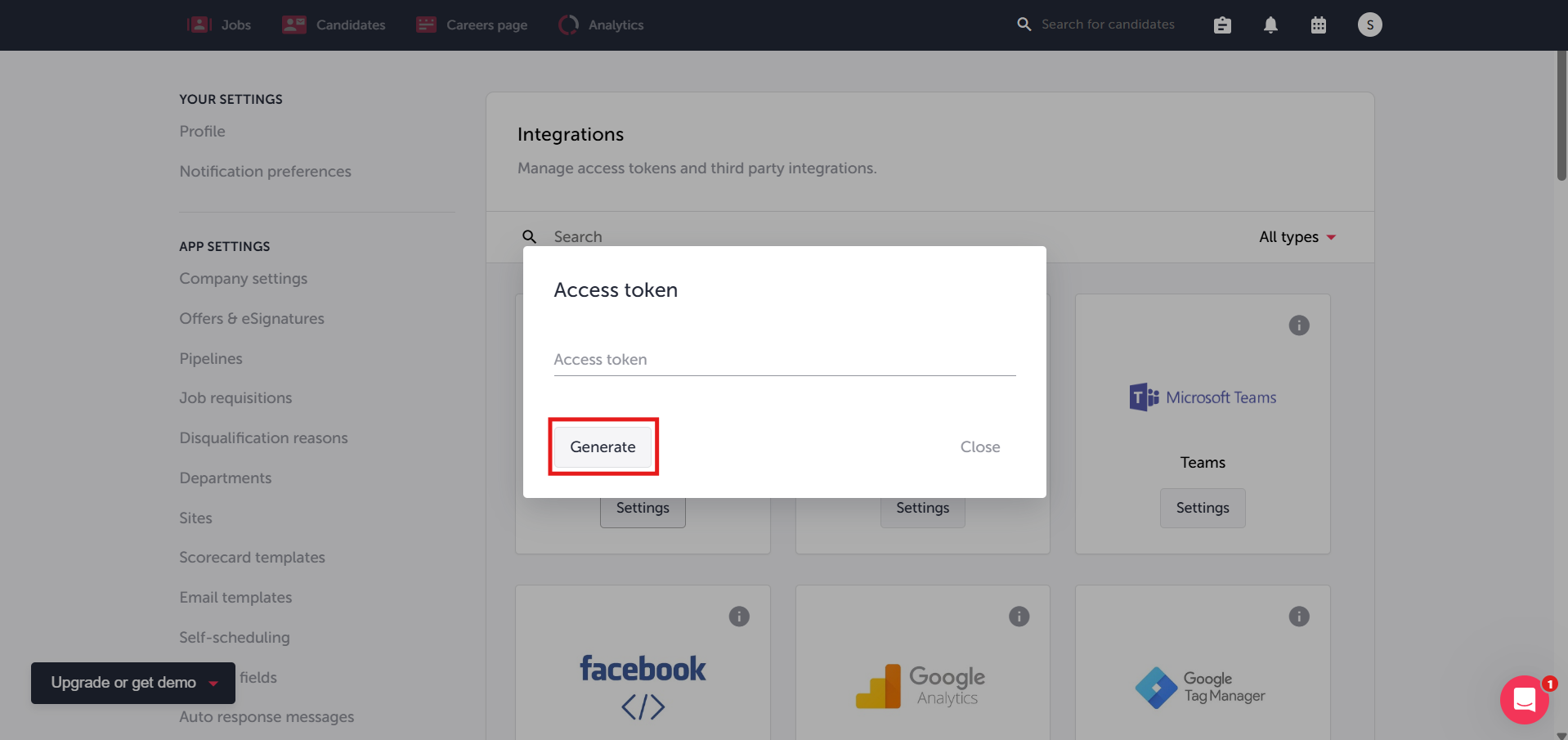
- If no token exists yet, click Generate to create one.
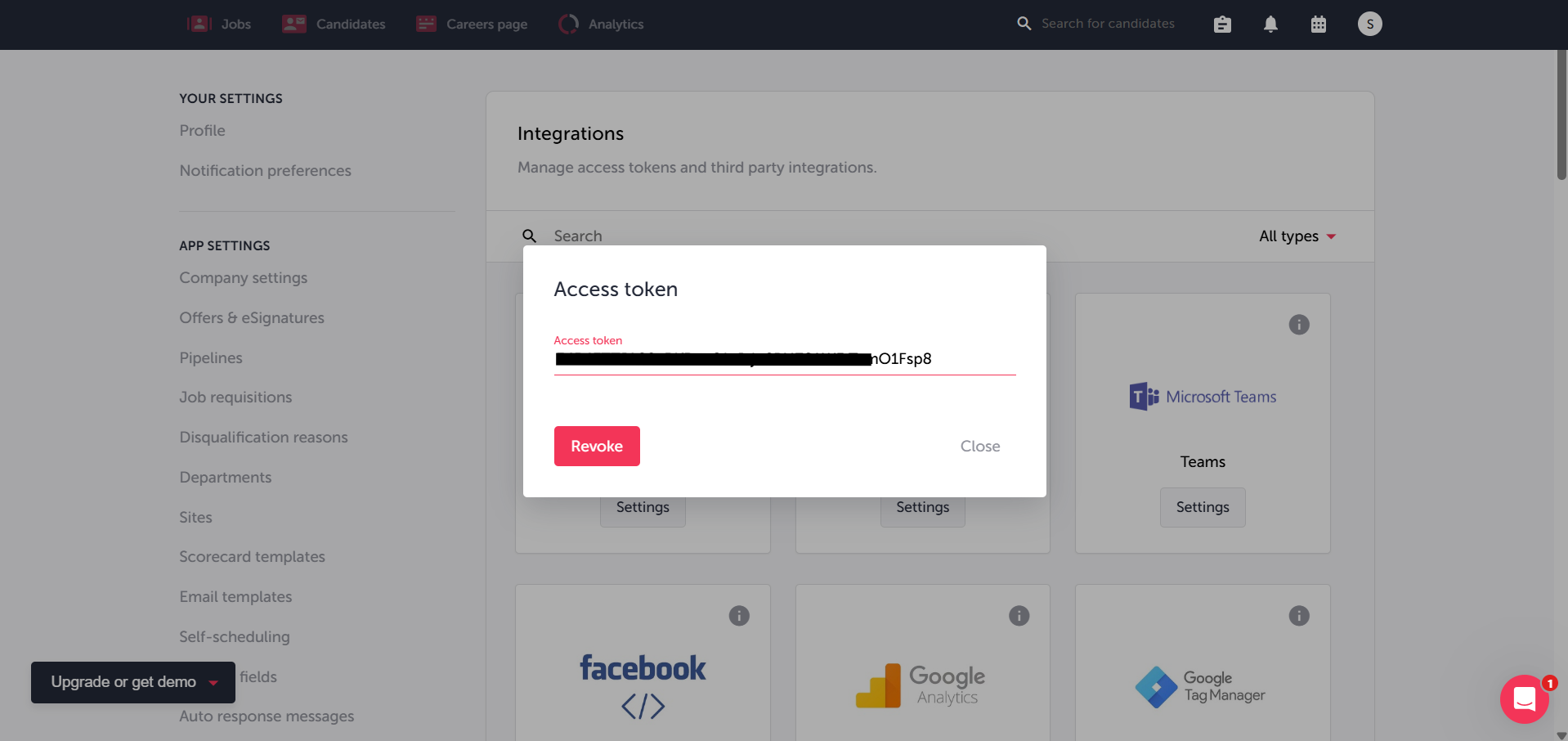
- Copy the access token shown — you’ll paste it into CallHippo in the next section.
Connect TalentLyft in CallHippo
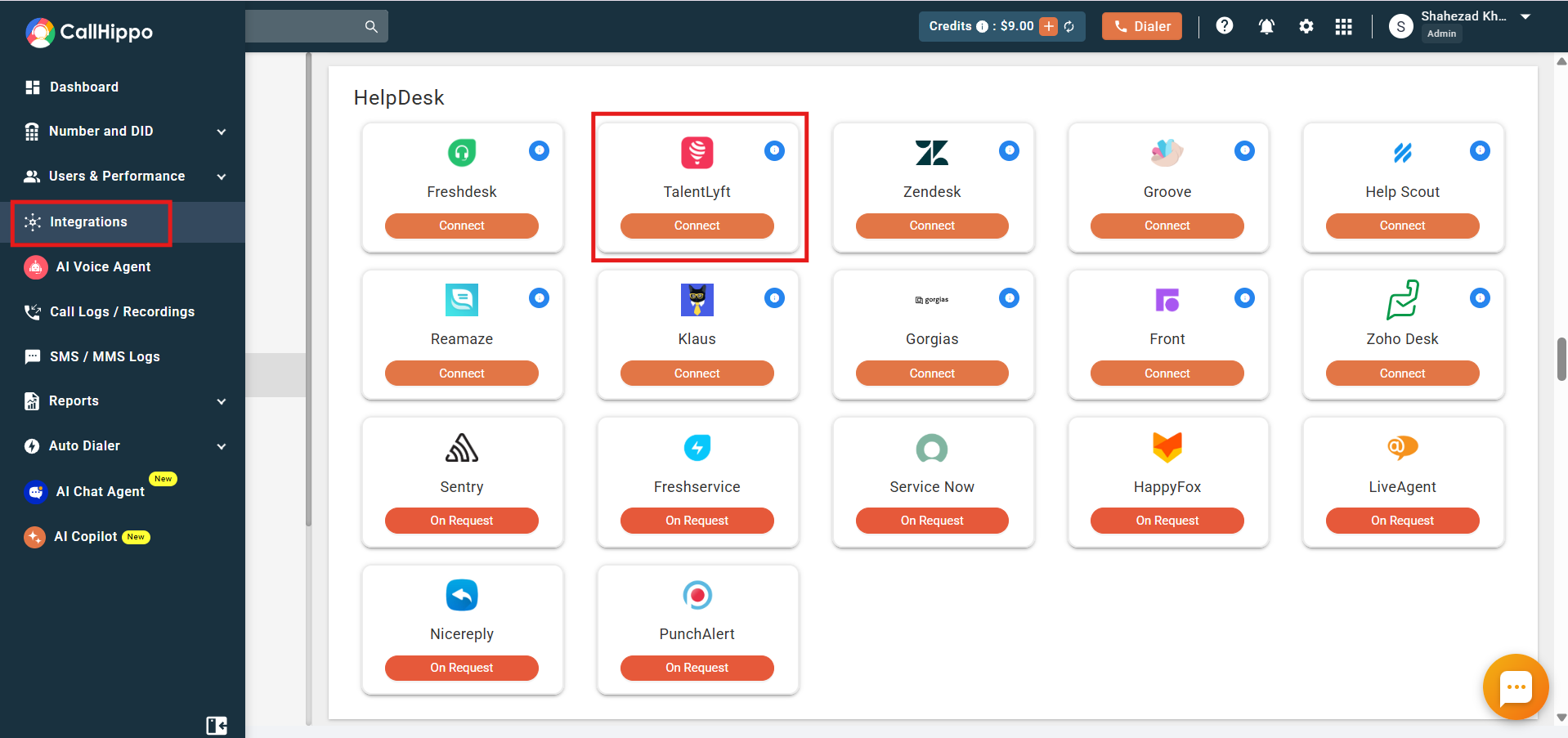
- Log in to your CallHippo account and open the Integrations tab.
- Find TalentLyft and click Connect.
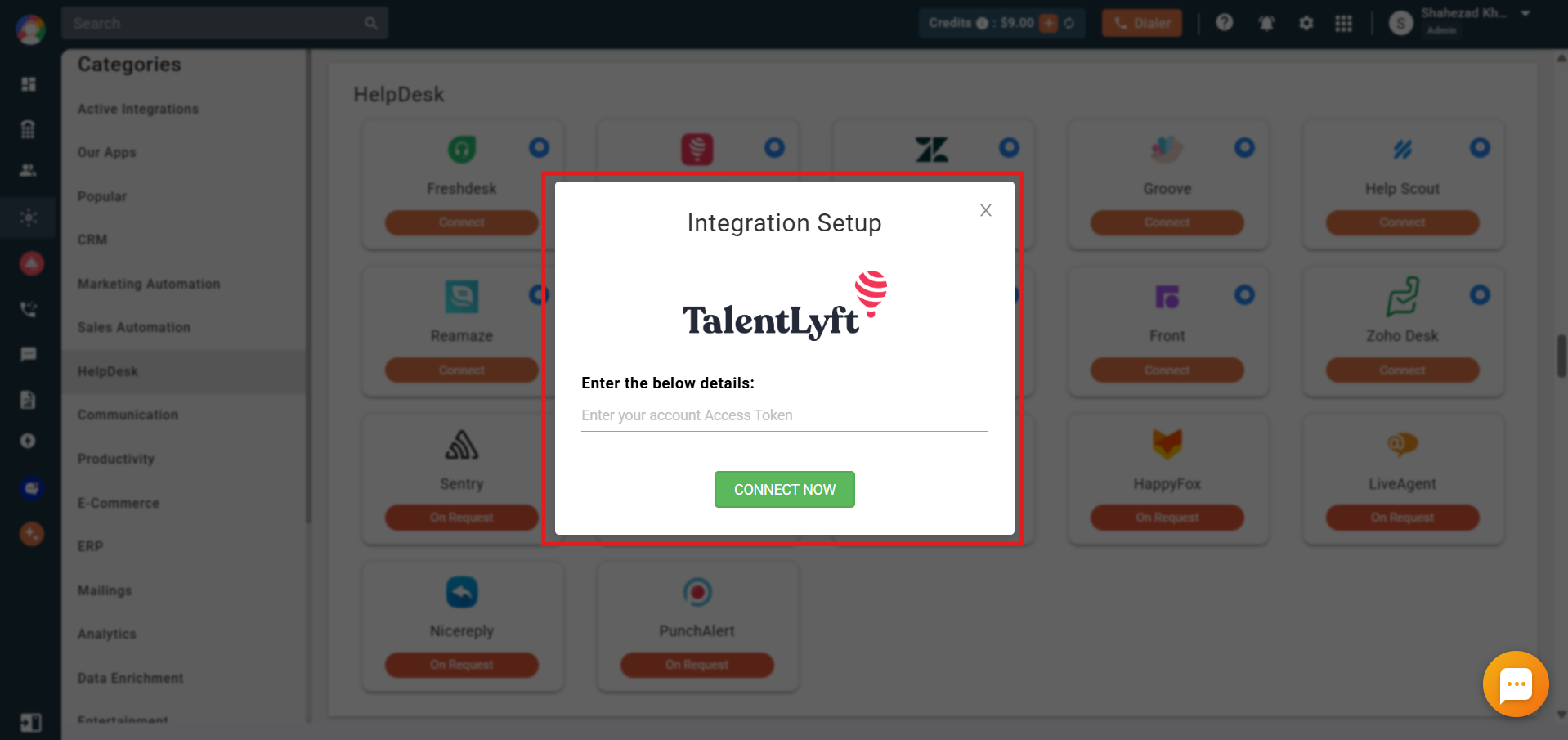
- Paste the access token you copied earlier and click Connect Now.
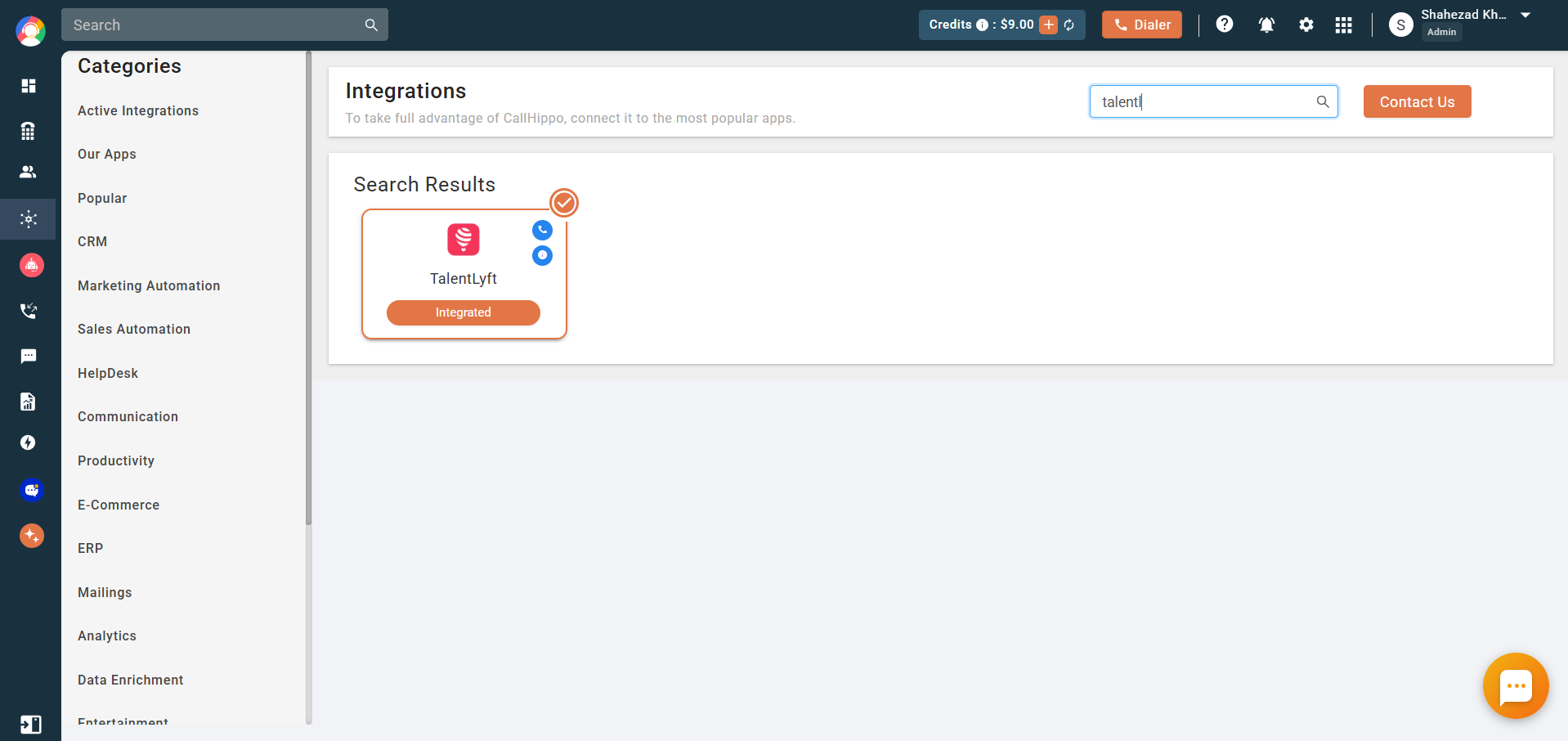
- You’ll be returned to CallHippo and the integration status will change to Integrated. TalentLyft is now connected.
What the TalentLyft integration does
- Candidate sync: All your TalentLyft candidates are synced into CallHippo as contacts, and new candidates sync in real time.
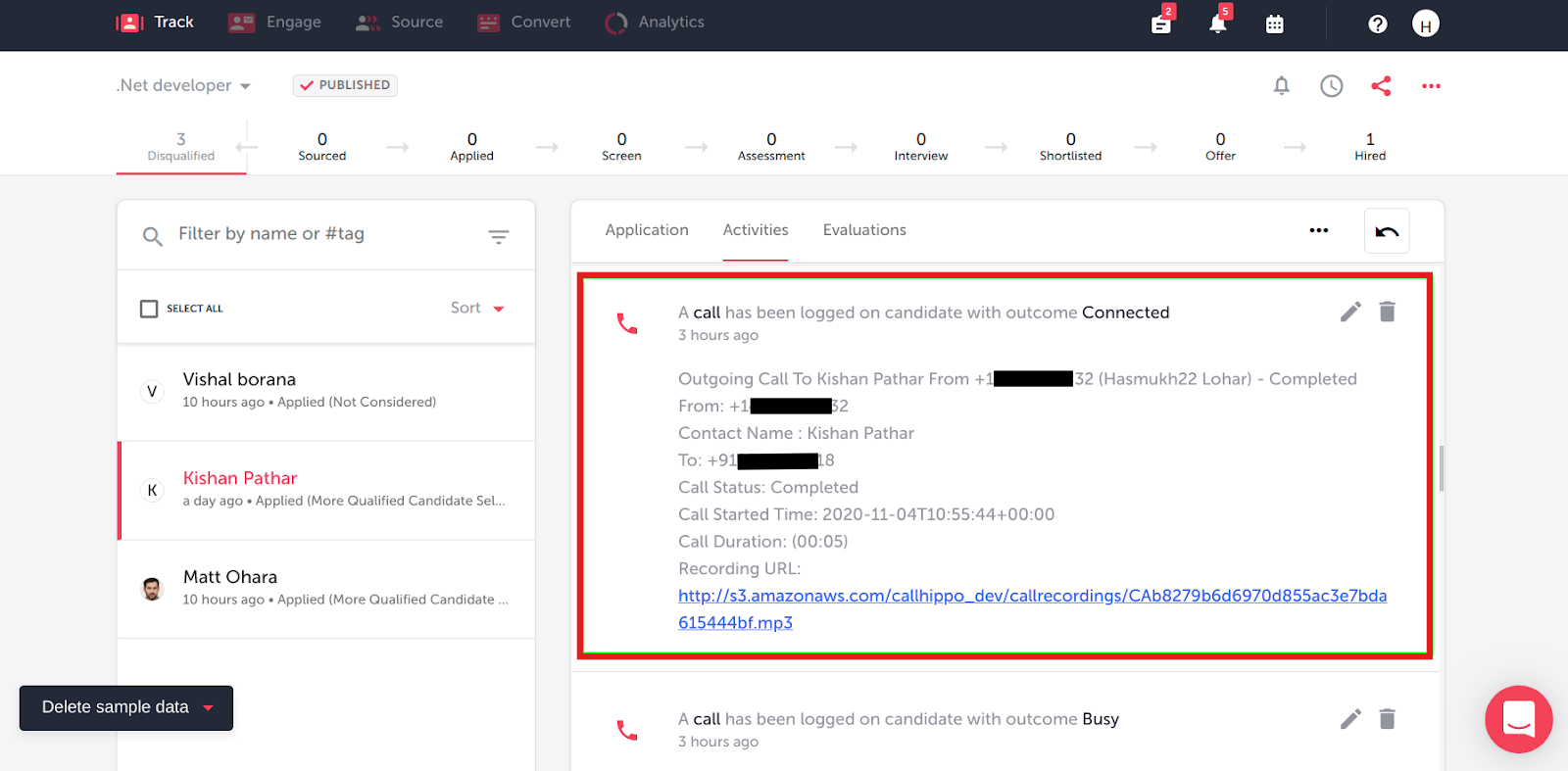
- Call activity: Every call made to or received from a TalentLyft contact is logged in the CallHippo dialer and on the candidate’s activity timeline.
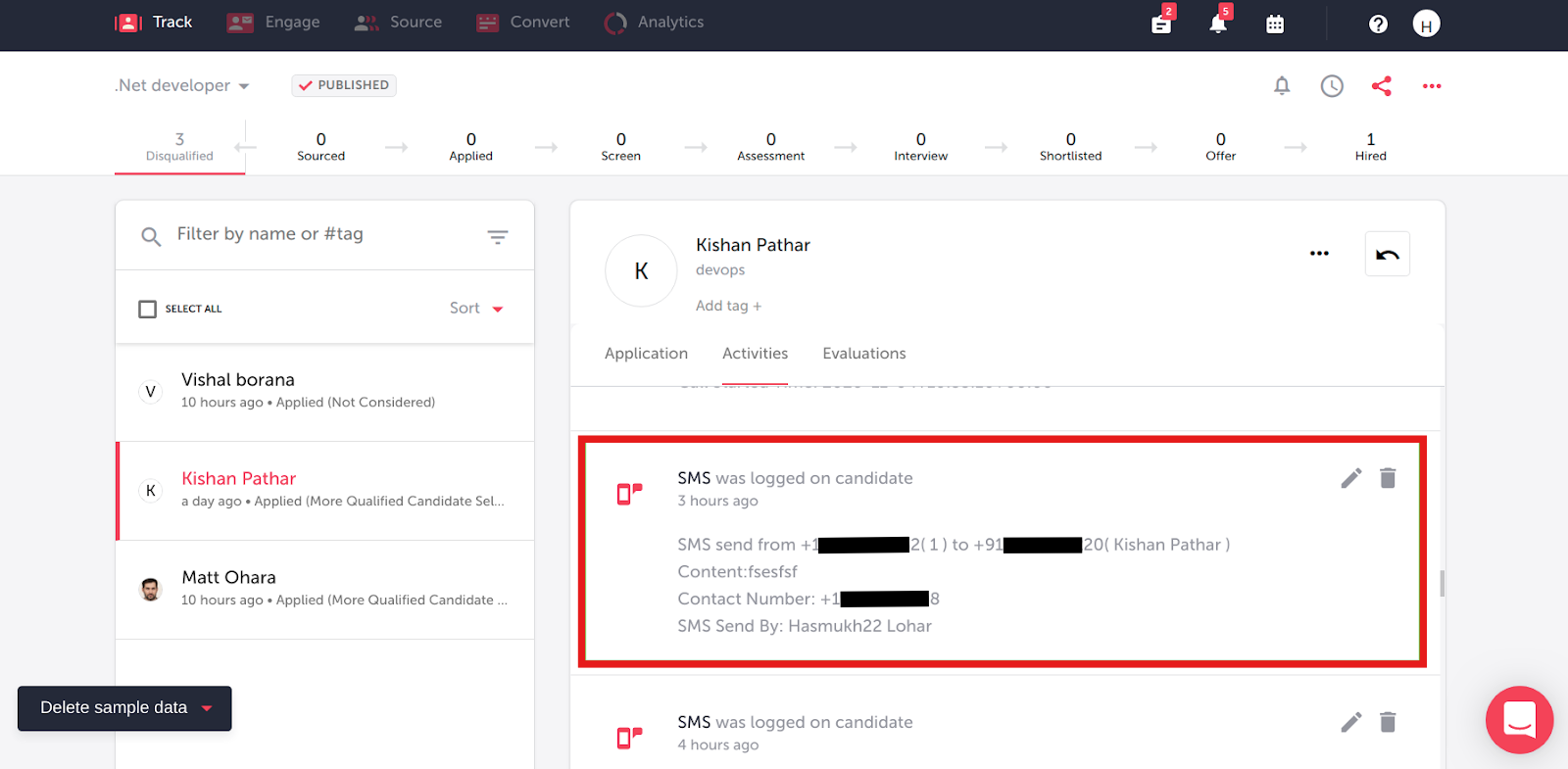
- SMS activity: Every SMS sent or received from a TalentLyft contact is logged in the CallHippo dialer and on the candidate’s timeline.
Frequently asked questions
Where do I find my TalentLyft access token?
Open your TalentLyft profile menu, go to App settings, then Integrations, and click Settings on the Access token card. Generate one if it doesn’t exist yet.
Do new candidates sync automatically?
Yes. Whenever you add a new candidate in TalentLyft, it syncs into CallHippo in real time as a contact.
Stuck connecting TalentLyft? Our team is happy to help at [email protected].