
Integrating Leadfeeder with CallHippo turns the companies visiting your website into warm leads your sales team can call right away.
Step 1: Copy your API token from Leadfeeder
- Log in to Leadfeeder. Sign in to your Leadfeeder account.
- Open Your settings. Click your profile and choose Your settings.
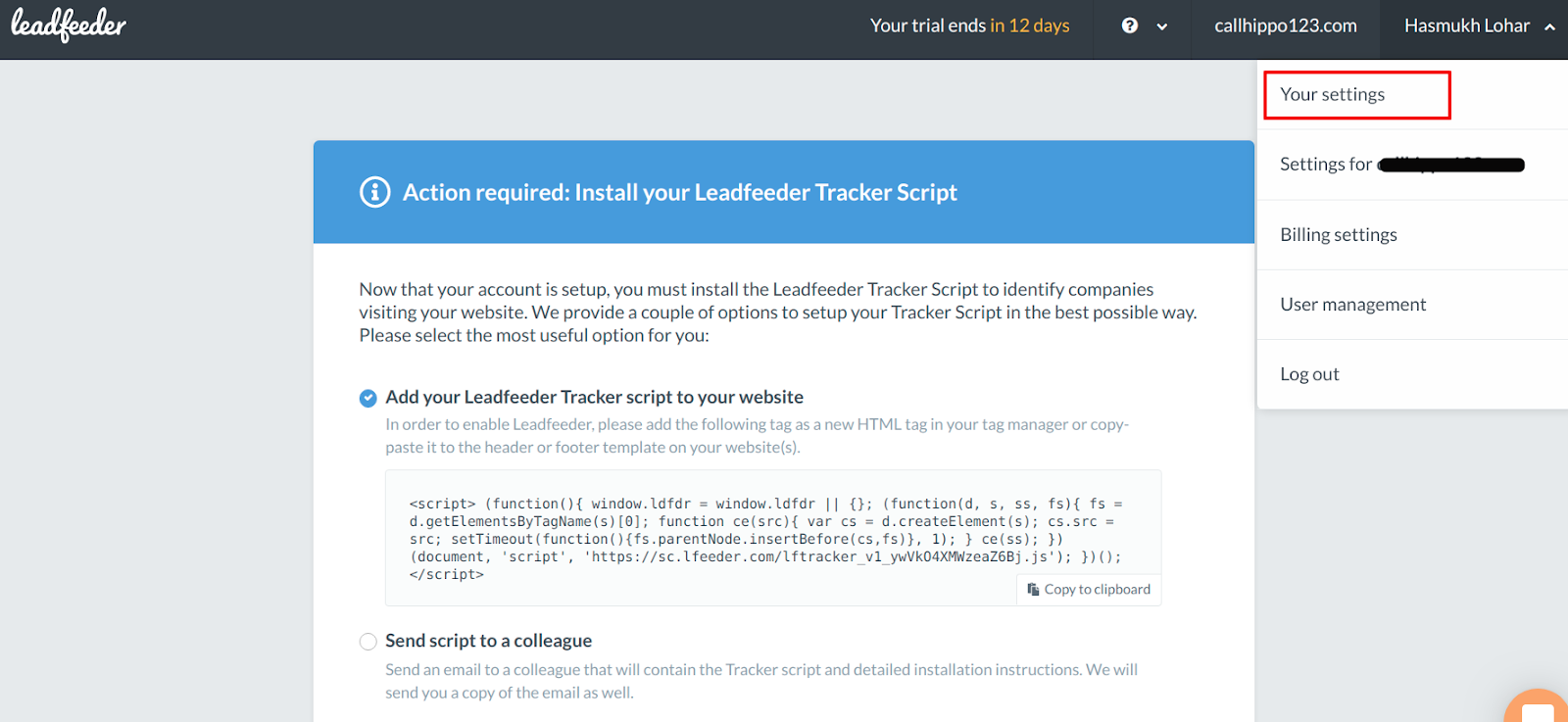
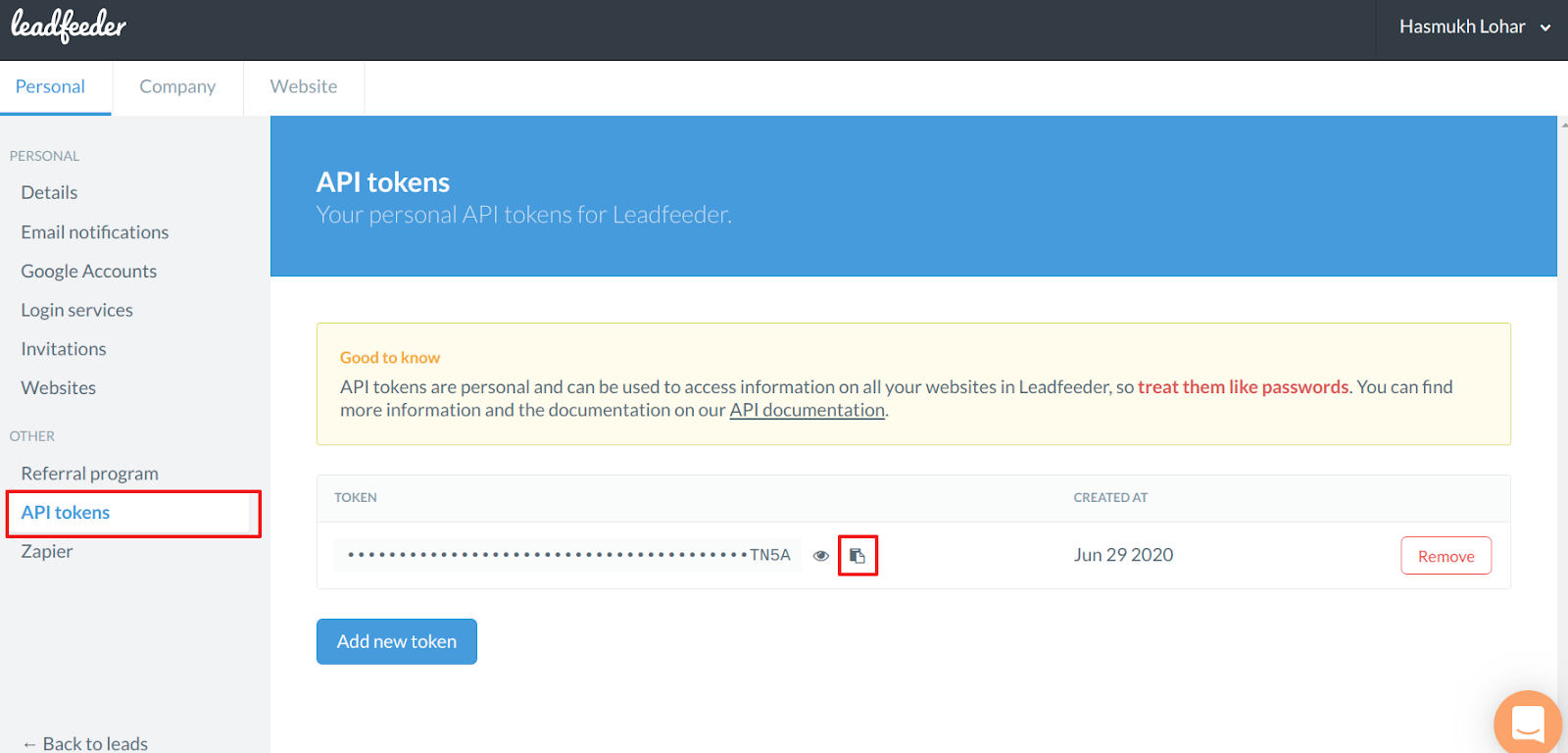
- Copy the API token. Click API tokens and copy your token, keeping it safe for the next step.
Step 2: Connect Leadfeeder in CallHippo
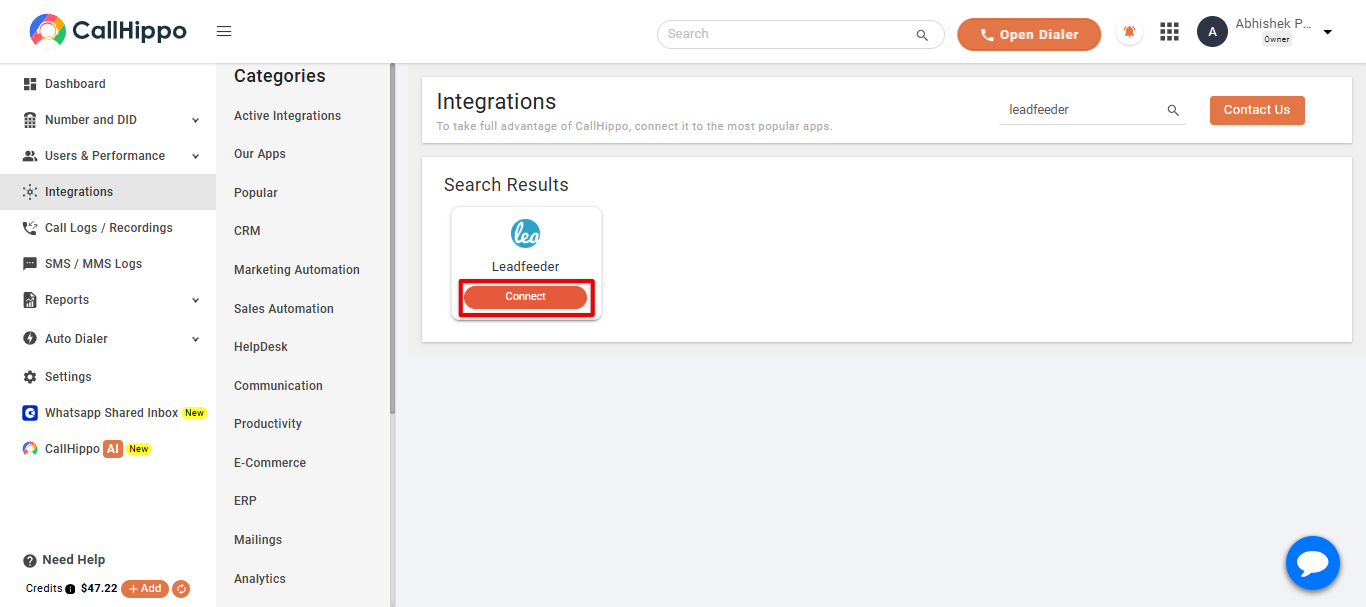
- Open Integrations. Log in to your CallHippo account, go to the Integrations tab, find Leadfeeder, and click Connect.
- Enter your API token. Paste the API token you copied earlier and click Save.
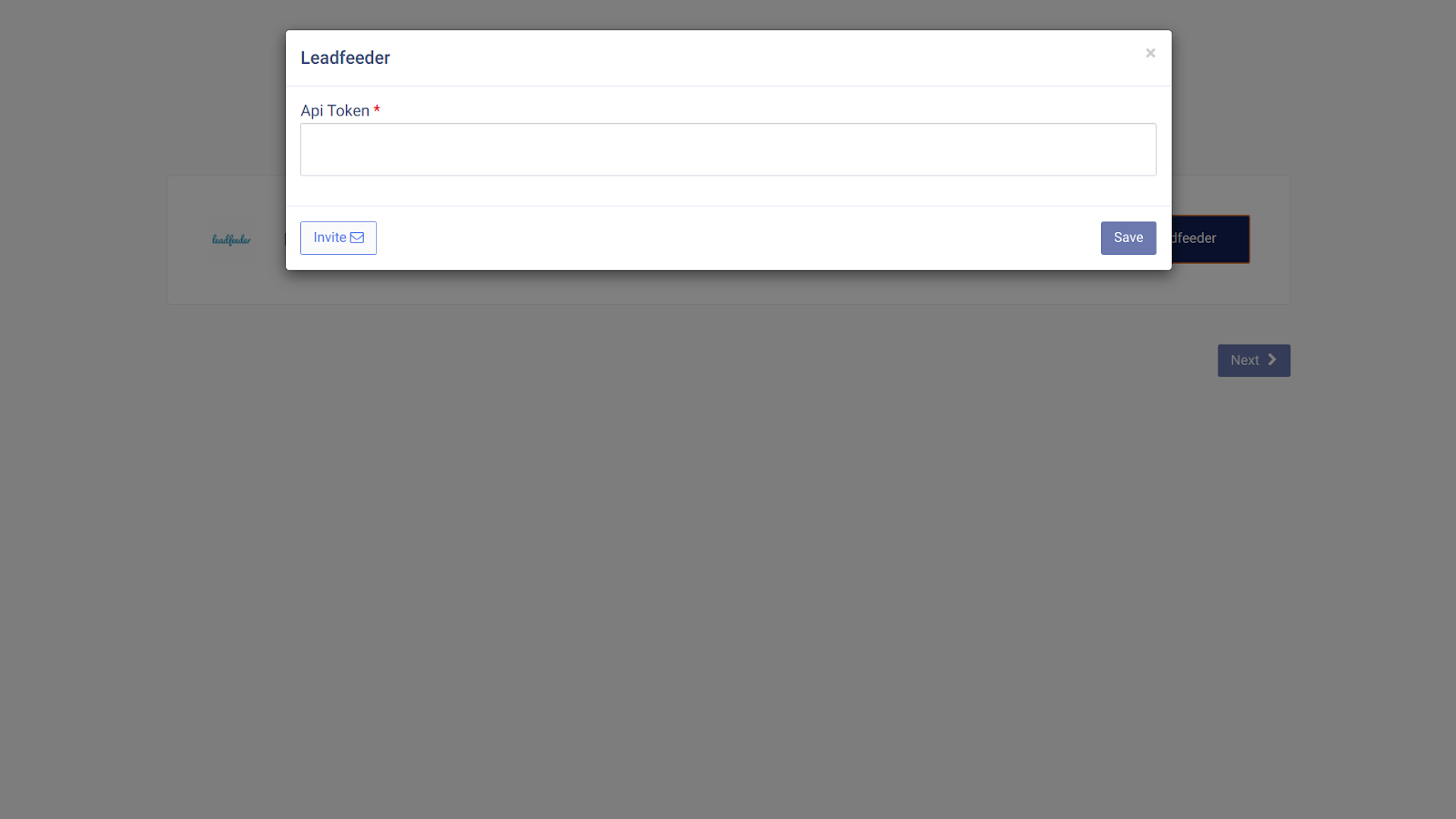
- Finish. Click Next. You will be redirected back to your CallHippo account and the status will change to Integrated.
- Done. Your Leadfeeder account is now successfully integrated with CallHippo.
Frequently asked questions
Where do I find my Leadfeeder API token?
Open Your settings in Leadfeeder, then click API tokens and copy the token shown there.
Should I treat the API token like a password?
Yes. Your API token can access information across your Leadfeeder websites, so keep it private and only share it with services you trust.
Stuck connecting Leadfeeder? Reach out at [email protected] and we will help you finish the setup.