
Connecting Salesflare with CallHippo syncs your CRM contacts and automatically logs call and SMS activity, so your pipeline stays current with every interaction.
Get your API key from Salesflare
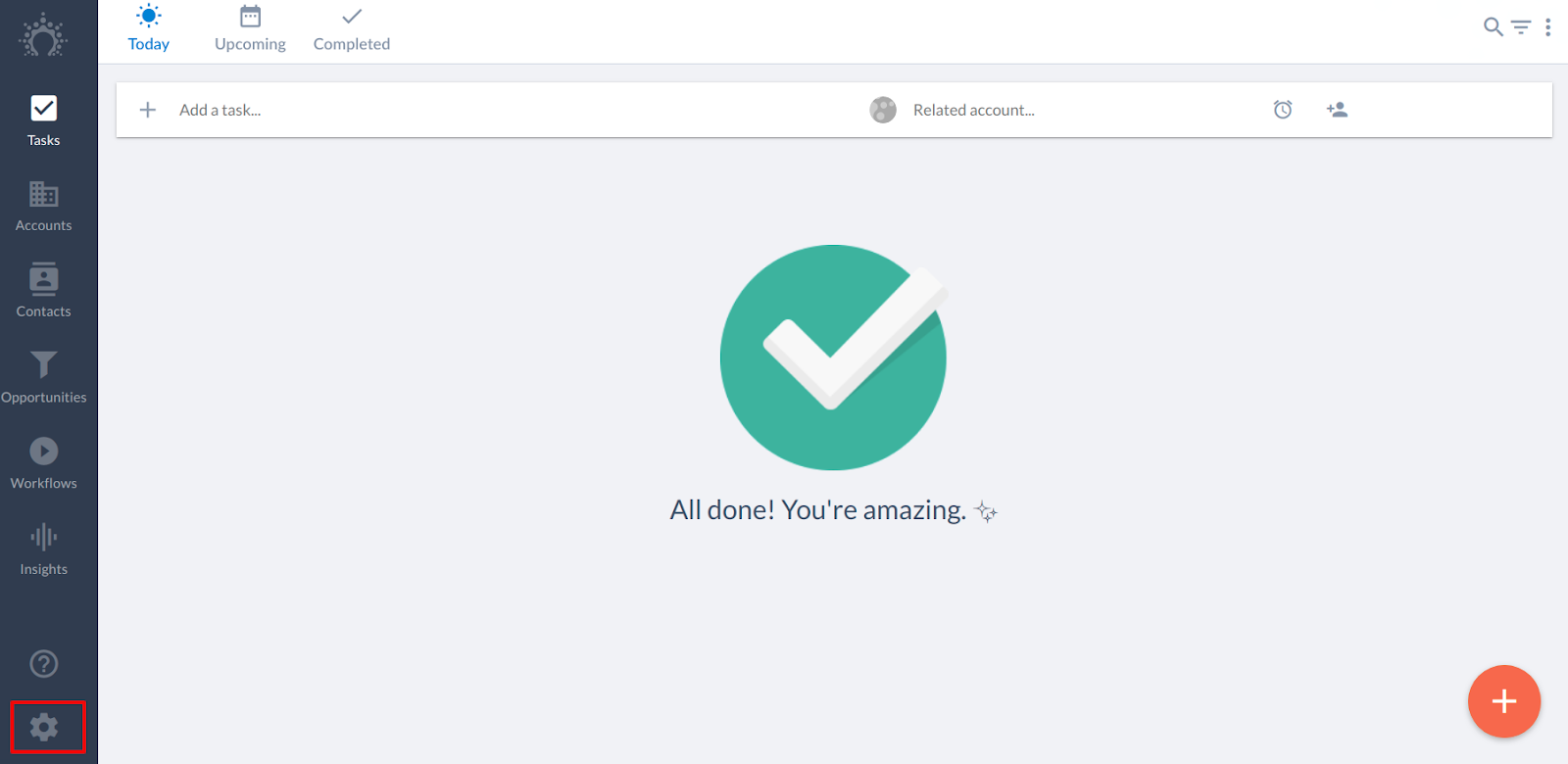
- Log in to Salesflare and open Settings using the gear icon at the bottom of the left sidebar.
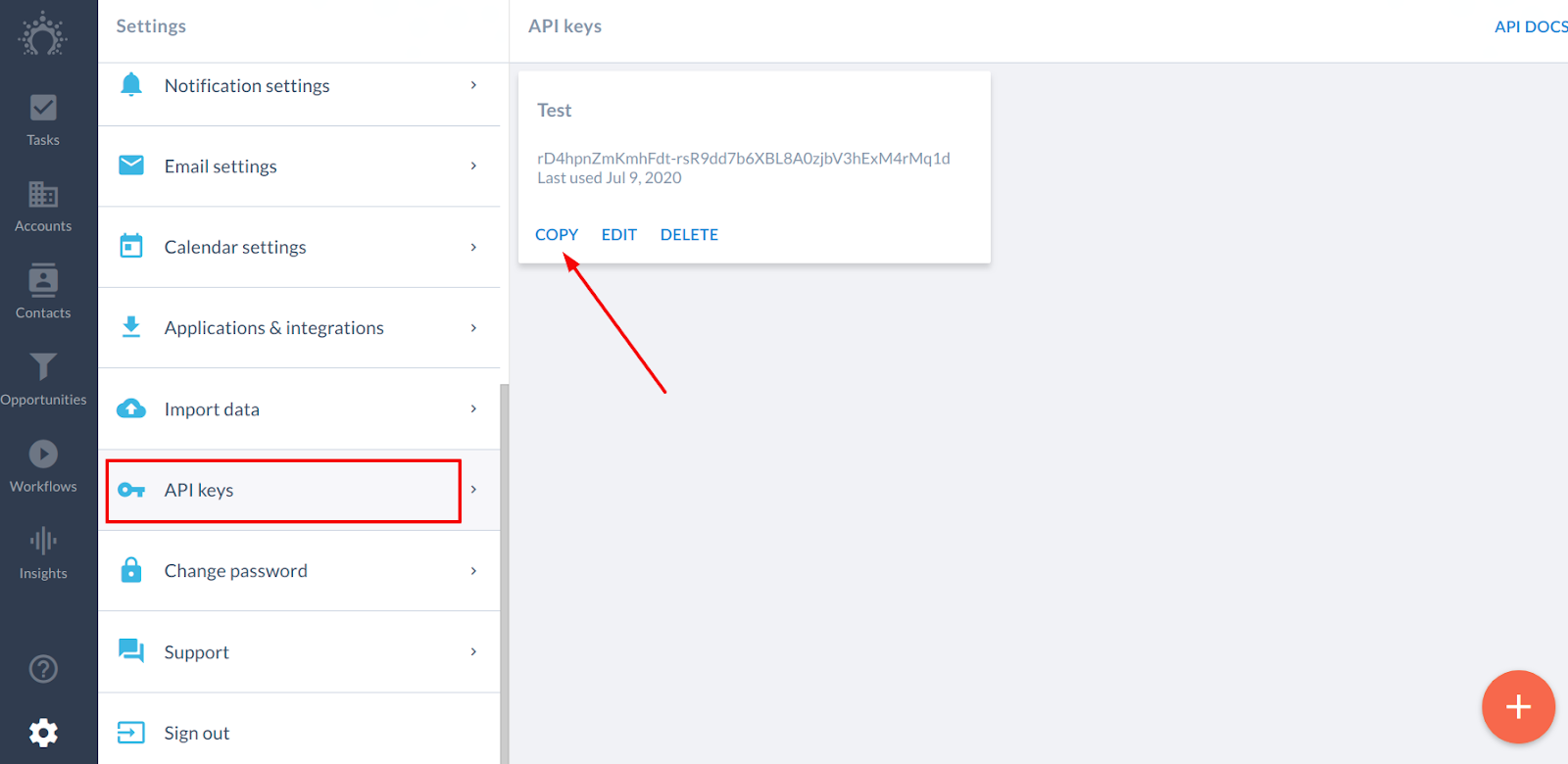
- Open API keys: click API keys and copy your key. If you do not have one, create it first.
Connect Salesflare in CallHippo
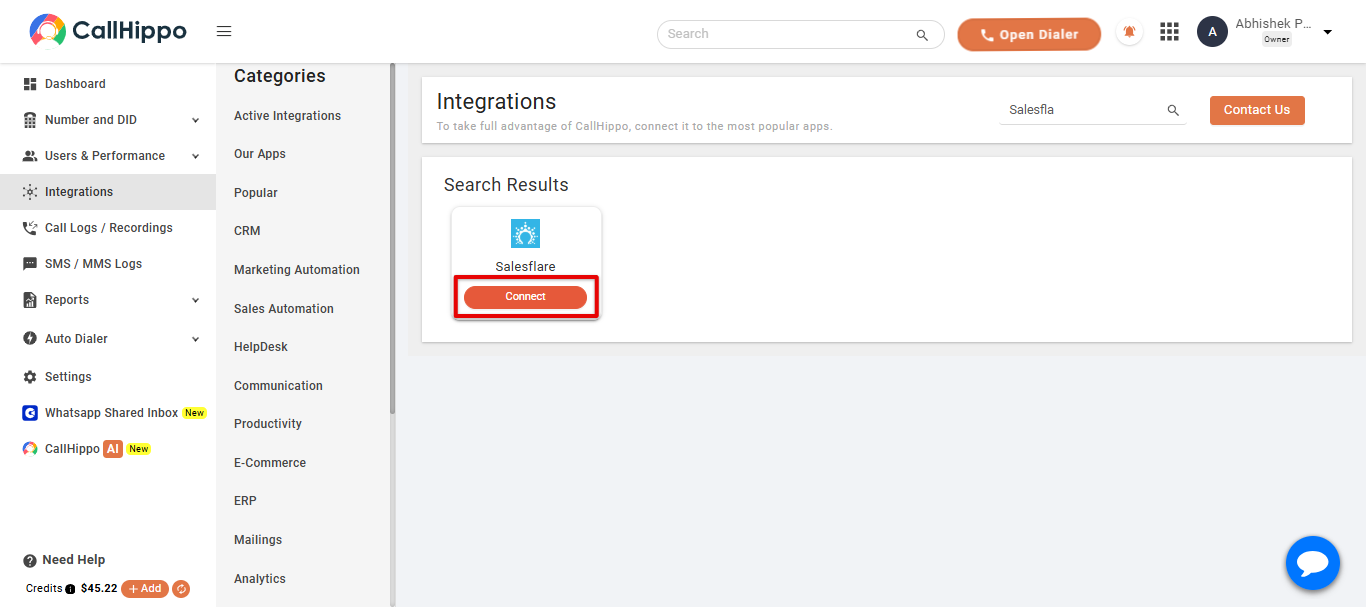
- Open Integrations: log in to CallHippo and click Integrations in the left sidebar.
- Find Salesflare: search for Salesflare and click Connect.
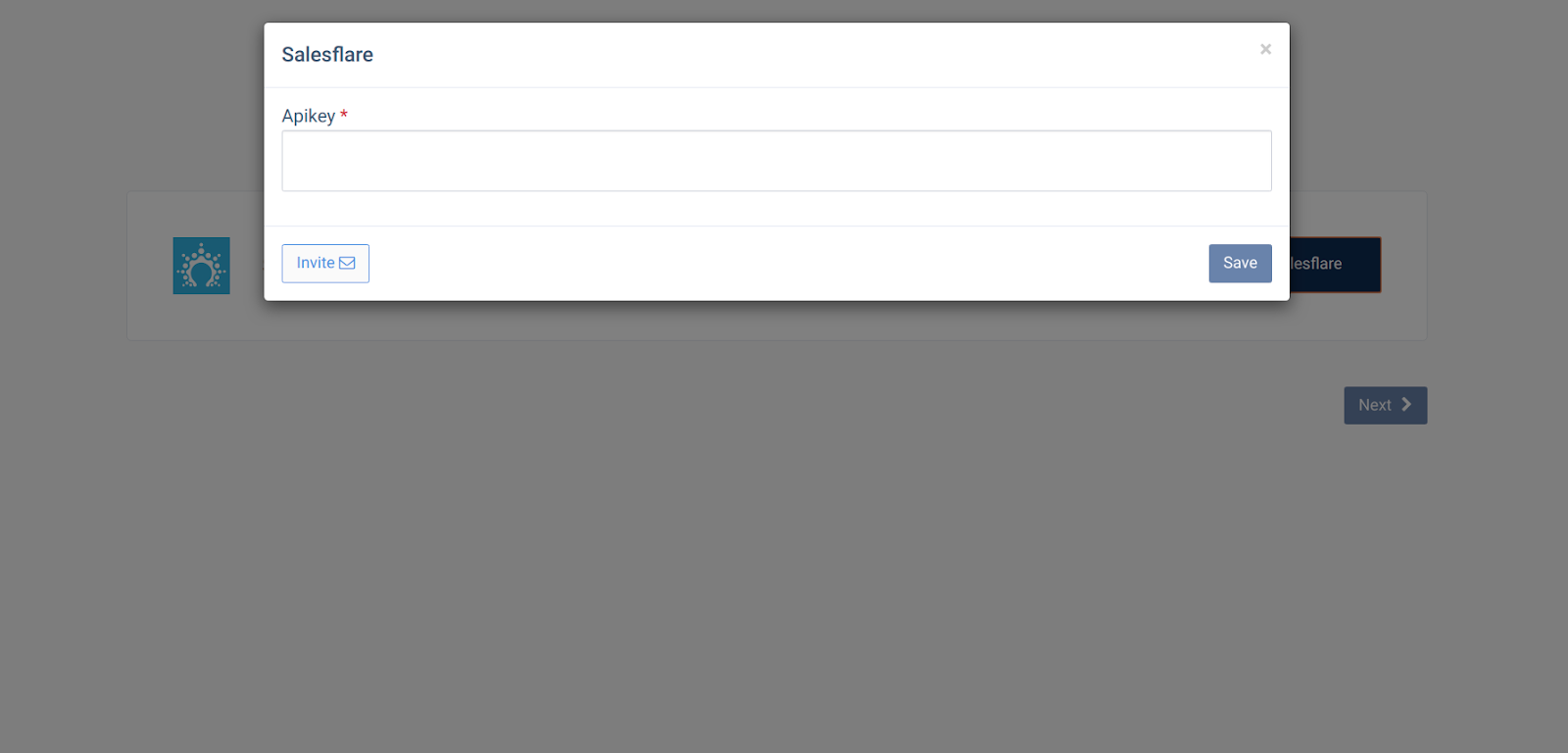
- Enter your API key: paste the key you copied into the Apikey field and click Save.
- Confirm the link: you should see Datasource is linked. Click Ok.
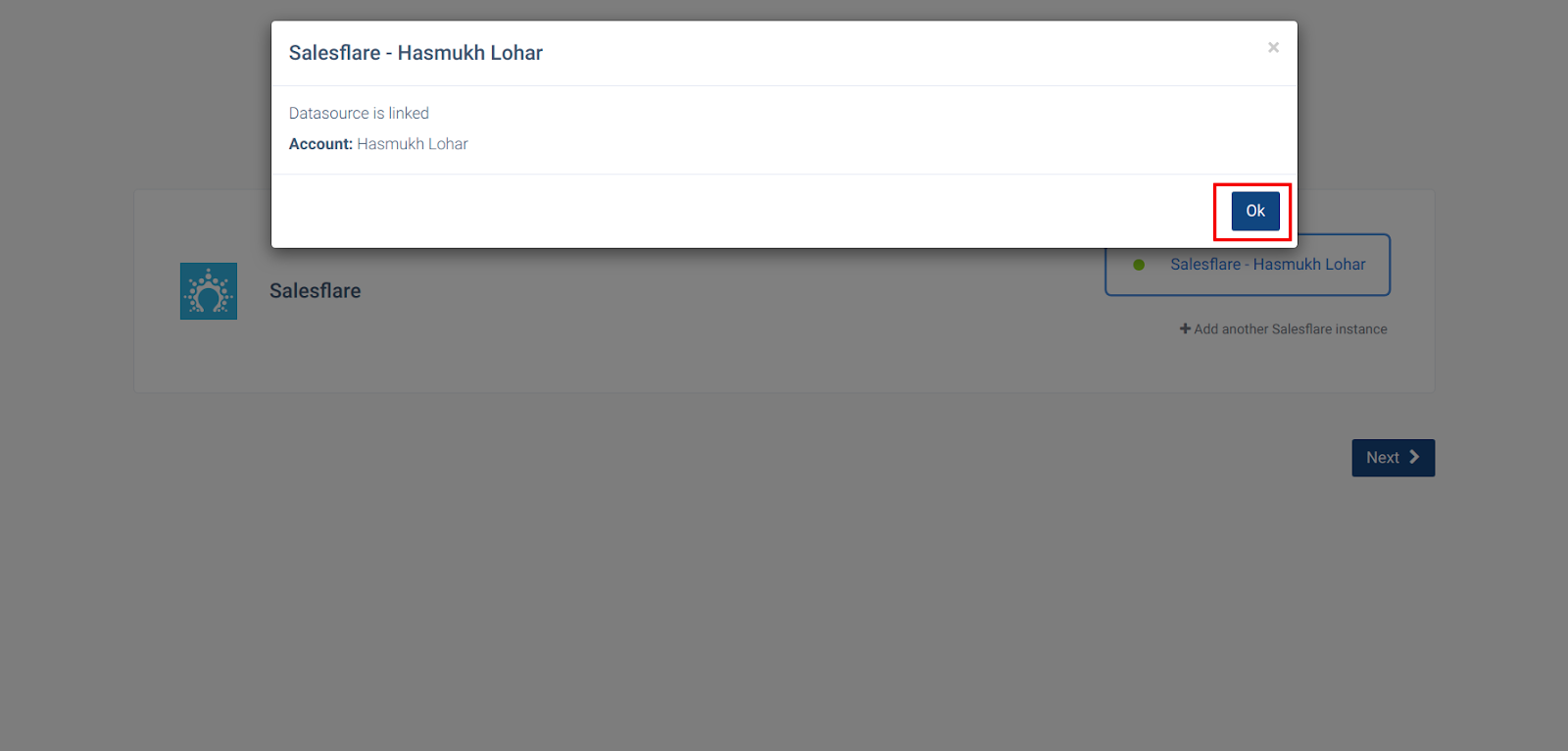
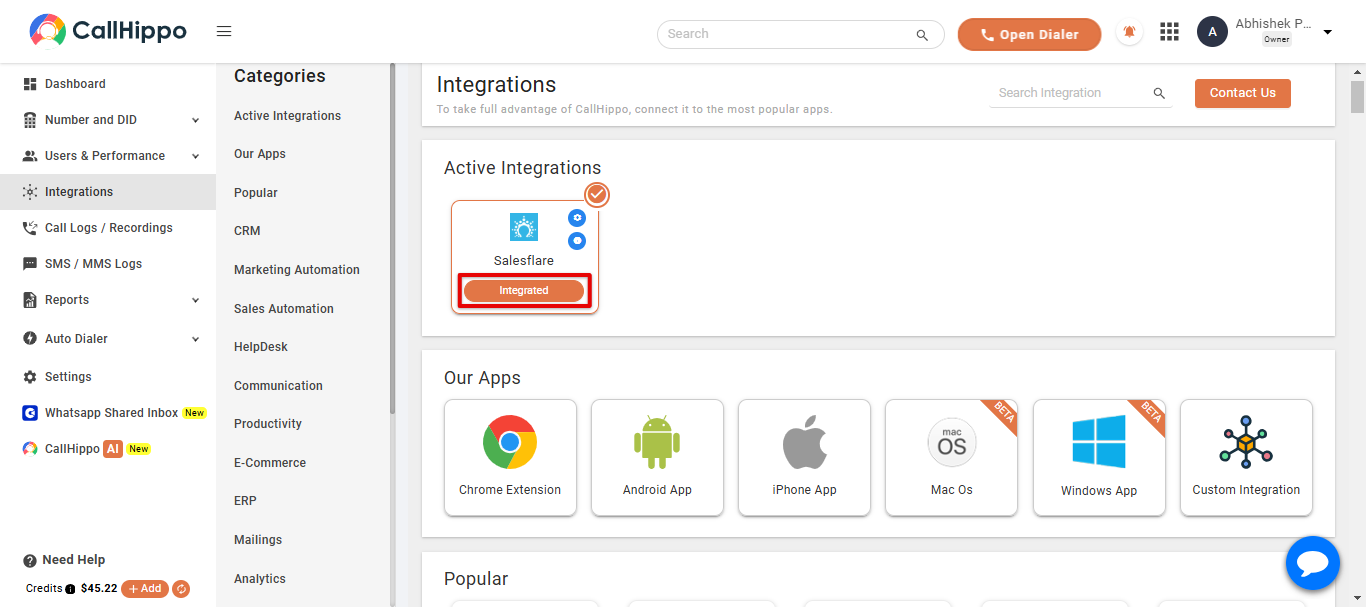
- Finish: click Next. You will be returned to CallHippo and the Salesflare status will change to Integrated.
What the integration does
- Contact sync: all your Salesflare contacts sync into CallHippo. New or updated contacts sync within about 4 hours.
- Call activity: you get call activity in the CallHippo dialer for any call made to or received from a Salesflare contact.
- SMS activity: you get SMS activity for any message sent to or received from a Salesflare contact.
Why isn’t my call or SMS activity showing in Salesflare?
Call and SMS logs are only sent to Salesflare if the contact is added to at least one account in Salesflare. Make sure your contacts are linked to an account.
How long does contact sync take?
When you add or update a contact in Salesflare, it syncs with CallHippo within roughly 4 hours.
Need a hand connecting Salesflare? Reach our team at [email protected].