
Connecting Rackbeat with CallHippo links your inventory and order data to your calling workflow, using a personal API key you generate in Rackbeat.
Generate your Rackbeat API key
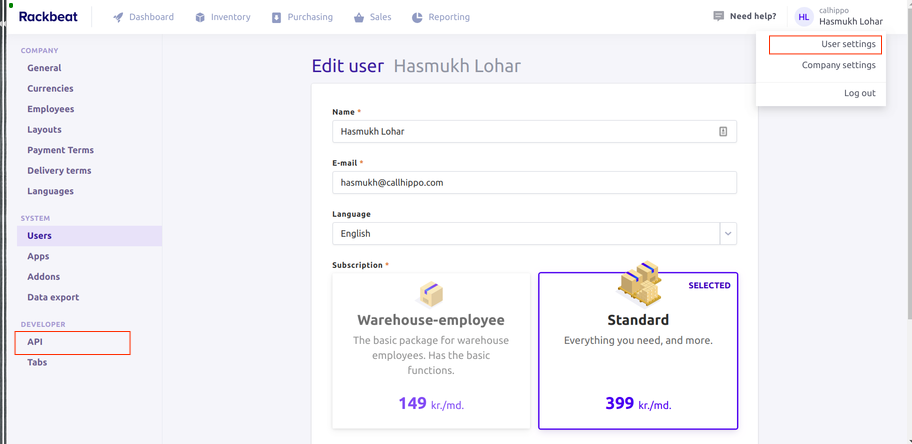
- Open API settings. Log in to your Rackbeat account, open User settings, and click API in the left sidebar.
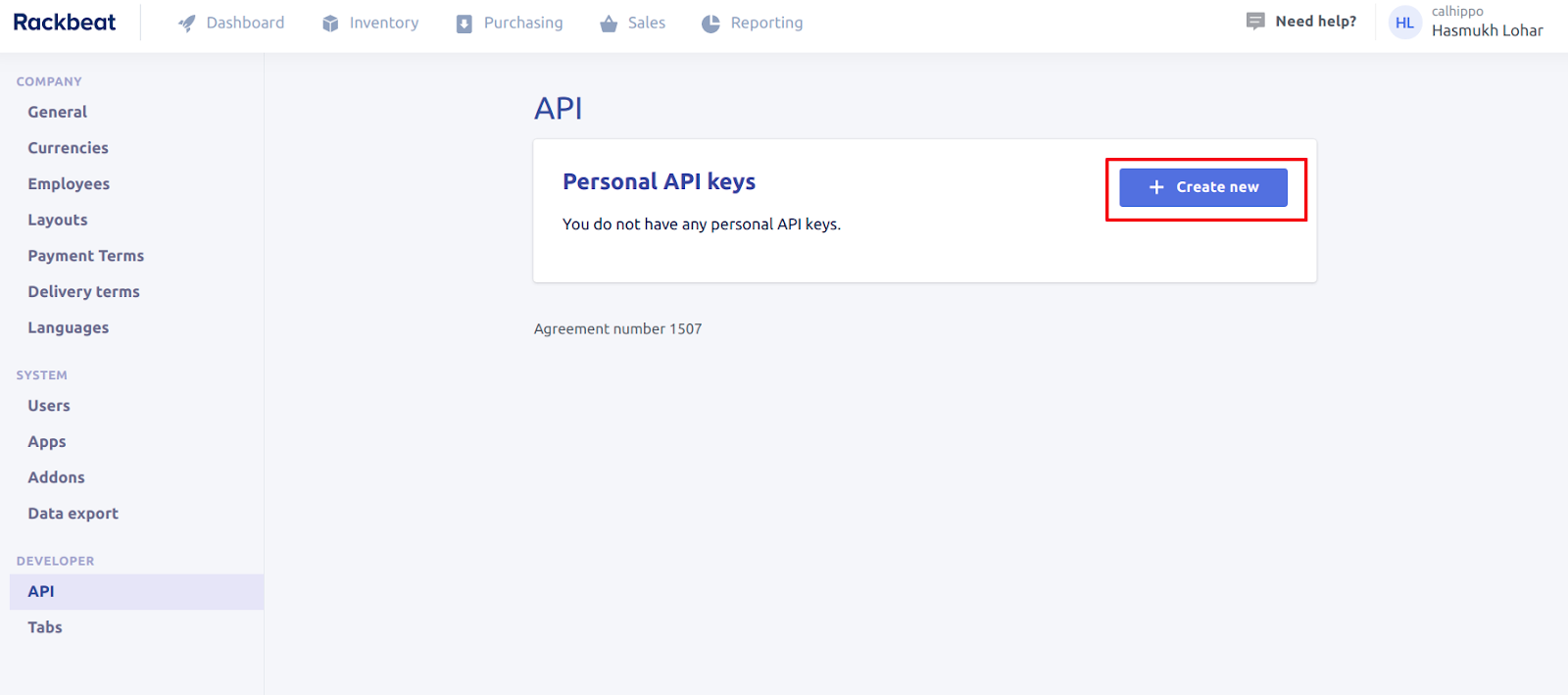
- Create a key. Under Personal API keys, click Create new if you don’t already have one.
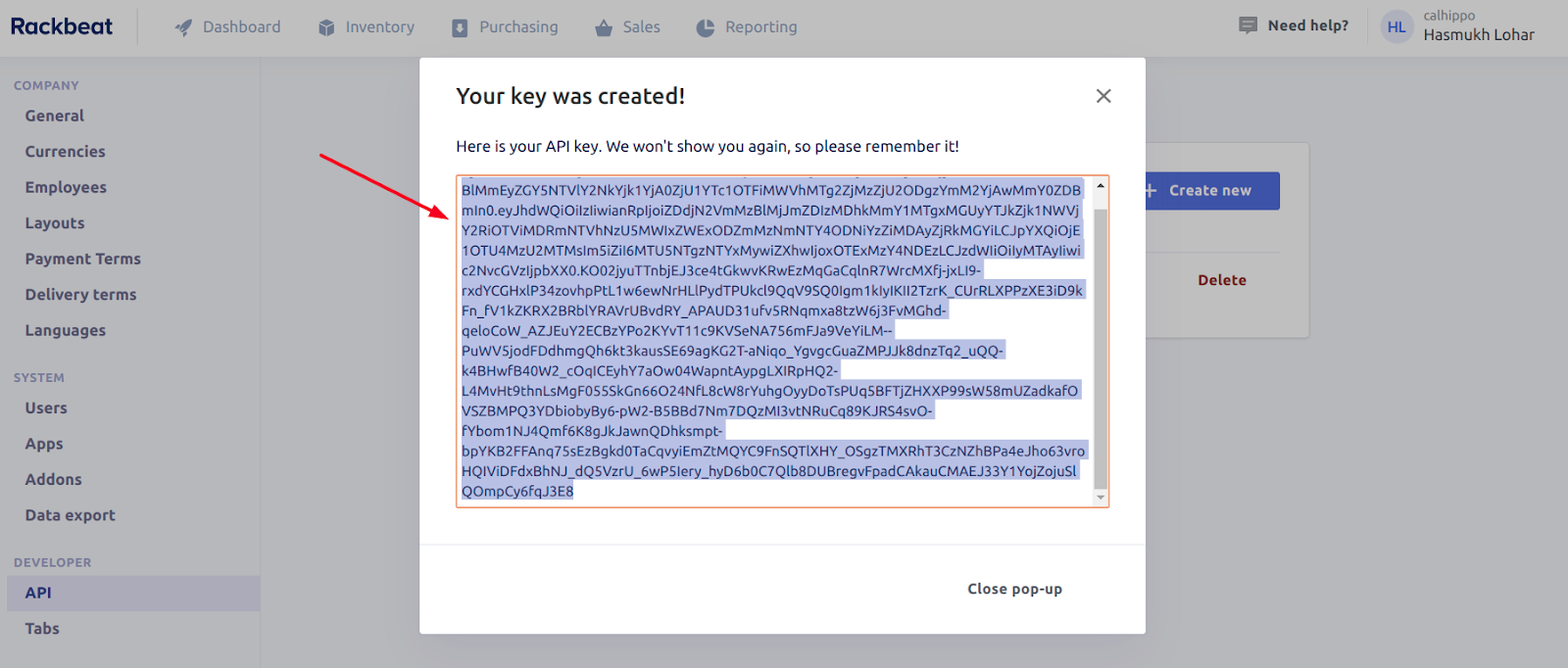
- Copy the key. Rackbeat shows the key only once, so copy it and keep it somewhere safe.
Connect Rackbeat in CallHippo
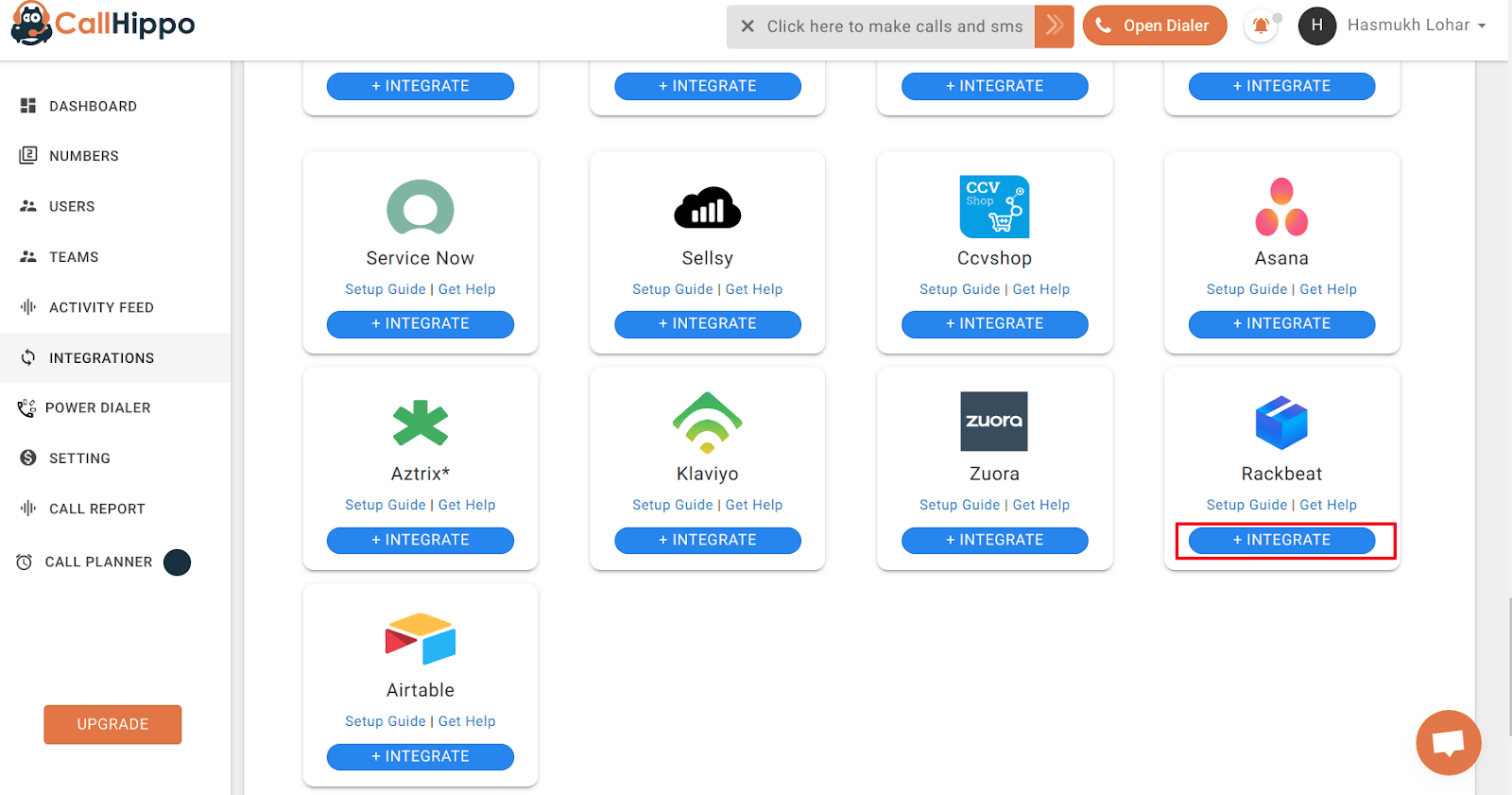
- Open Integrations. Log in to CallHippo, go to the Integrations tab, find Rackbeat and click Integrate.
- Start the connection. On the next page, click Connect your Rackbeat.
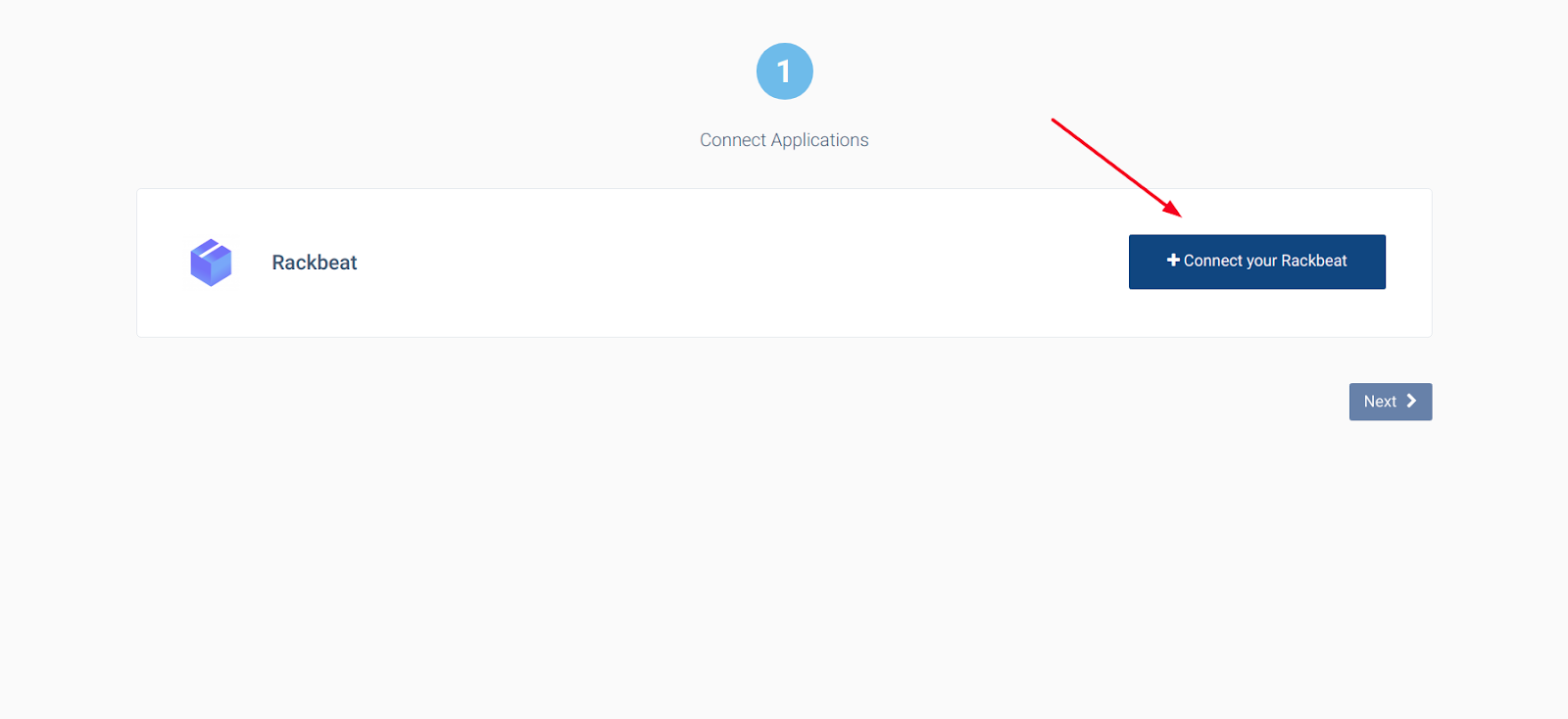
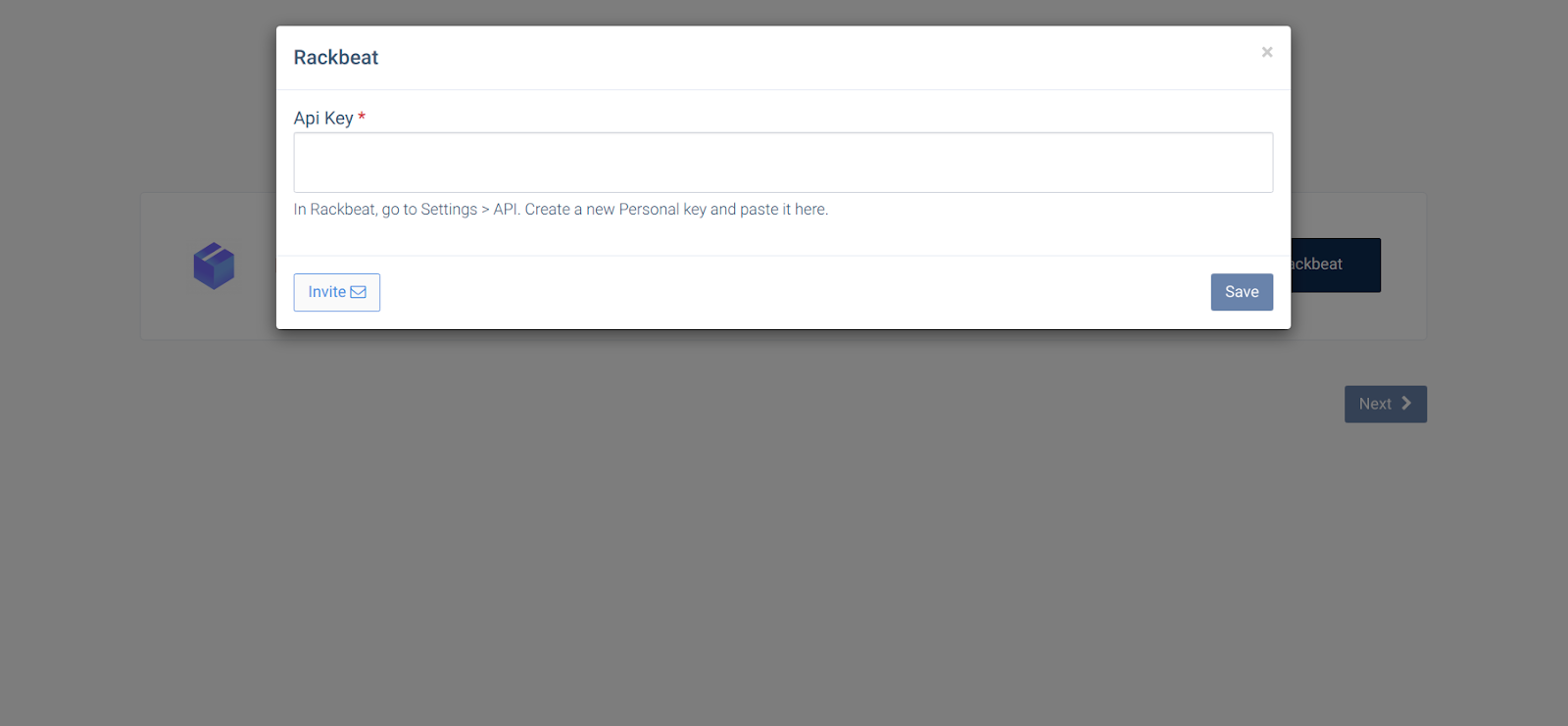
- Paste your API key. Enter the API key you copied earlier and click Save.
- Confirm the link. When the popup shows Datasource is linked, click Ok.
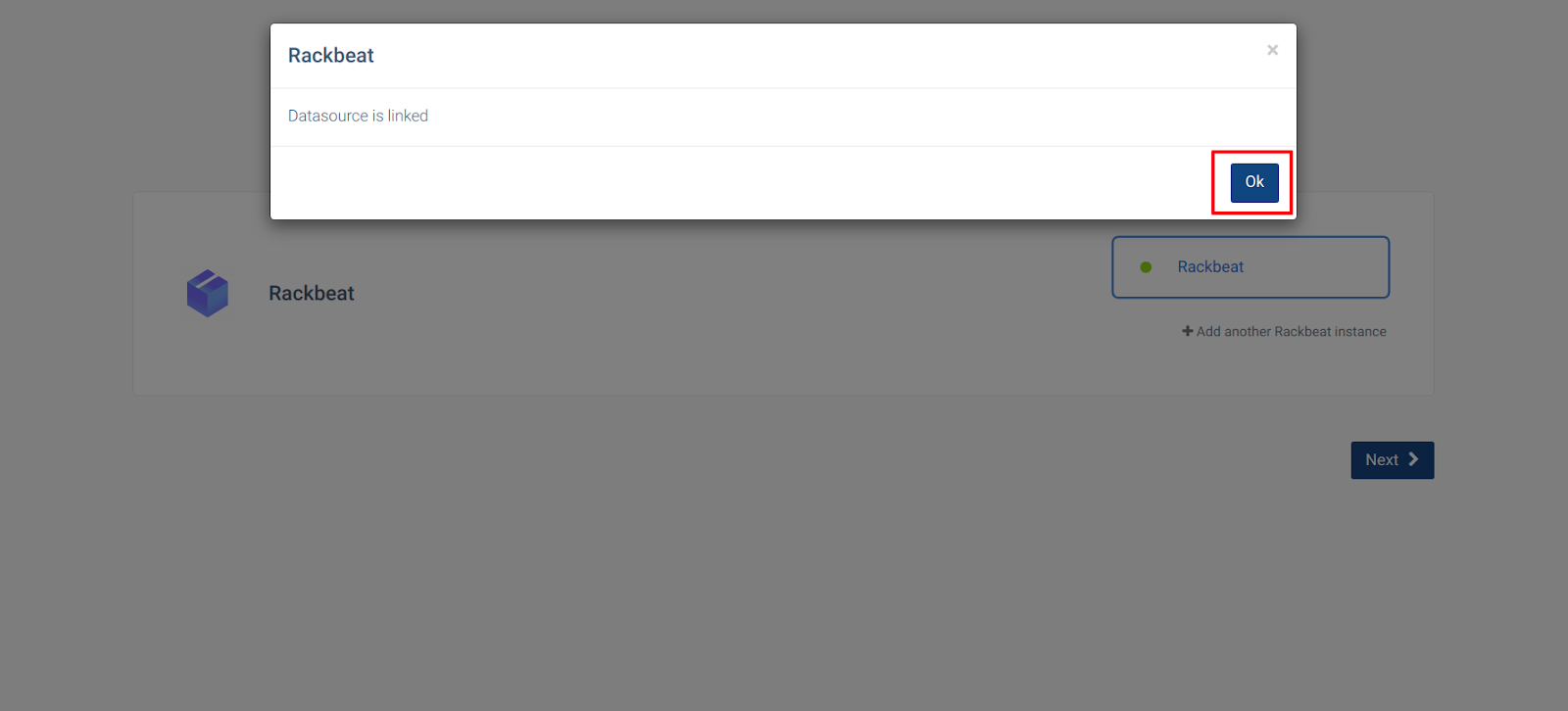
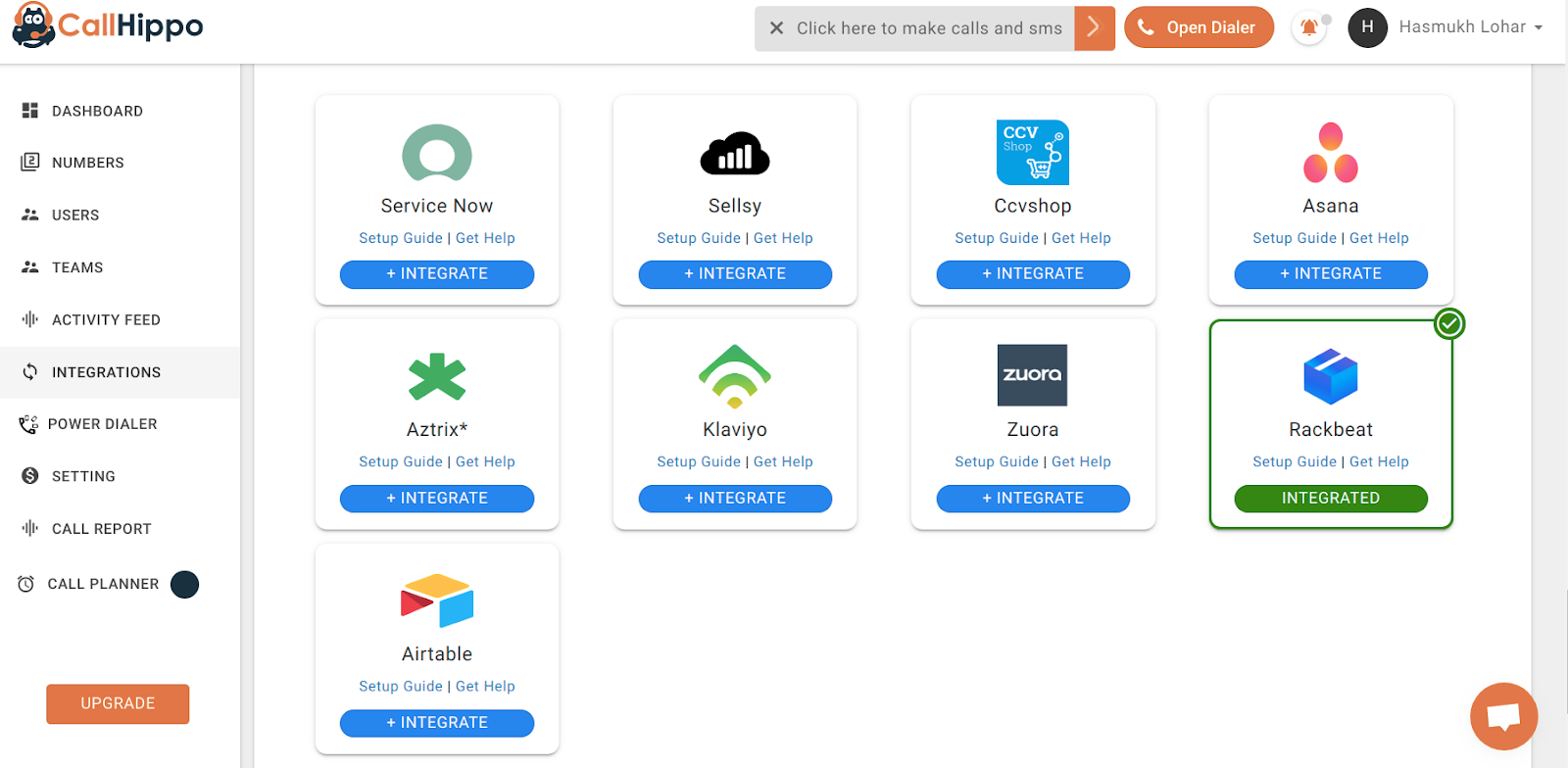
- Finish. Click Next. You are returned to your CallHippo account and the status changes to Integrated — your Rackbeat account is now connected.
Frequently asked questions
Where do I create the Rackbeat API key?
In Rackbeat, go to User settings → API and click Create new under Personal API keys.
I lost my API key — what do I do?
Rackbeat only displays a key once. If you didn’t save it, create a new personal API key and use that in CallHippo.
Need help connecting Rackbeat? Reach out to us at [email protected].