
Connecting Salesloft with CallHippo lets you call and text your Salesloft people directly from the dialer, while call and SMS activity syncs back to each person’s record automatically. This guide walks you through creating the app in Salesloft and completing the connection in CallHippo.
Before you begin
- Admin access to both your Salesloft and CallHippo accounts.
- The CallHippo Click-to-Call Chrome extension (you will install it later in this guide).
- A few minutes to copy the Application ID and Secret between the two apps.
Create the app in Salesloft
- Log in to your Salesloft account.
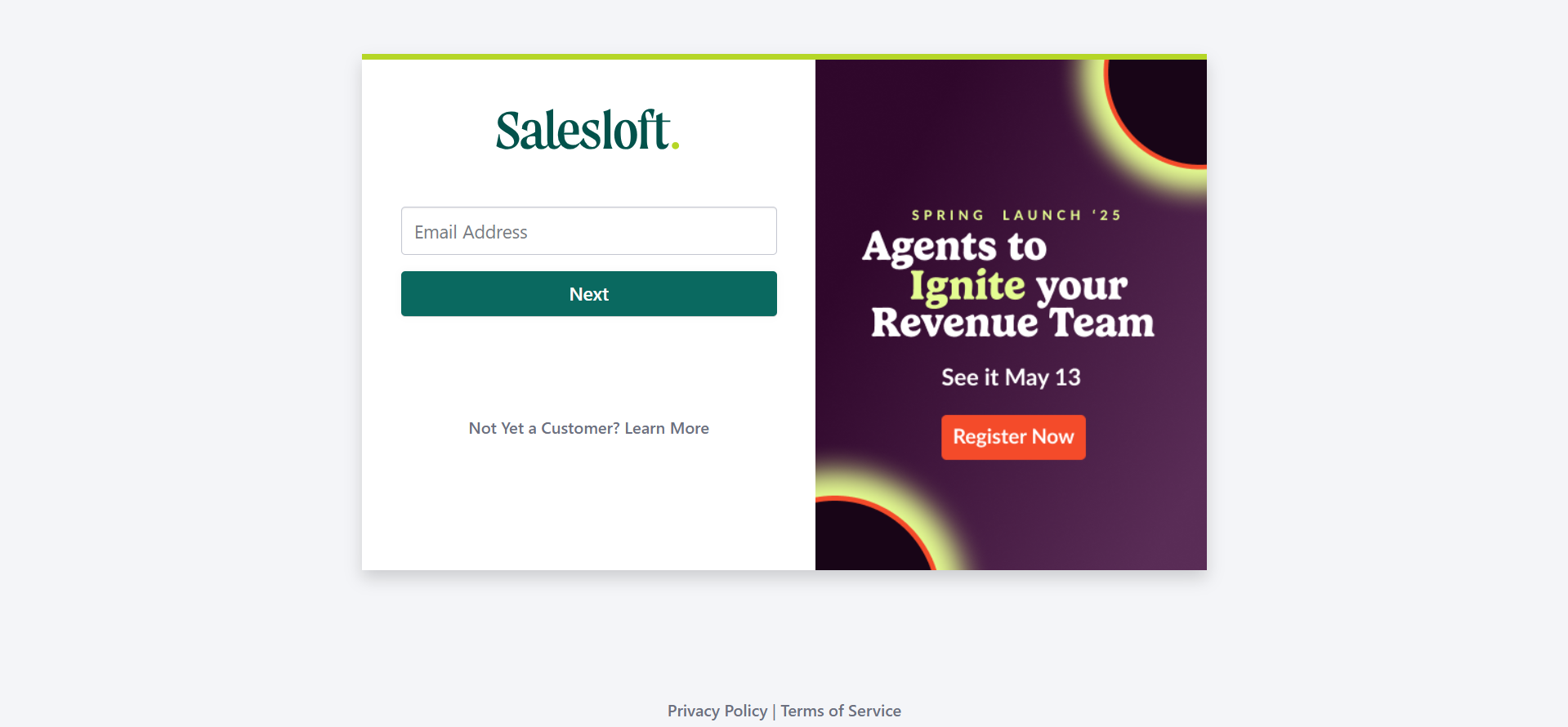
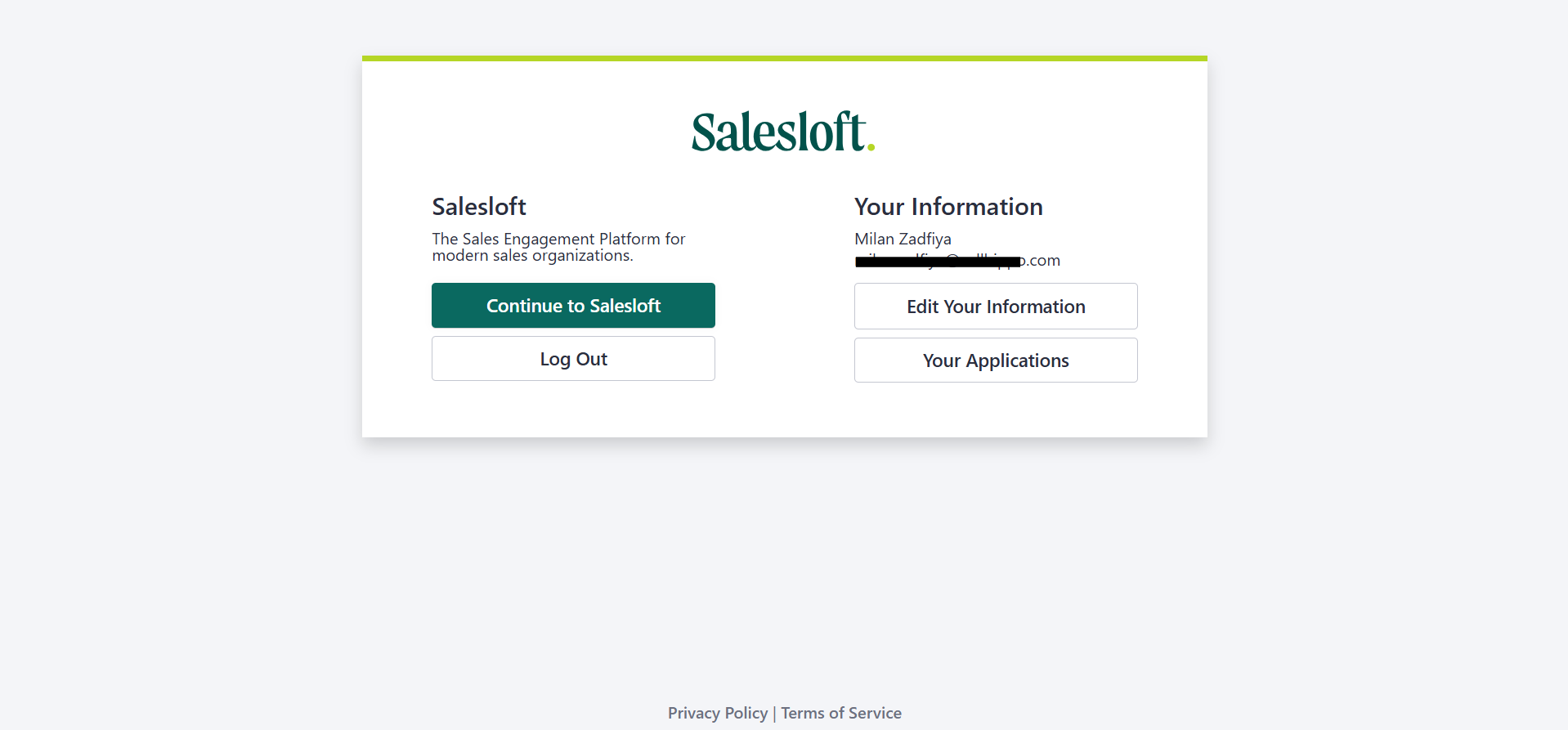
- Go to accounts.salesloft.com and click Your Applications.
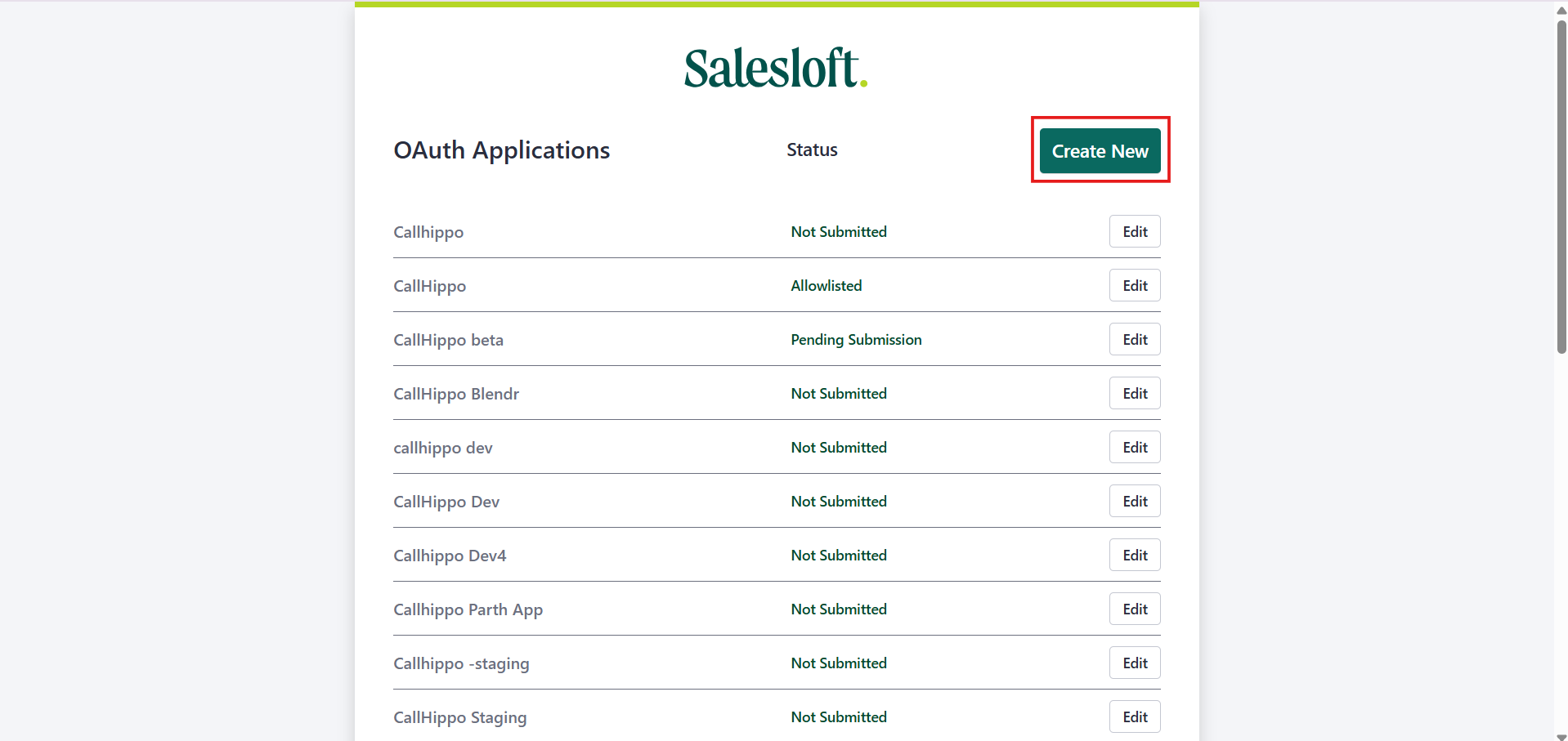
- Click Create New.
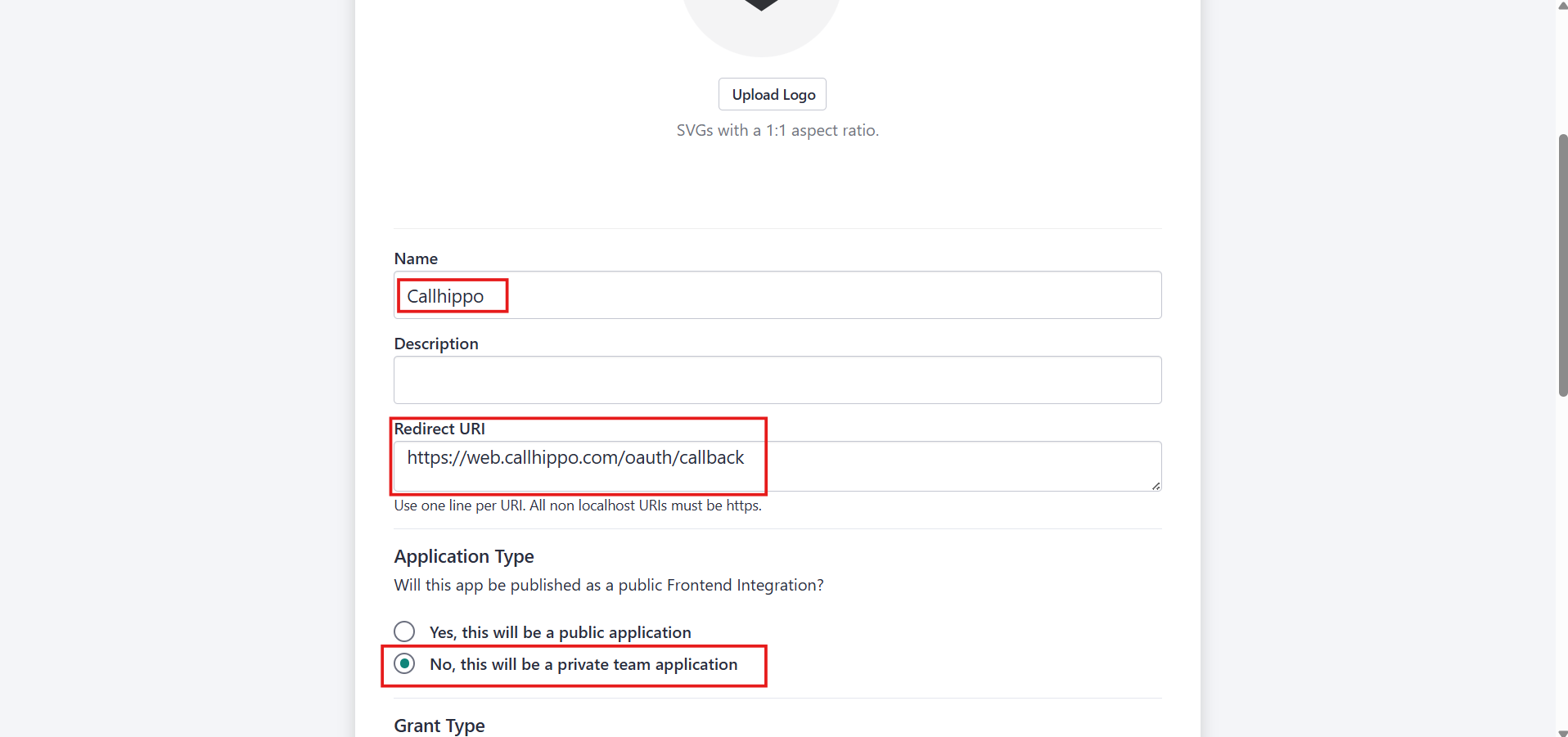
- Fill in the app details: set the Name to CallHippo, set the Redirect URI to https://web.callhippo.com/oauth/callback, and choose No, this will be a private team application as the Application Type.
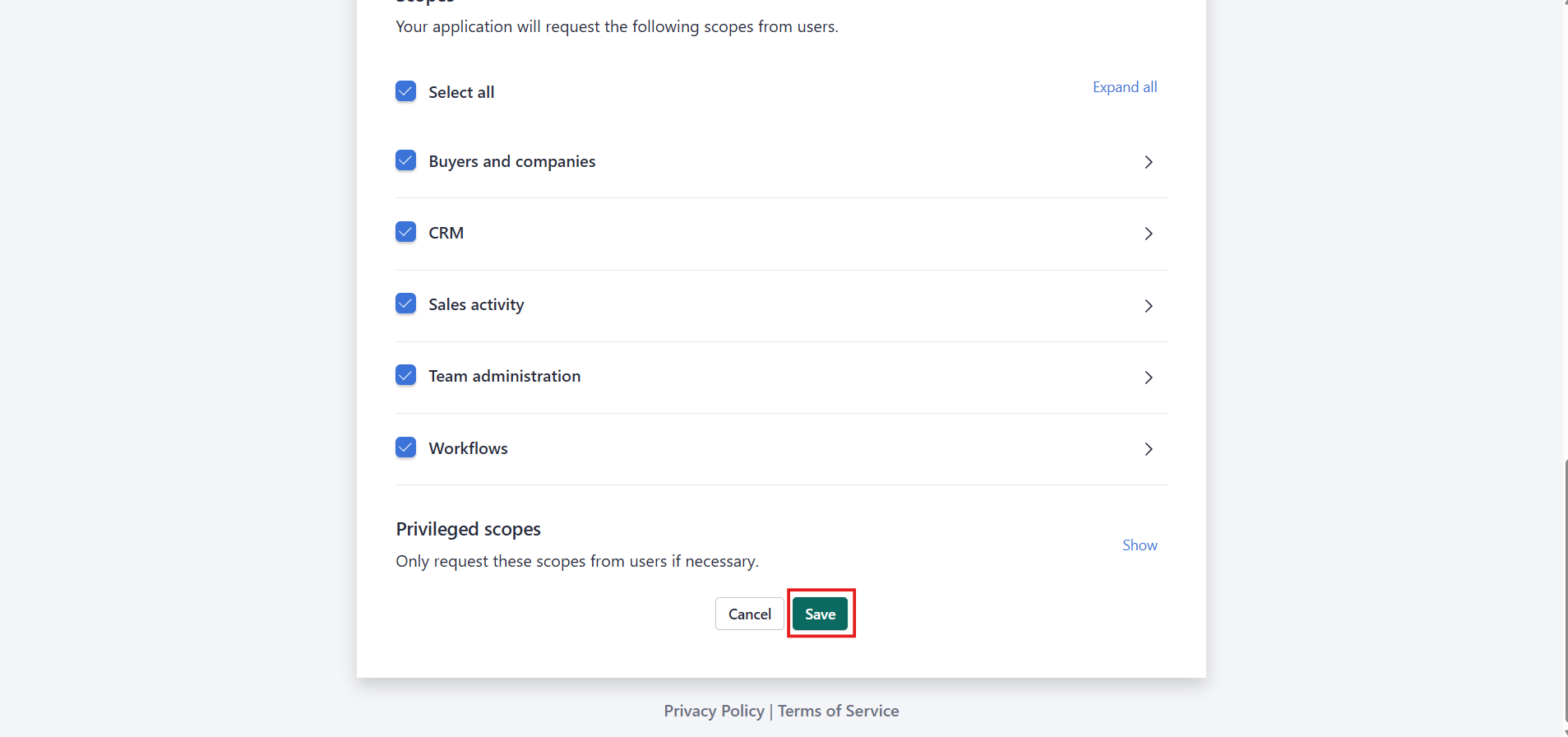
- Scroll down and click Save.
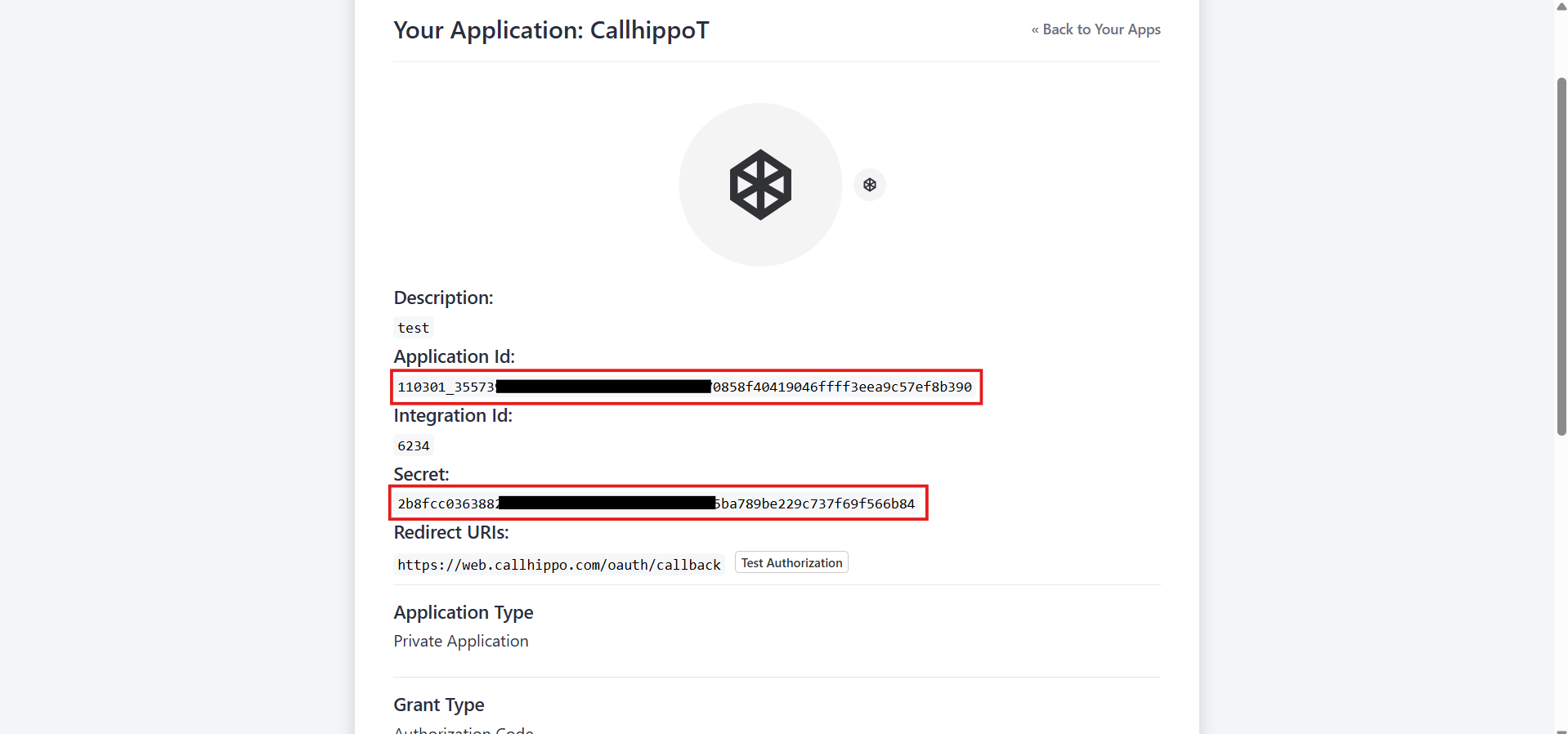
- Your CallHippo app is now created. Copy the Application ID and Secret — you will need them in the next section.
Connect Salesloft in CallHippo
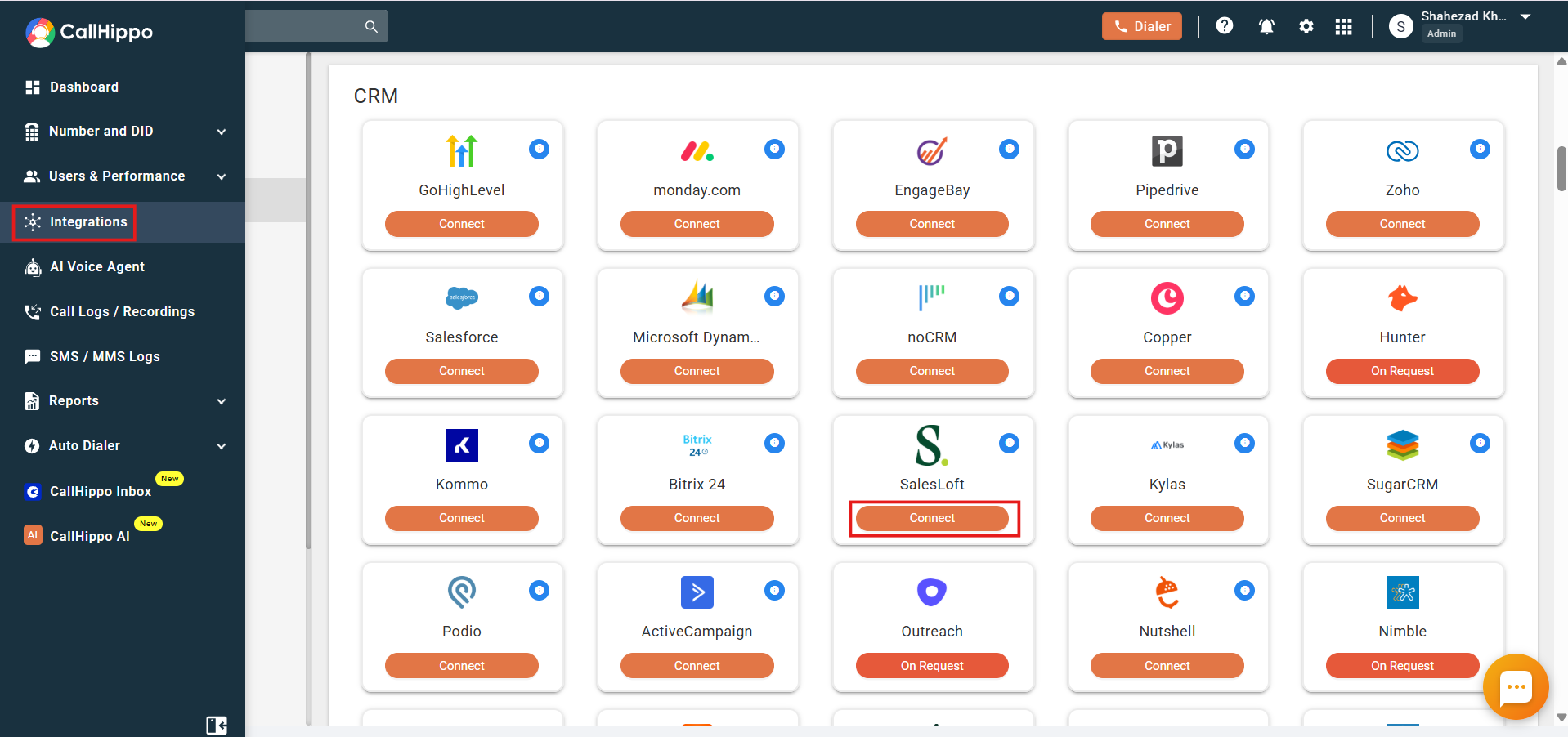
- Log in to your CallHippo account and open the Integrations tab. Find SalesLoft and click Connect.
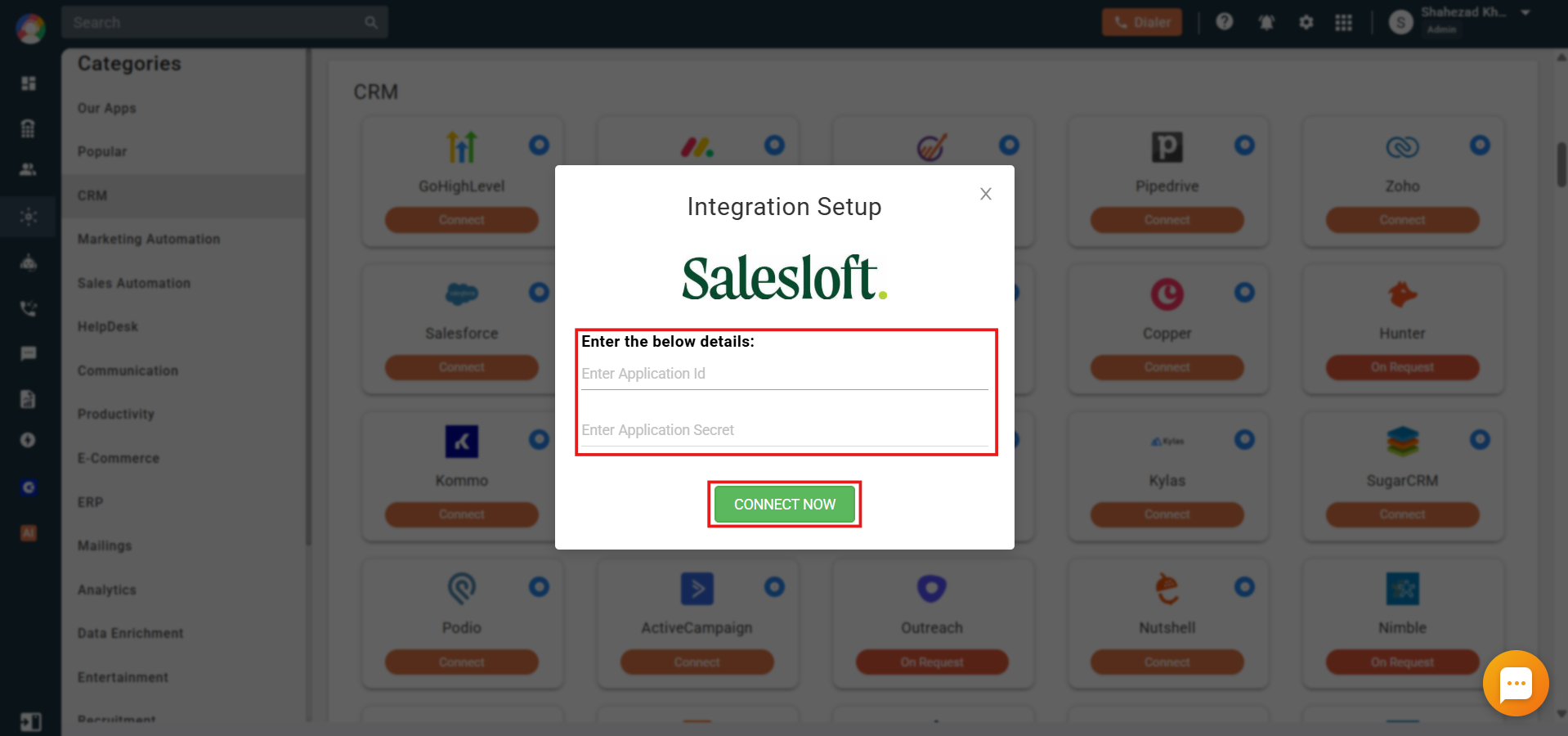
- Enter the Application ID and Secret you copied from Salesloft, then click Connect Now.
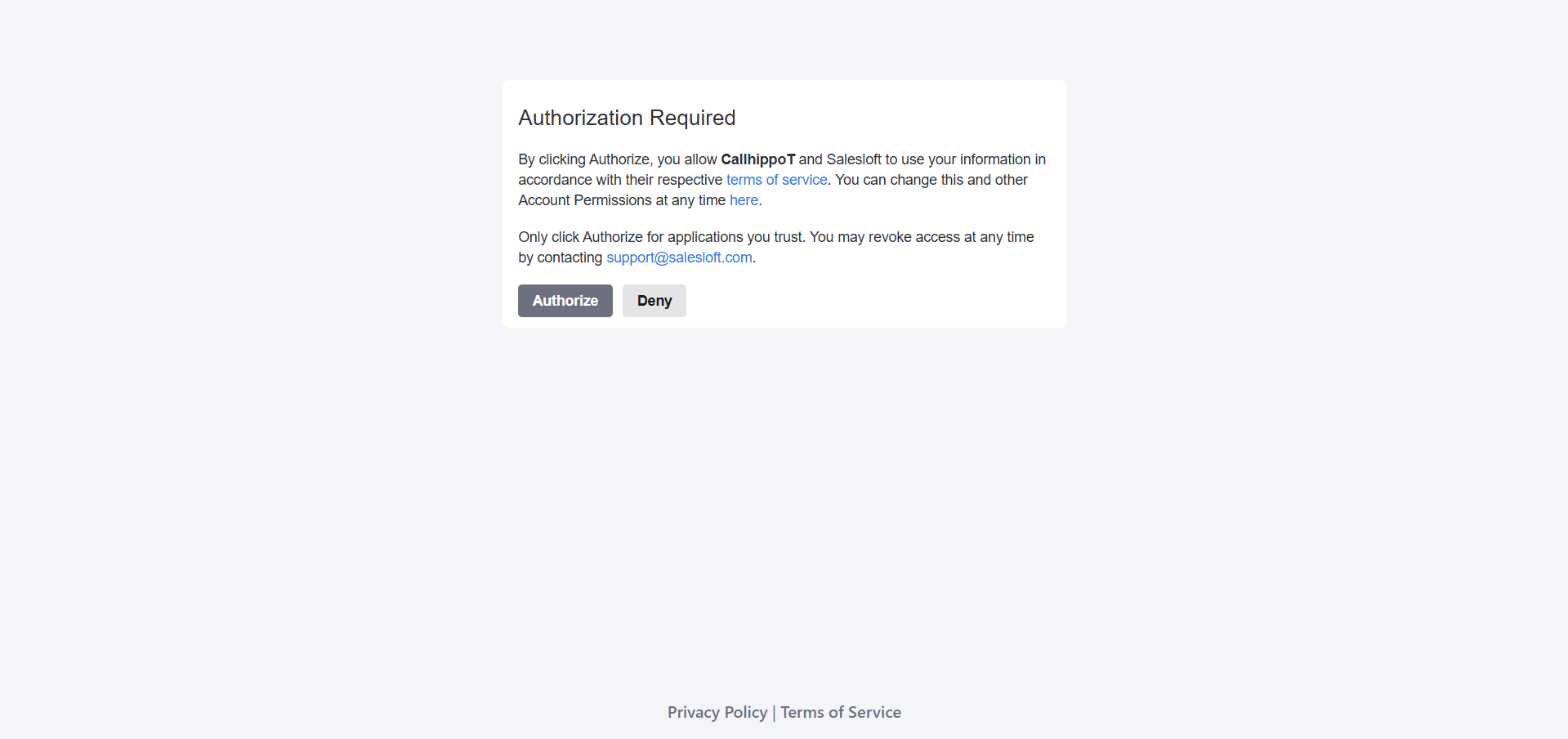
- On the authorization screen, click Authorize to grant access.
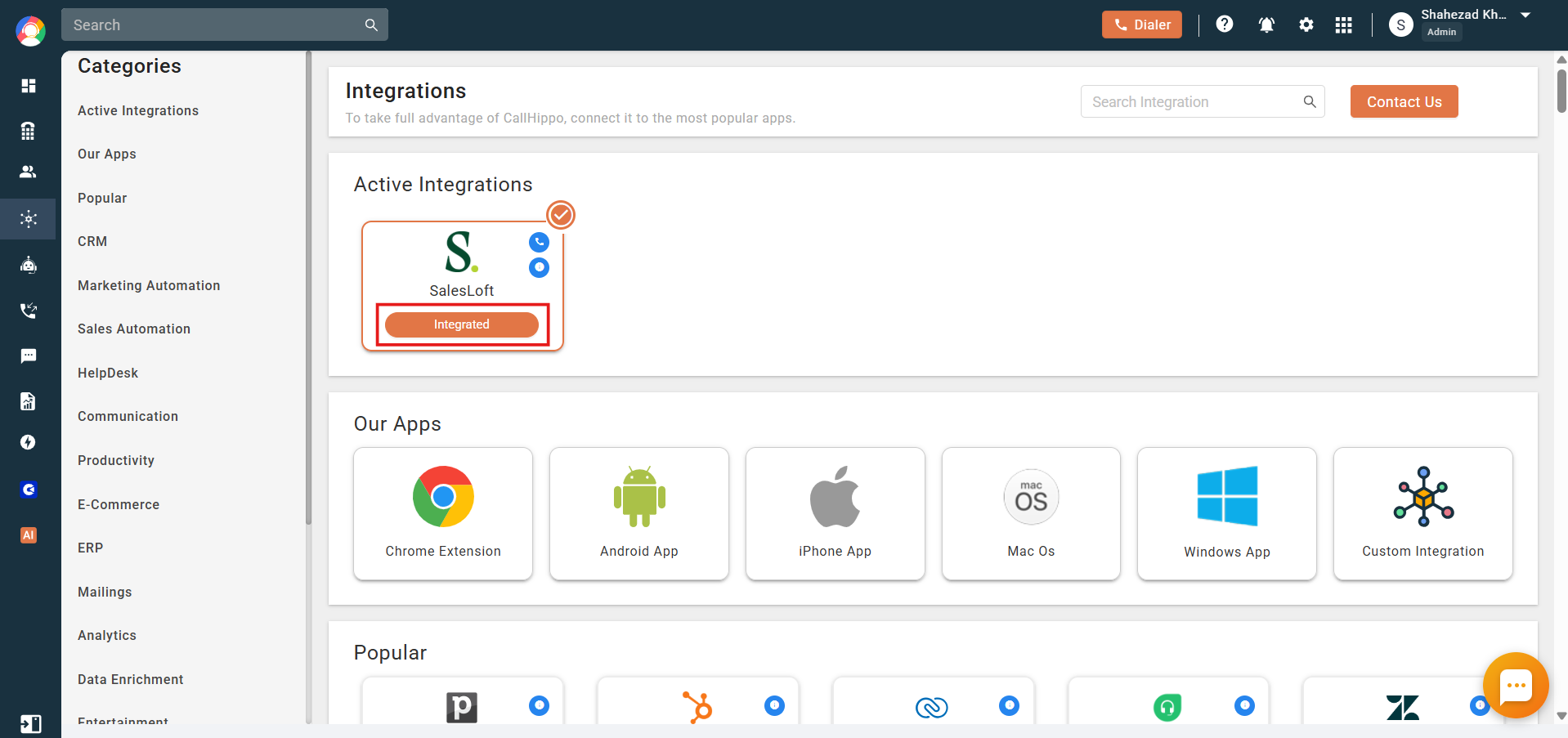
- The integration status now shows Integrated.
Make calls and send SMS from Salesloft
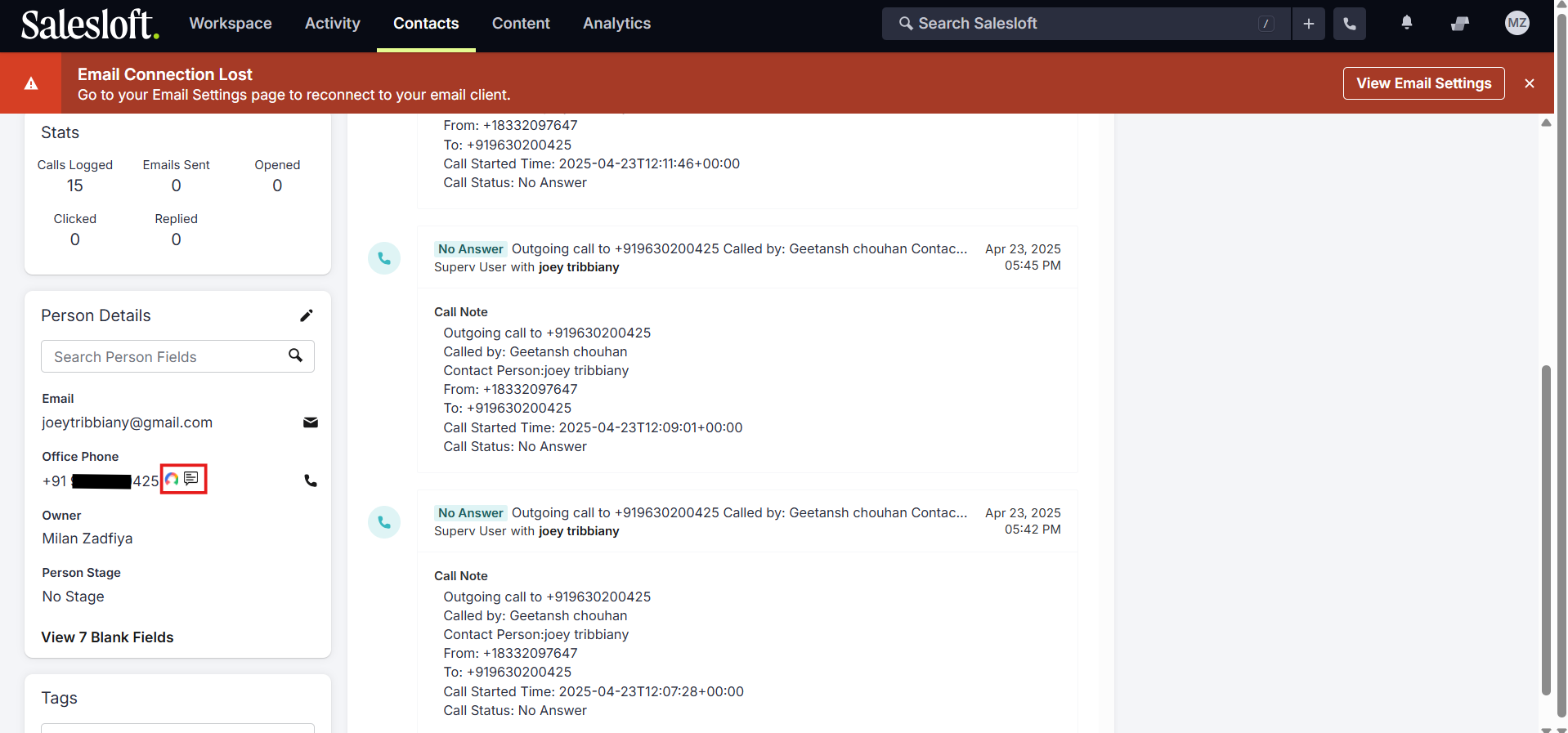
- Install the CallHippo Click-to-Call extension for Chrome, then open the People section of your Salesloft dashboard. Click the CallHippo icon next to a phone number to start a call.
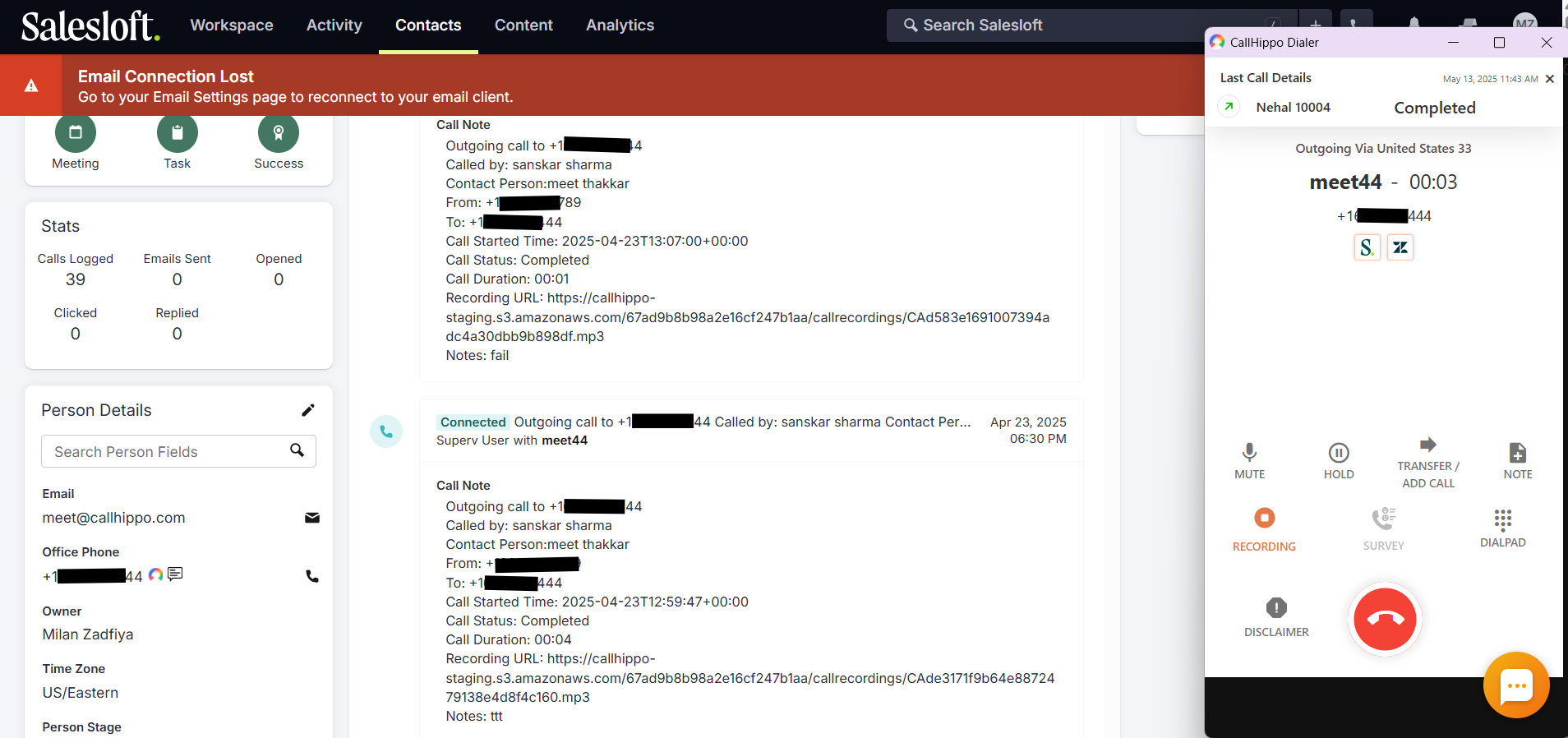
- The CallHippo dialer opens and places the call.
- Click the CallHippo SMS icon to send a text message.
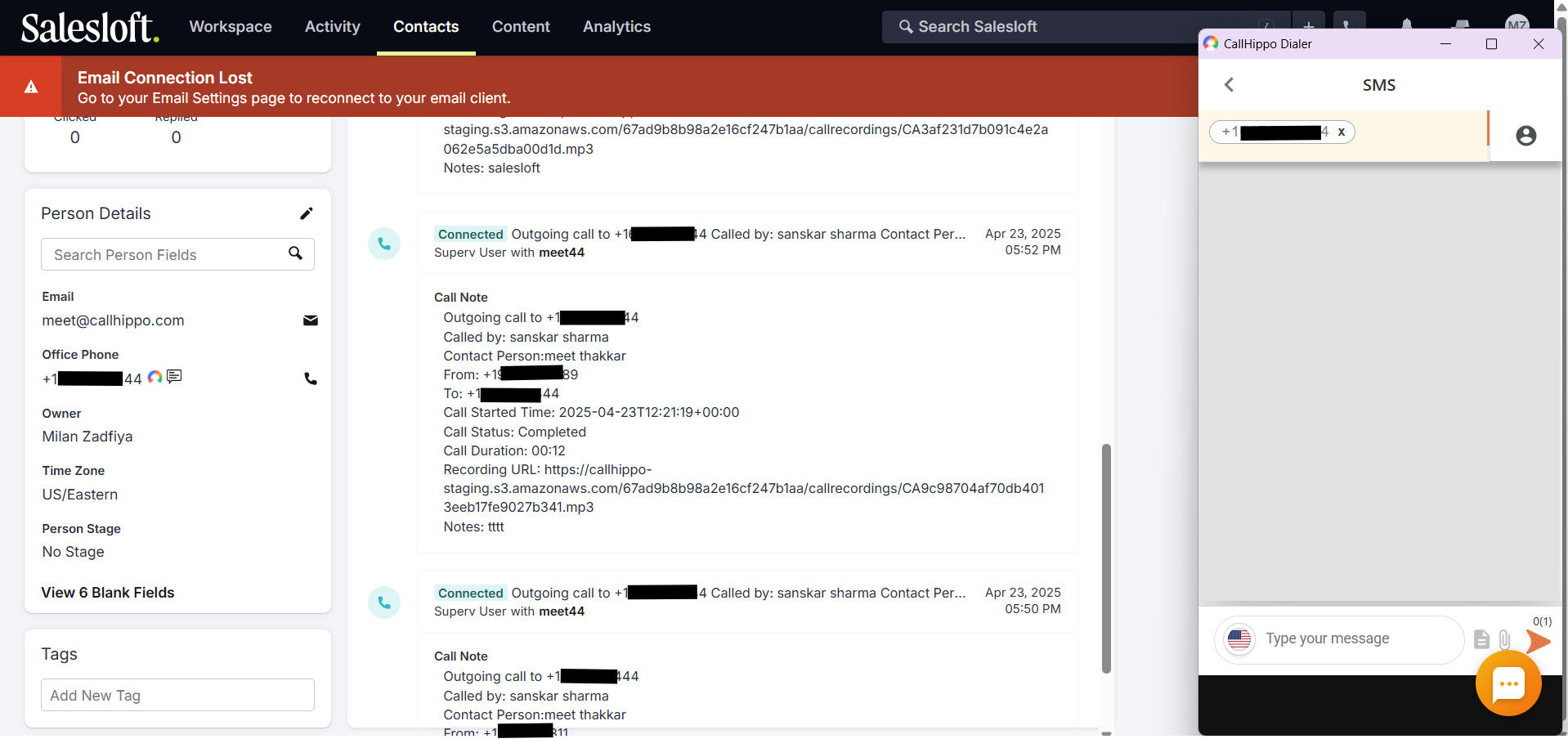
- When you make a call through the CallHippo dialer, the call-log activity syncs to that person’s activity section in Salesloft.
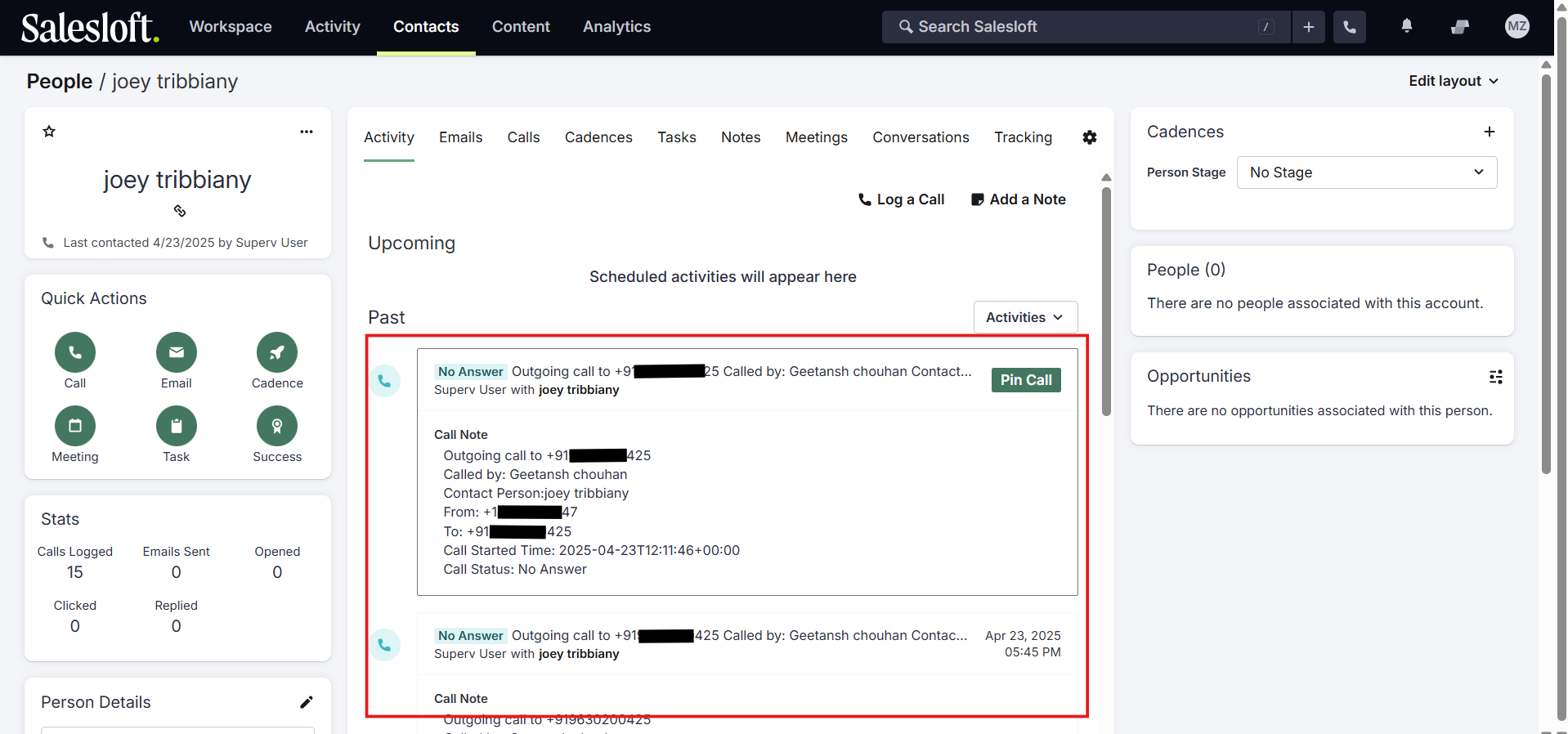
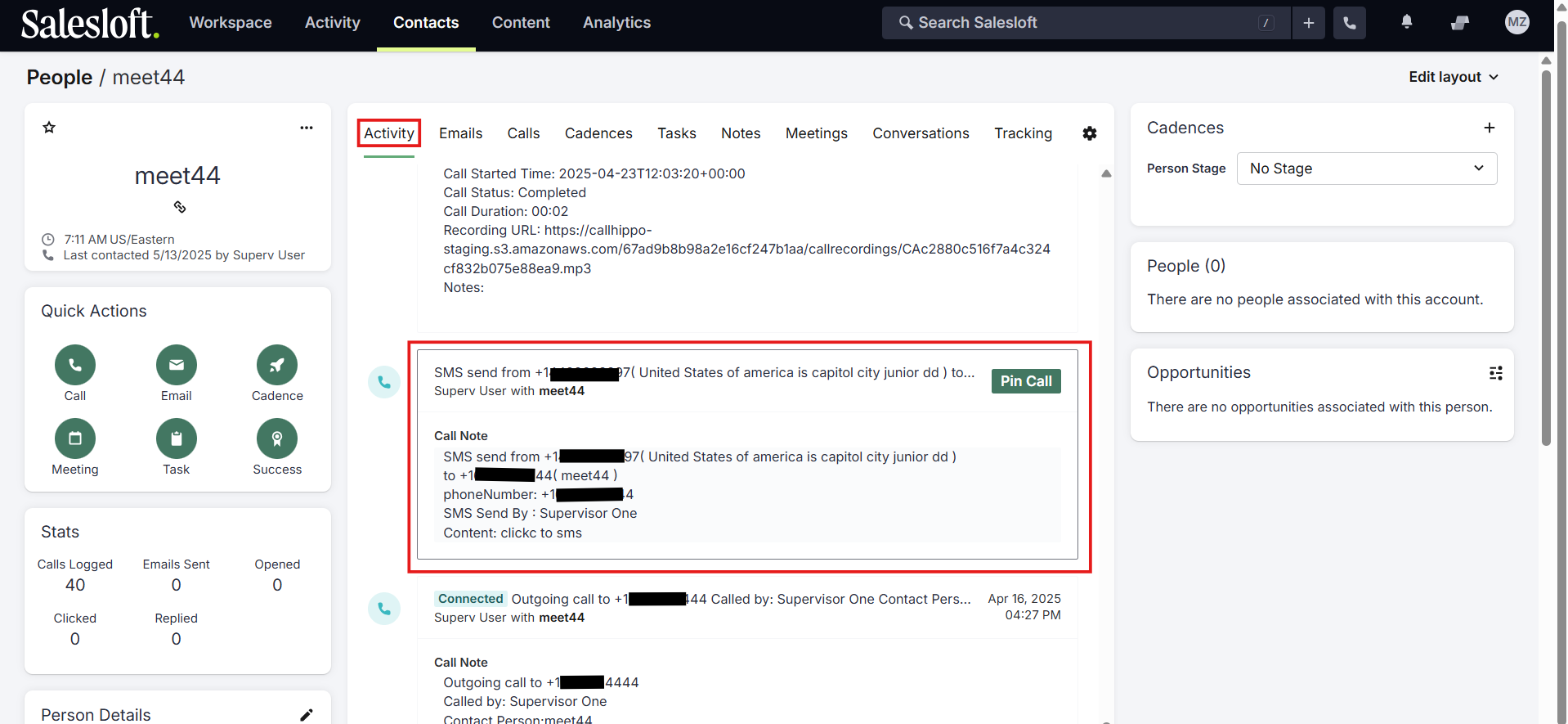
- When you send an SMS through the CallHippo dialer, the SMS log syncs to the person’s activity section too.
Features
- Make calls to your Salesloft people and accounts with click-to-call.
- Send SMS messages with click-to-SMS.
- Install the Click-to-Call extension so contacts auto-sync to the CallHippo dialer when you call or text them.
- Track your agents’ calling and SMS activity from the Salesloft dashboard.
Notes
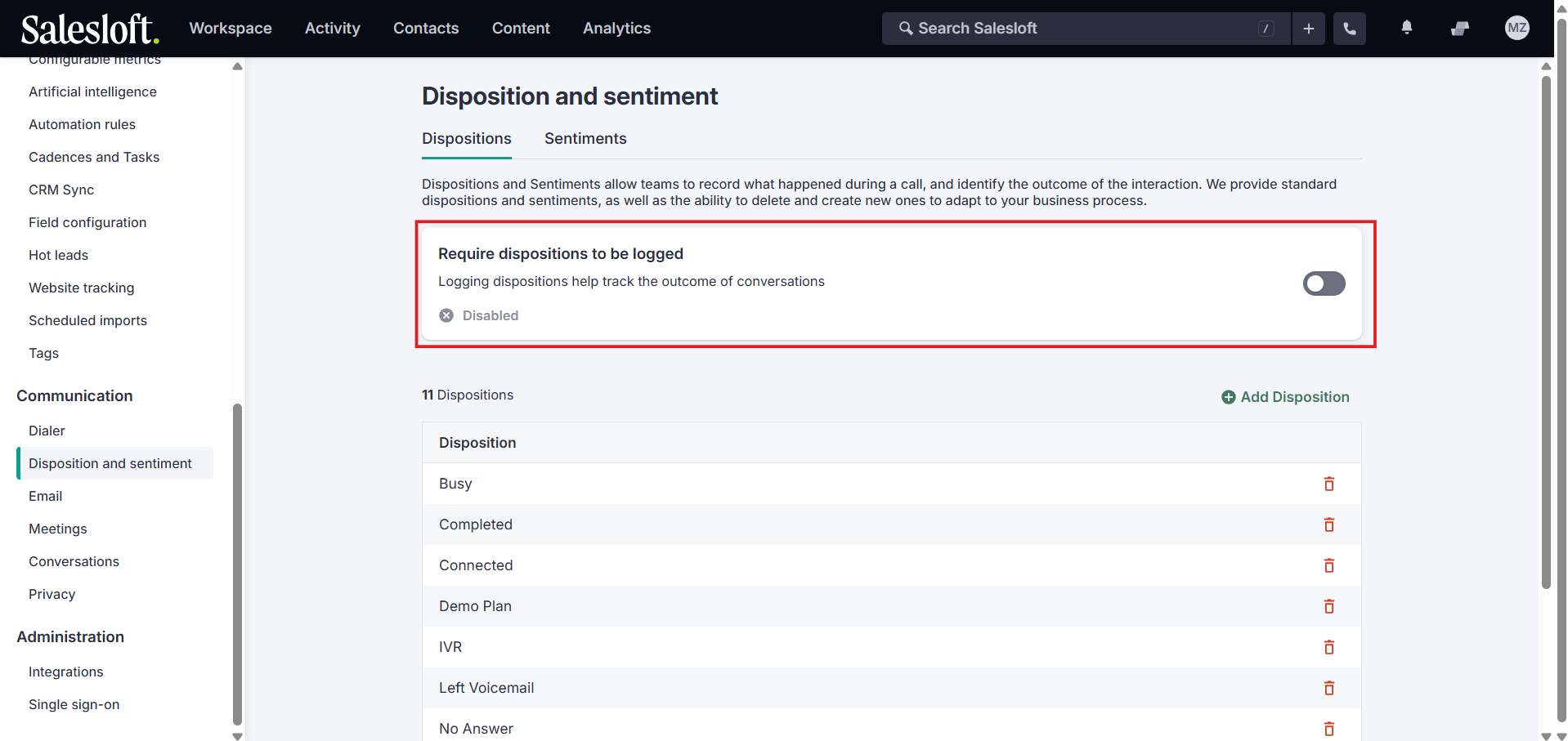
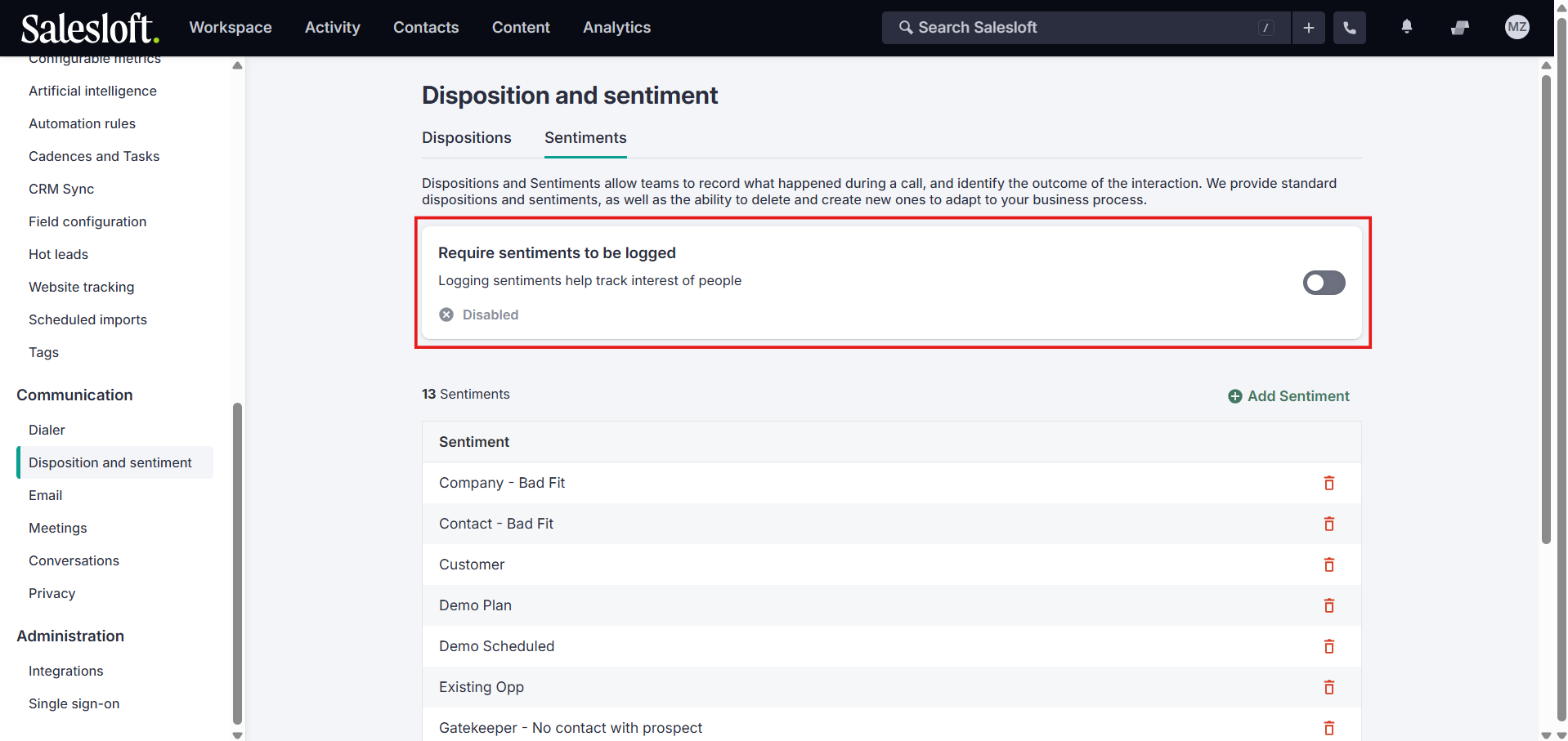
In Salesloft’s Disposition and sentiment settings, make sure the Require dispositions to be logged and Require sentiments to be logged toggles are turned off. Leaving them enabled can block call and SMS activity from syncing correctly.
Still need help? Reach us at [email protected].