
Connect EngageBay CRM with CallHippo to sync your contacts, companies, and deals, log calls and SMS as tasks, and manage outreach without leaving EngageBay. You’ll first copy your EngageBay REST API key, then use it to complete the connection in CallHippo.
Get your EngageBay REST API key
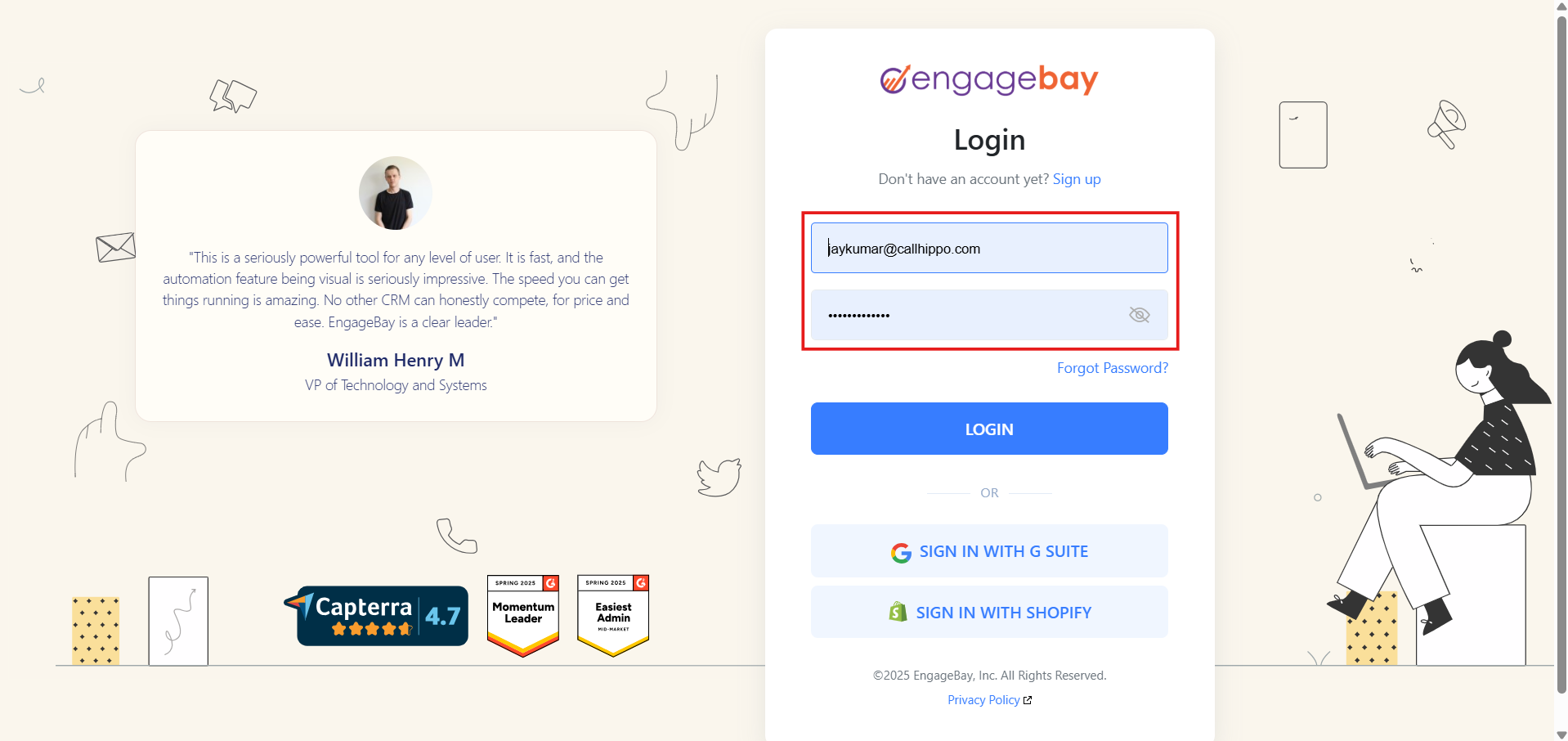
- Log in to your EngageBay account.
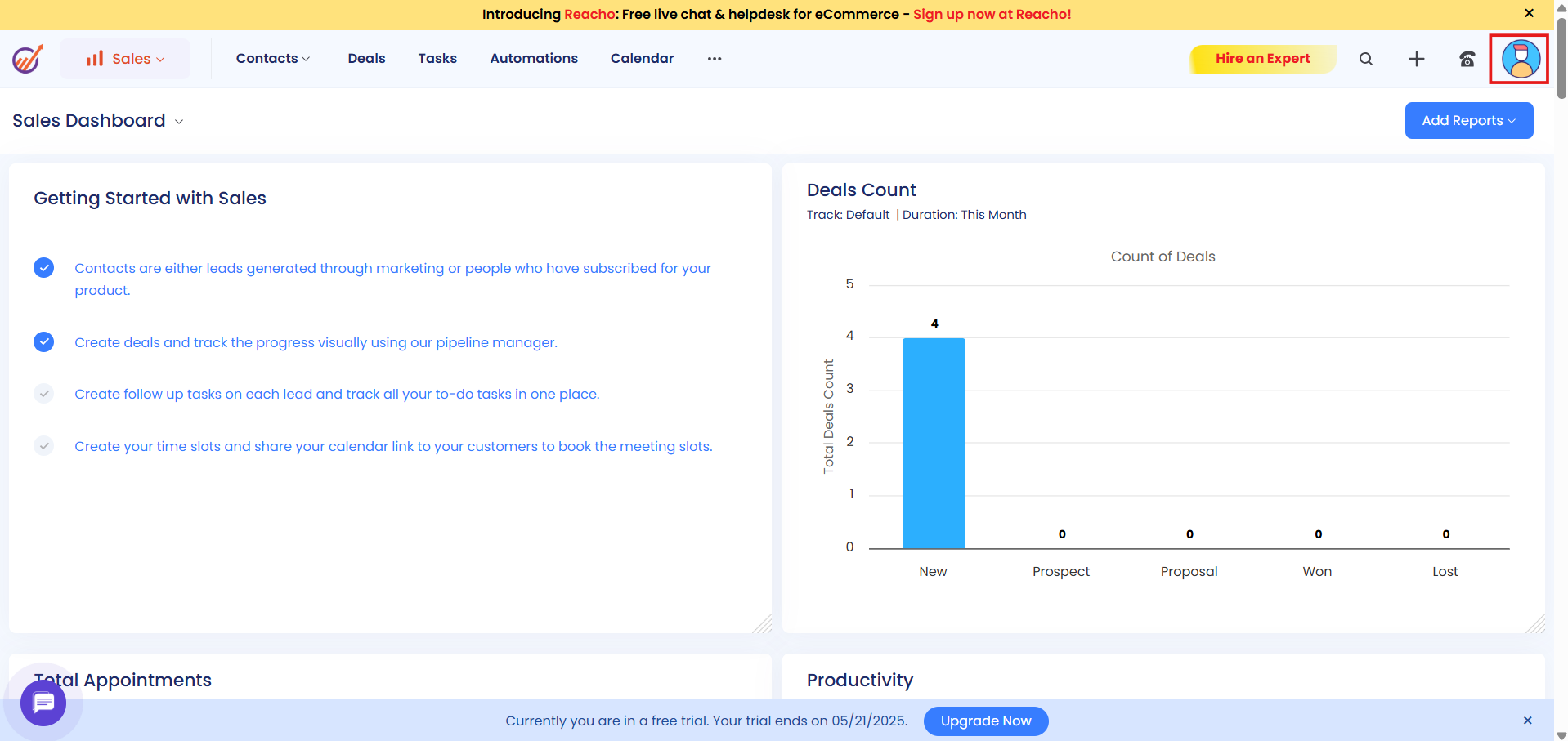
- Click the profile picture icon in the top-right corner of the dashboard.
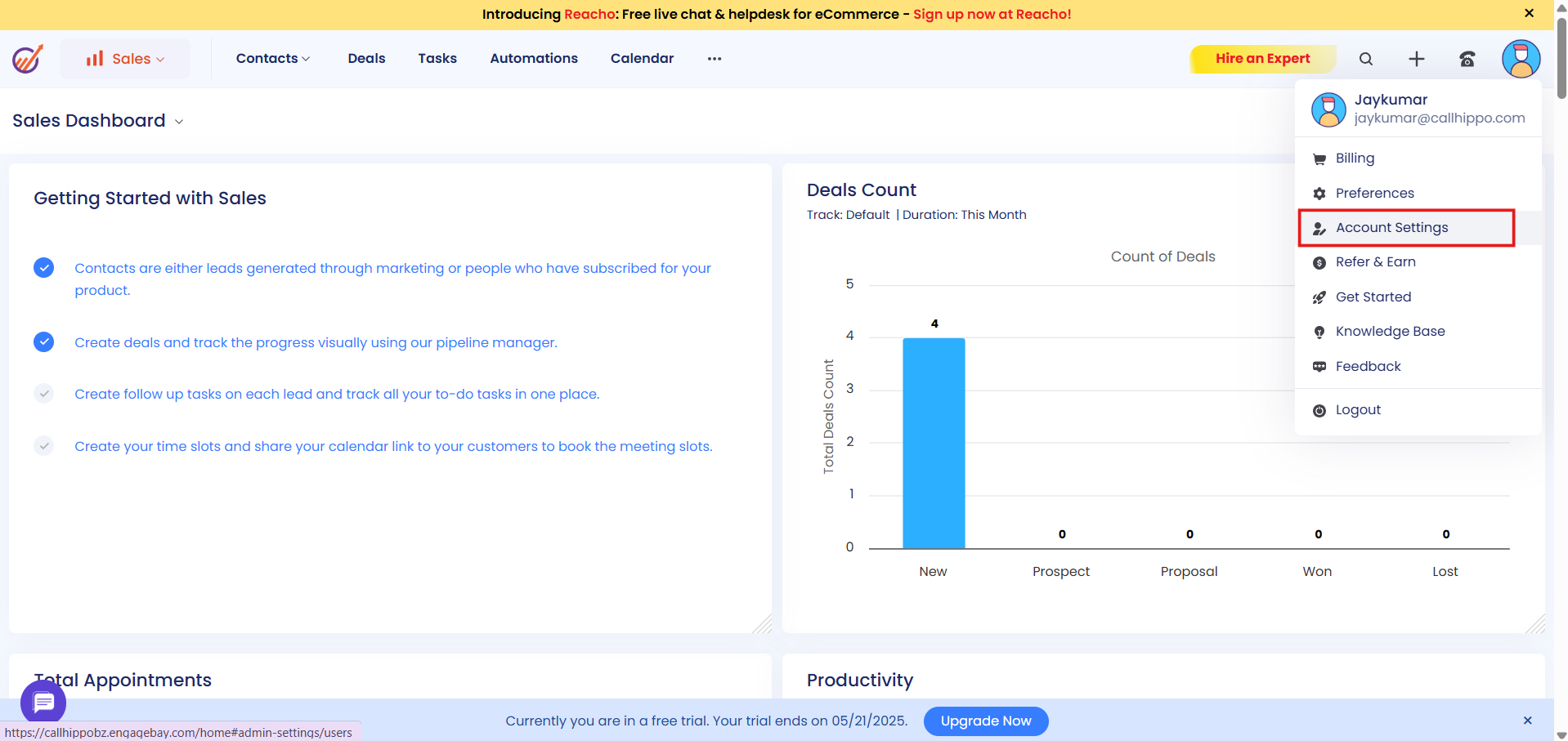
- In the drop-down, click Account Settings.
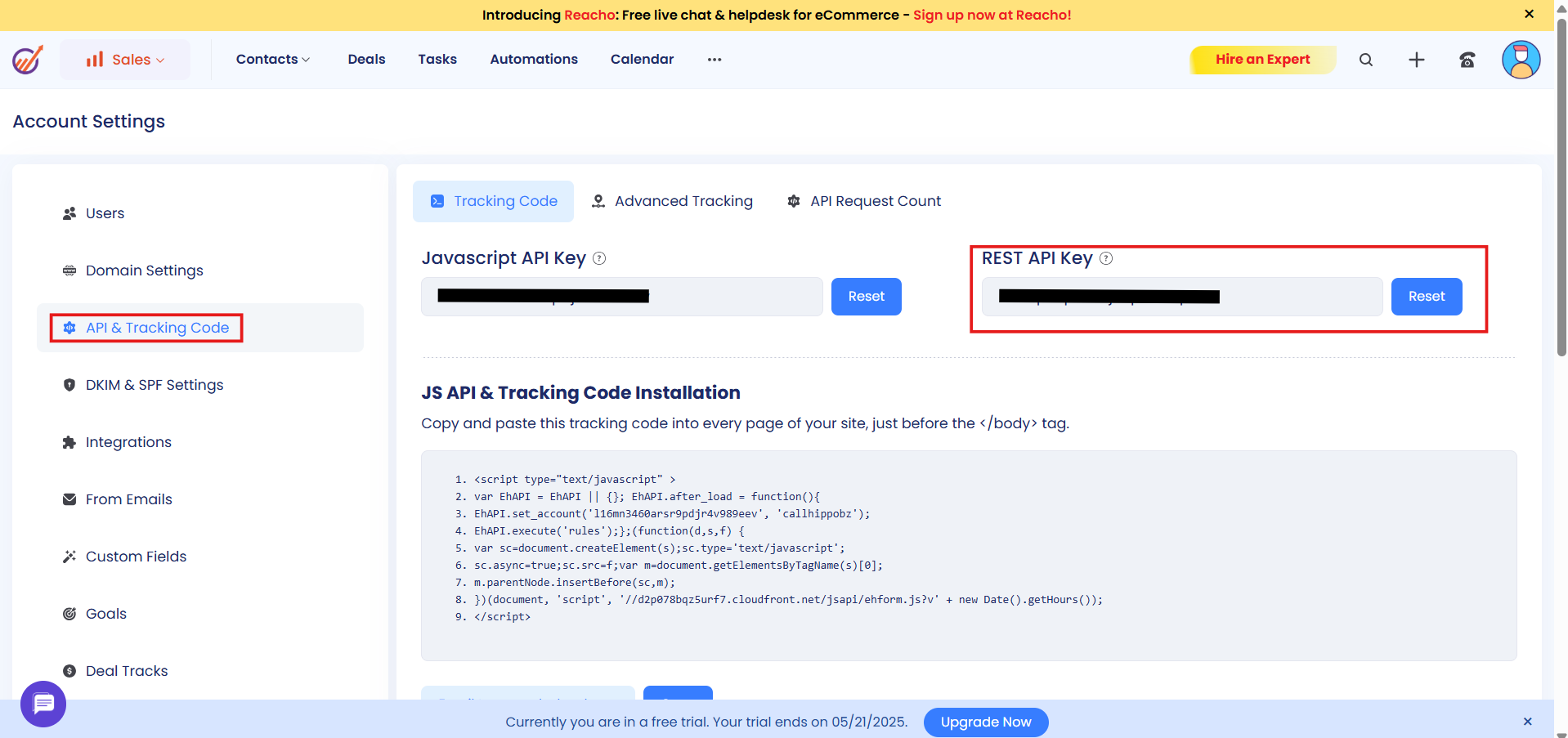
- In the left-hand menu, click API & Tracking Code. Copy the REST API Key shown on the page and keep it handy for the next steps.
Connect EngageBay in CallHippo
- Log in to your CallHippo account at https://web.callhippo.com/.
- Open Integrations from the left-hand menu.
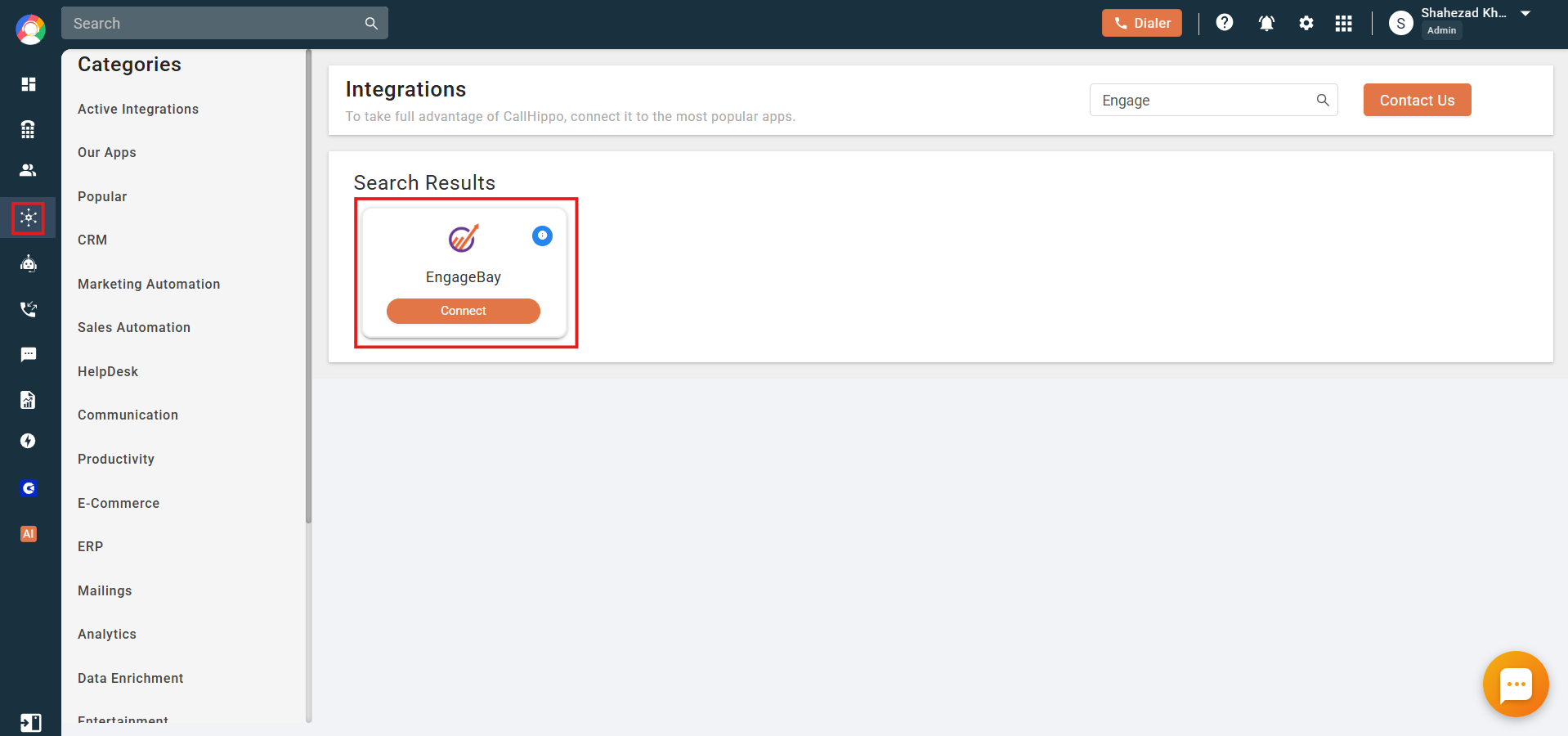
- Find EngageBay by scrolling the list or using the search box in the top-right corner, then click Connect.
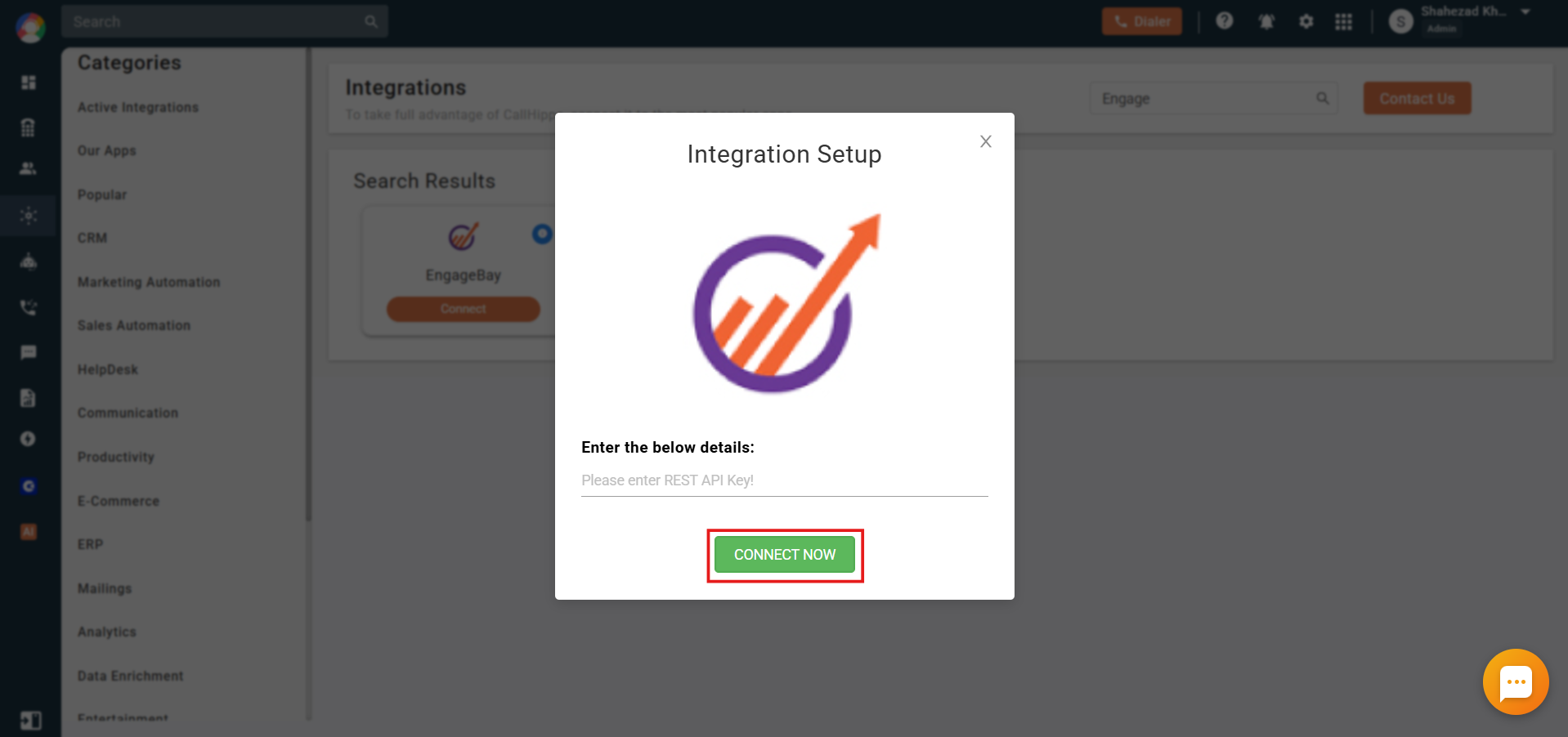
- In the pop-up, paste the REST API key you copied earlier and click Connect Now.
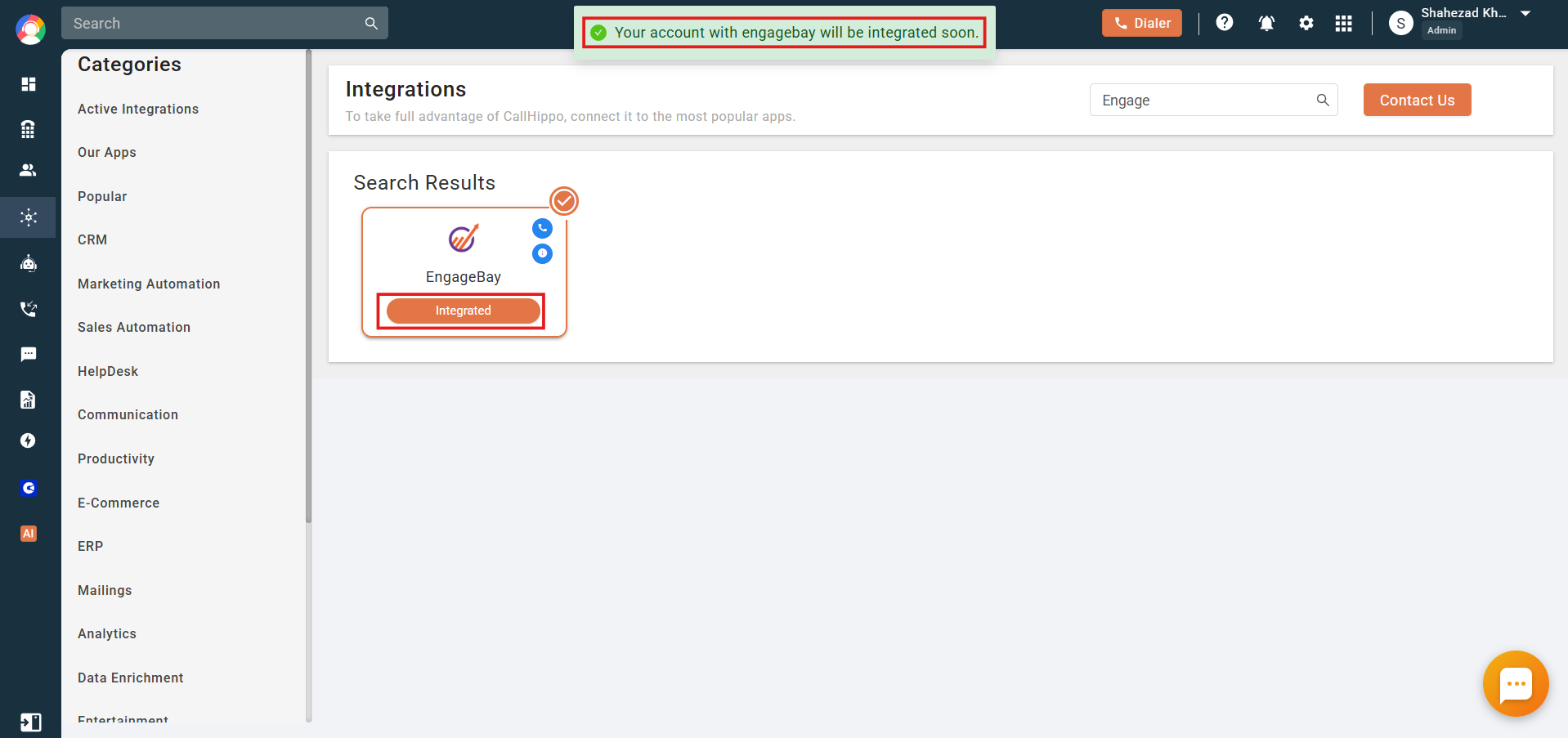
- You’ll see an integration-successful message and EngageBay marked as Integrated.
What the EngageBay integration does
- Contacts, companies, and deals in your EngageBay account are synced gradually.
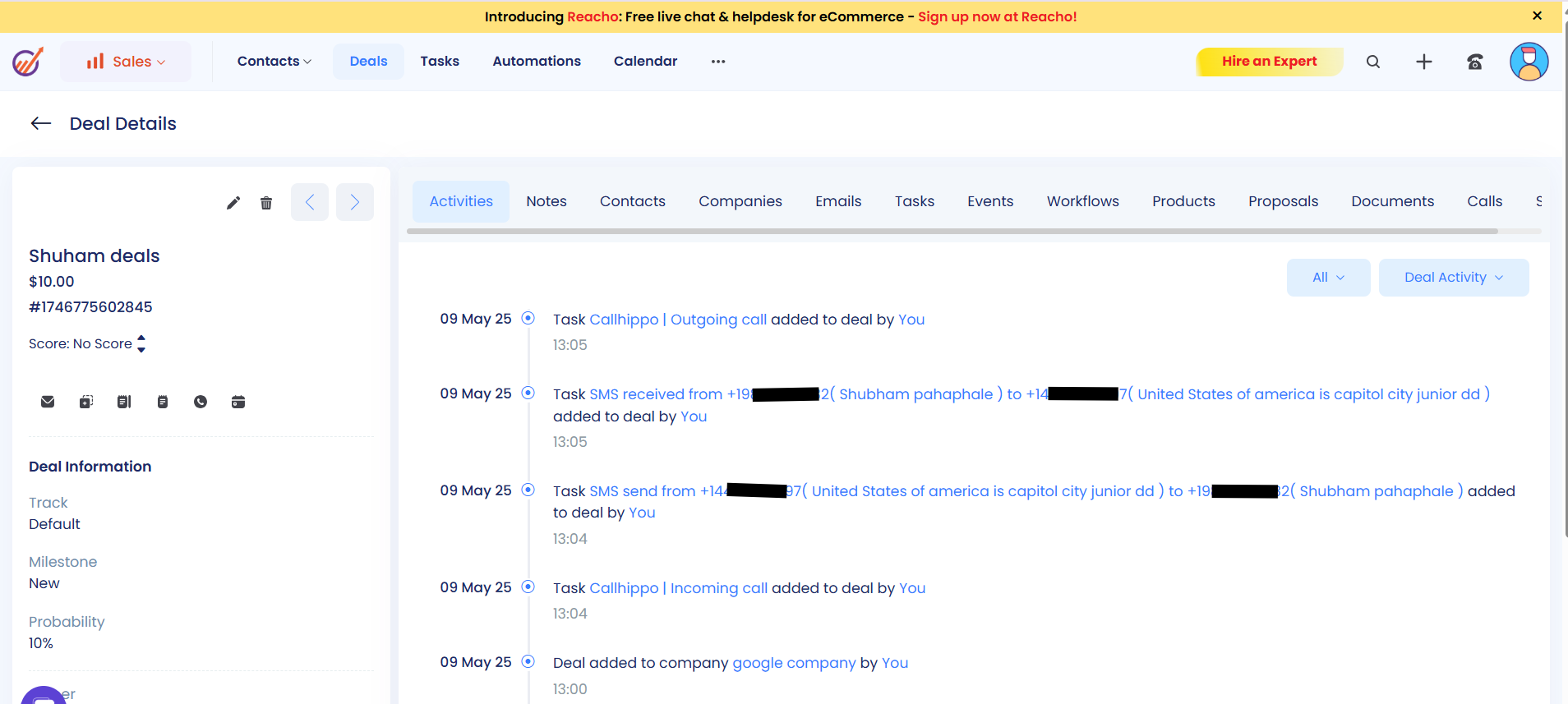
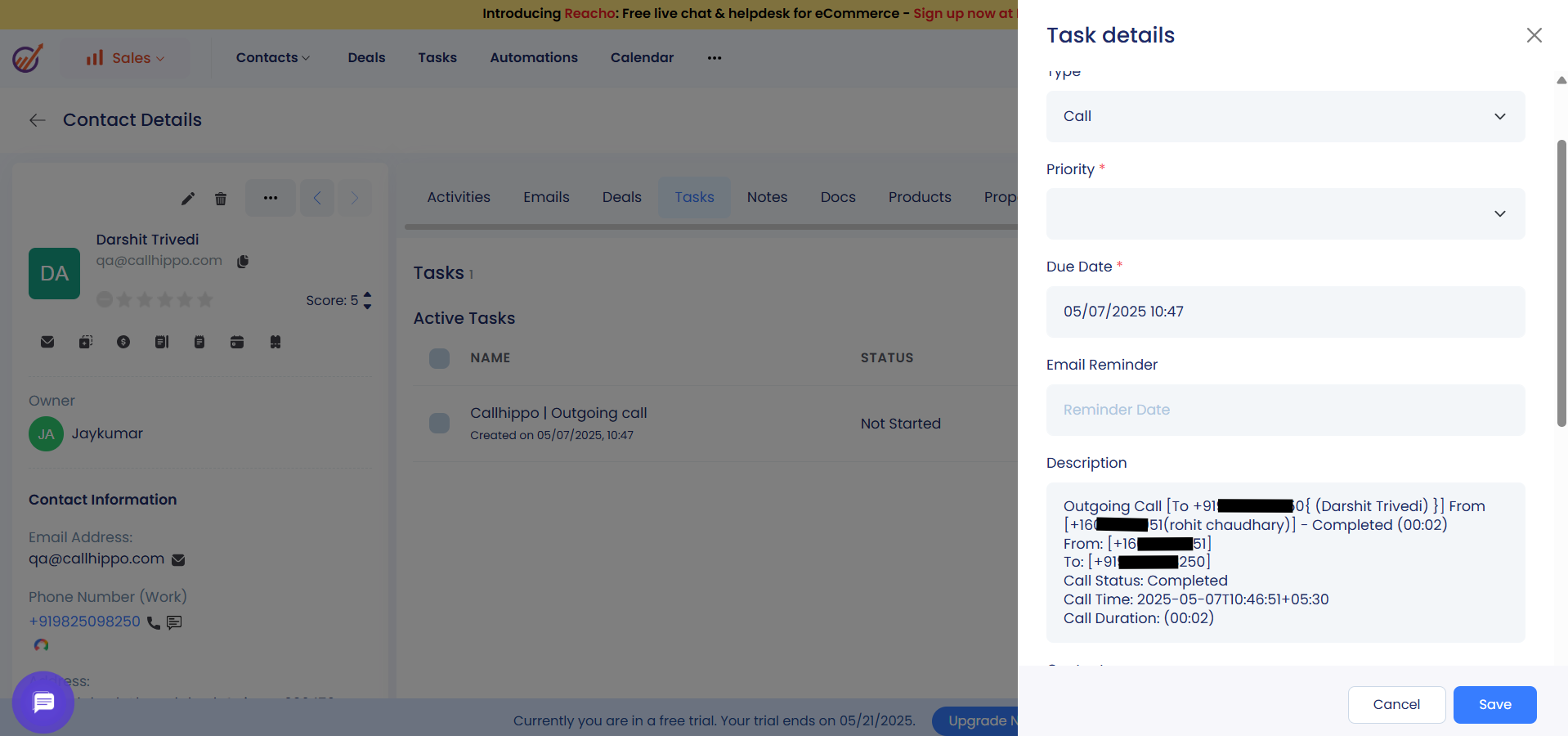
- Calls and their activities are sent to EngageBay as tasks on the relevant contacts, companies, or deals.
- Users are not mentioned in the tasks.
- Succeeded and failed deals are not synced.
- Newly added or updated contacts, companies, and deals are synced within a maximum of two hours.
Limitations
- Contacts deleted from EngageBay are not deleted from the CallHippo dialer.
Note
This integration requires API access. If the customer’s EngageBay plan does not include the API feature, the integration will not work. Make sure the account is on a plan with API access for the integration with CallHippo to function properly.
Still need help? Reach us at [email protected].