
Connecting Greenhouse with CallHippo lets your recruiters call candidates straight from the hiring pipeline while every call and text is logged back to the candidate record. This guide shows you how to get your Greenhouse Harvest API key and connect it in CallHippo.
Before you begin
Make sure you have the following ready:
- Admin access to your Greenhouse account with permission to manage API credentials.
- An active CallHippo account with access to the Integrations tab.
- The same email address on both your CallHippo and Greenhouse user accounts, so call activity logs correctly.
Generate your Greenhouse Harvest API key
- Log in to your Greenhouse account.
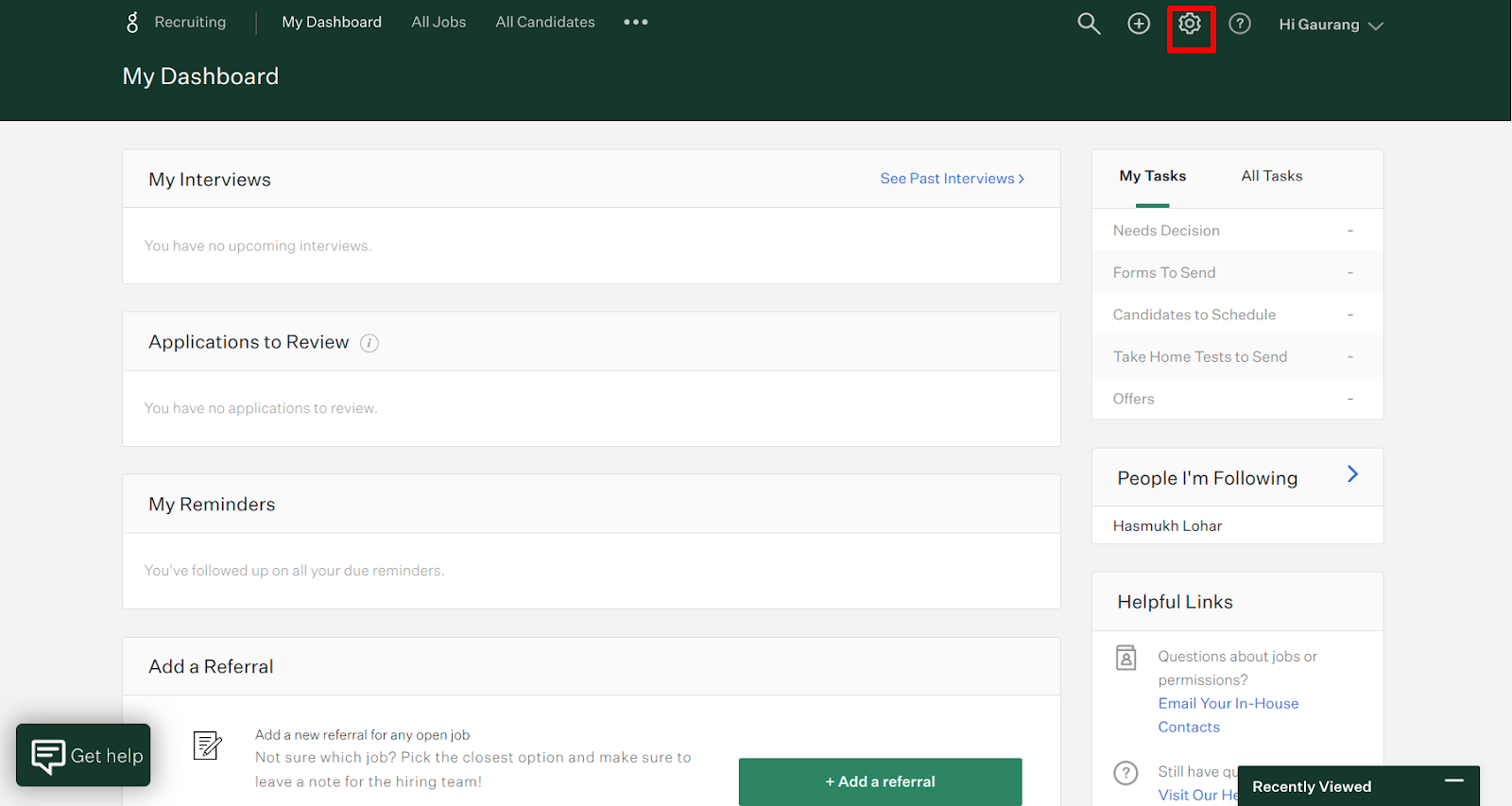
- Click the Settings (gear) icon.
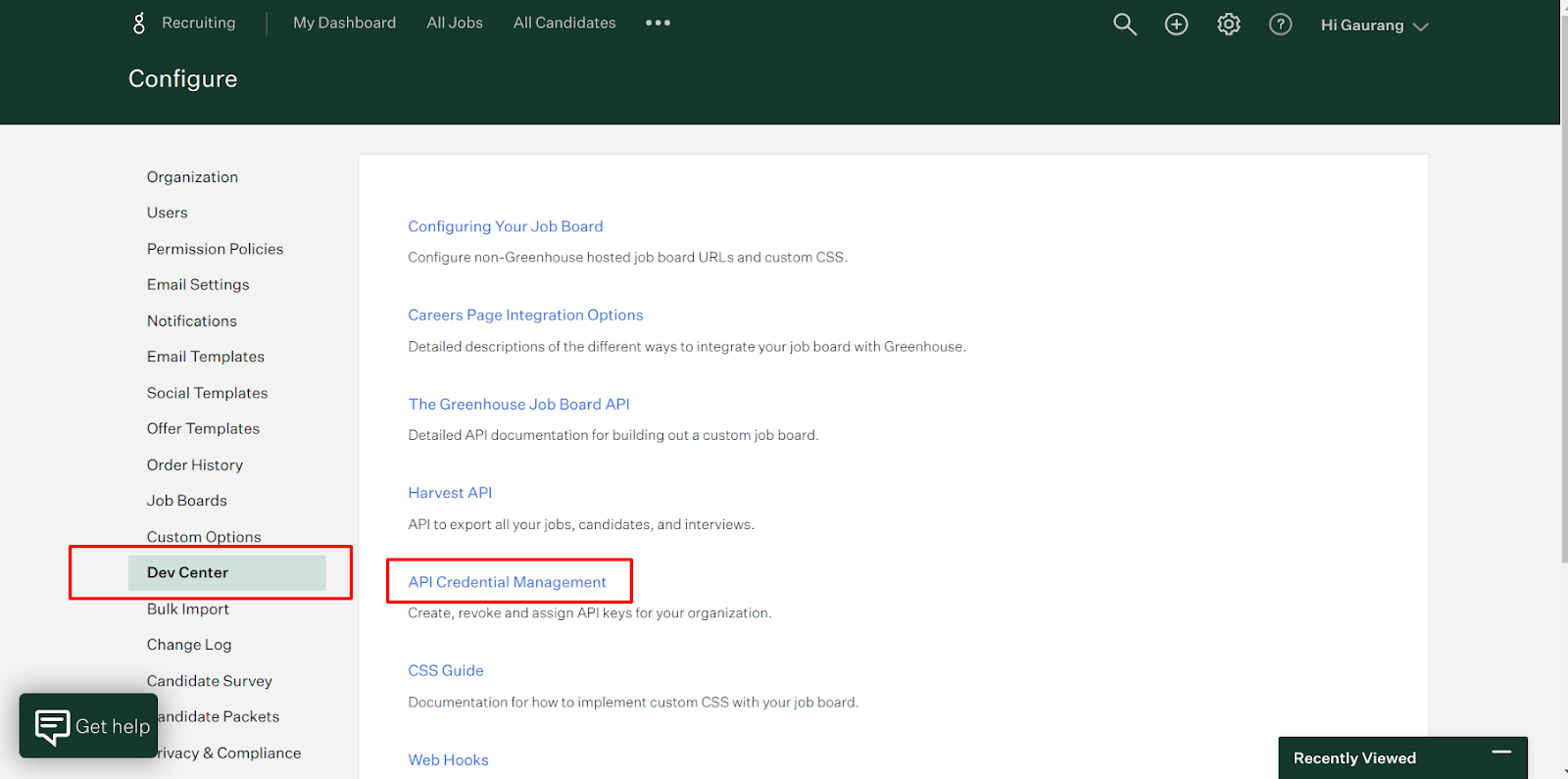
- Go to Dev Center and click API Credential Management.
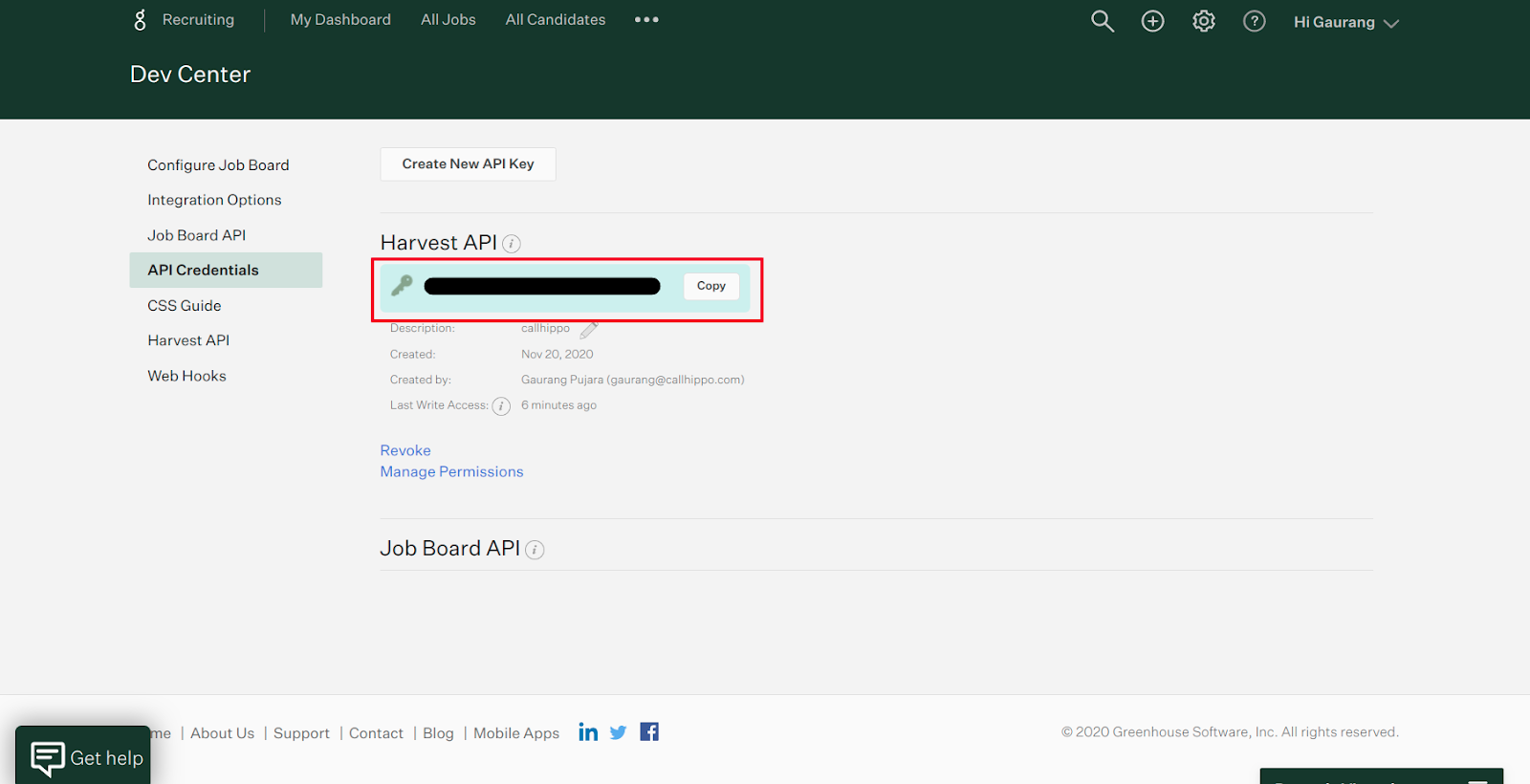
- Note your Harvest API key. If no key exists, click Create New API Key to generate one, then copy it.
Connect Greenhouse in CallHippo
- Log in to your CallHippo account and go to the Integrations tab.
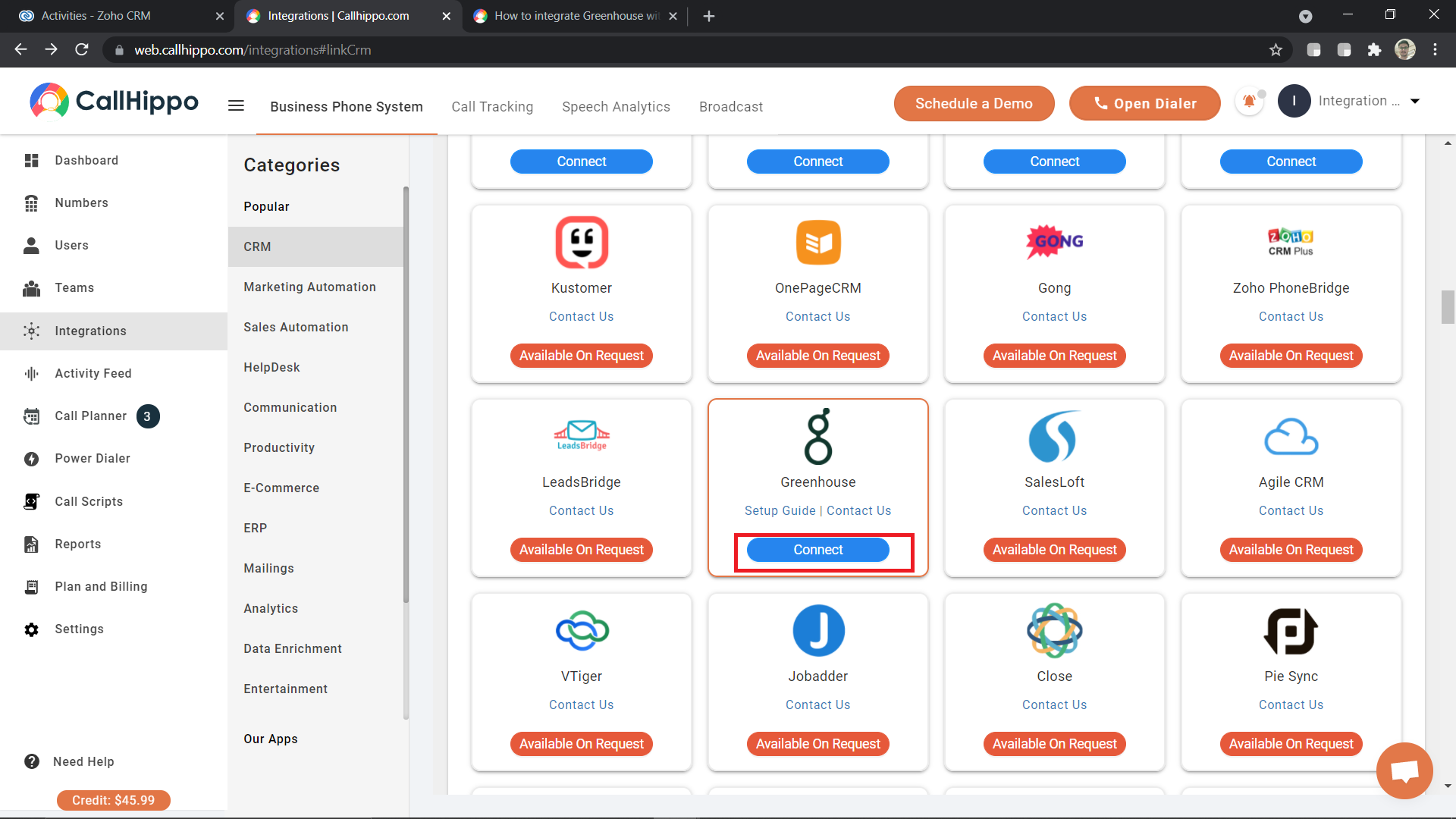
- Find Greenhouse and click + Connect.
- On the setup page, click Connect your Greenhouse.
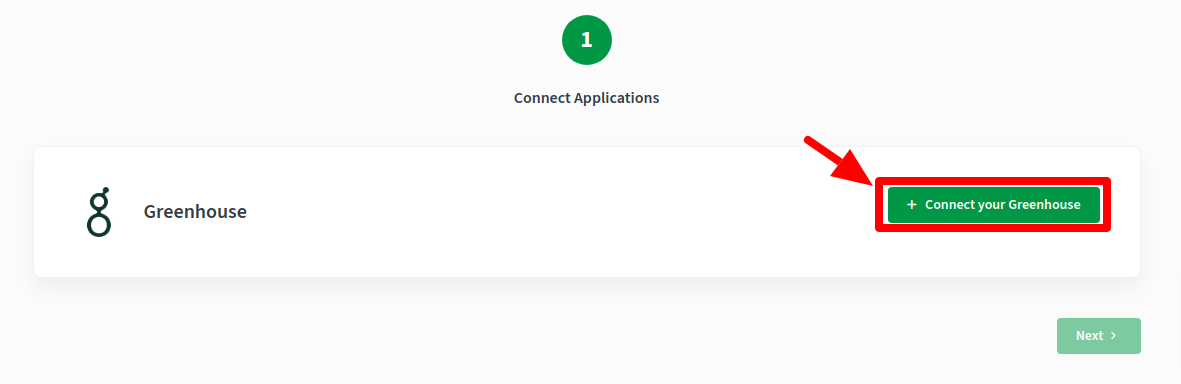
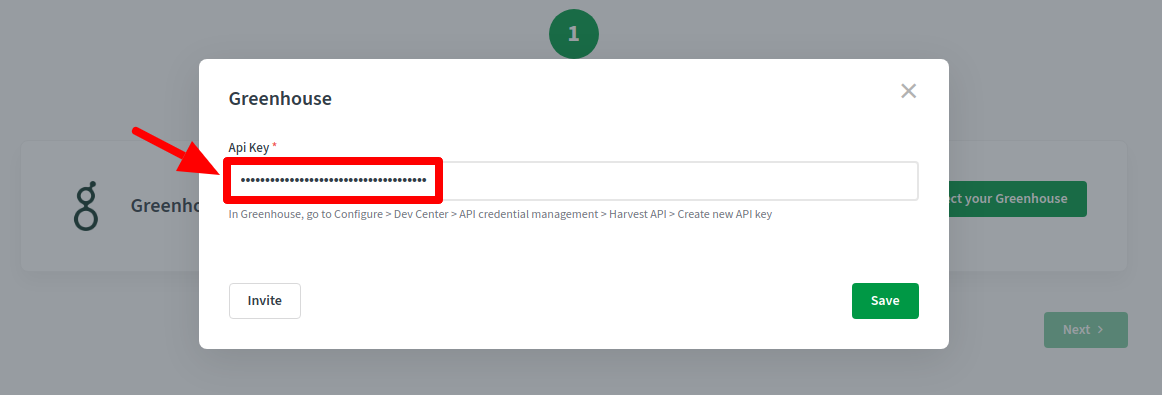
- Enter your Greenhouse API key and click Next.
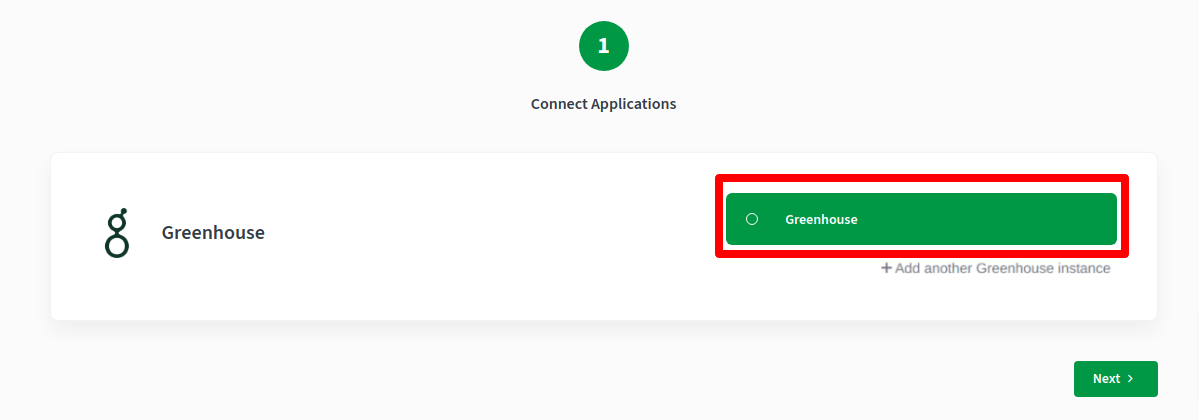
- Your Greenhouse account is now connected. Click Next to complete the integration.
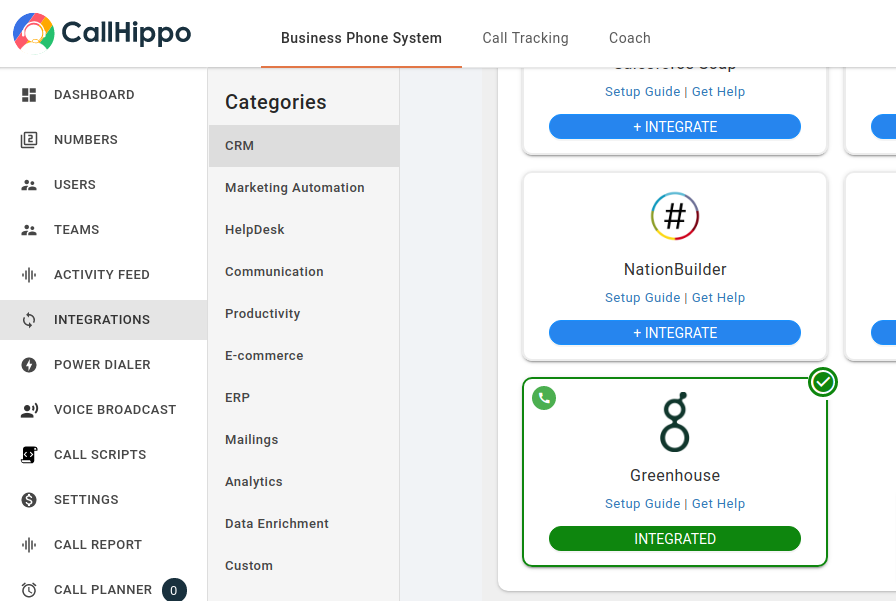
- The Greenhouse card now shows Integrated.
How the Greenhouse sync works
- All your Greenhouse candidates sync as contacts in CallHippo.
- When you add, update, or reject a candidate, the change syncs to CallHippo within about 4 hours.
- Call activity for any call made to or received from a Greenhouse contact appears in the CallHippo dialer.
- SMS activity for any text sent to or received from a Greenhouse contact appears in the CallHippo dialer.
Logged calls appear in the candidate’s Greenhouse Activity Feed, including the call status, duration, and recording link.
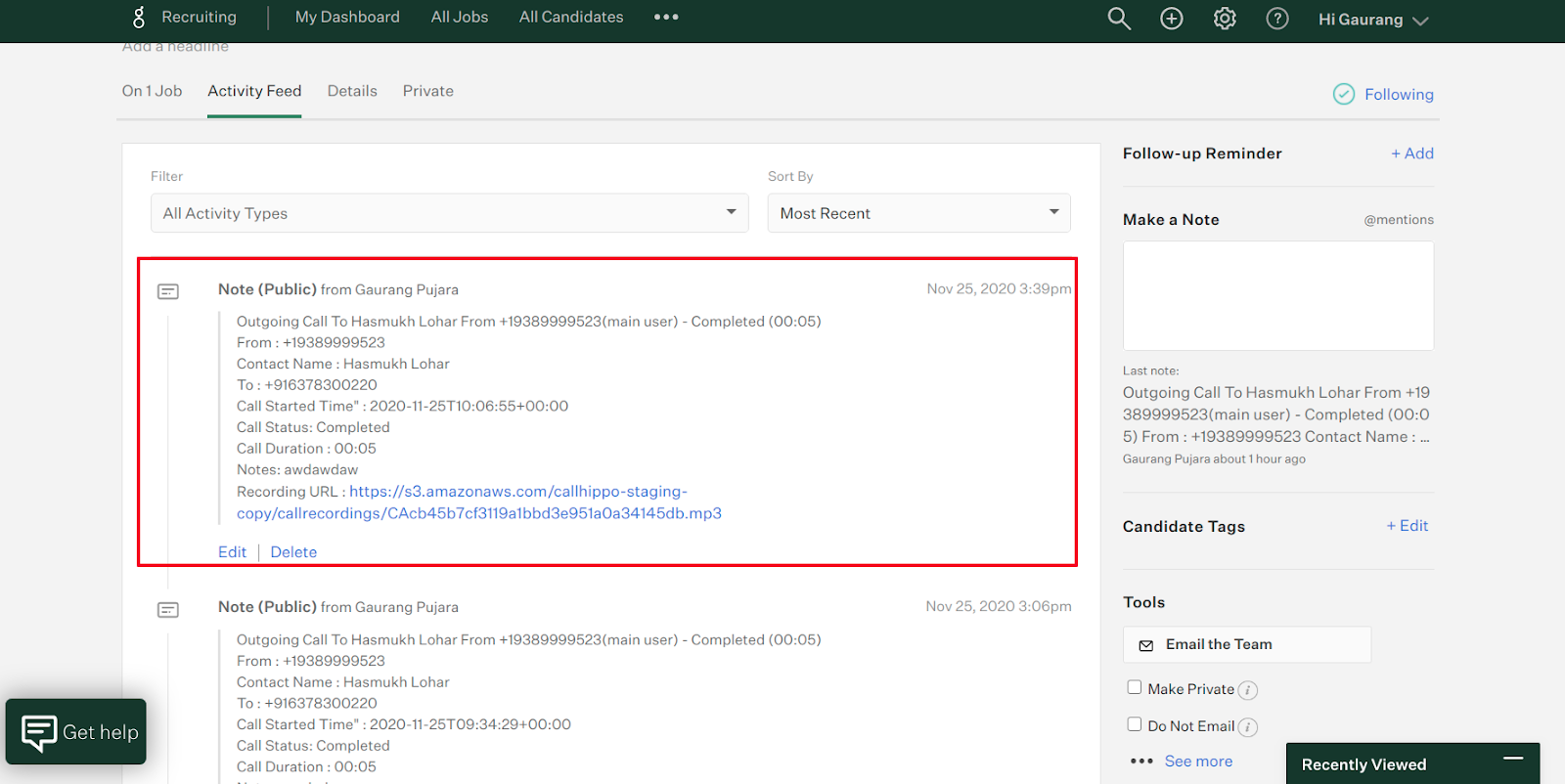
Note: Call log activity is only sent to Greenhouse when the CallHippo caller’s account email matches their Greenhouse user email.
Still need help? Reach us at [email protected].