
CallHippo delivers all its important updates in one place — right inside your dashboard. New features, improvements, bug fixes, and announcements arrive as quick, clear notifications, so there are no emails to hunt for and no updates to miss.
Why check in-dashboard notifications
Keeping an eye on the notifications area helps you get the most out of CallHippo. You’ll stay informed about:
- New features and product releases.
- Improvements to existing tools.
- Bug fixes and stability updates.
- General announcements from the CallHippo team.
How to view your notifications
You can review the latest updates directly from your dashboard. Follow these steps:
- Log in to your CallHippo account.
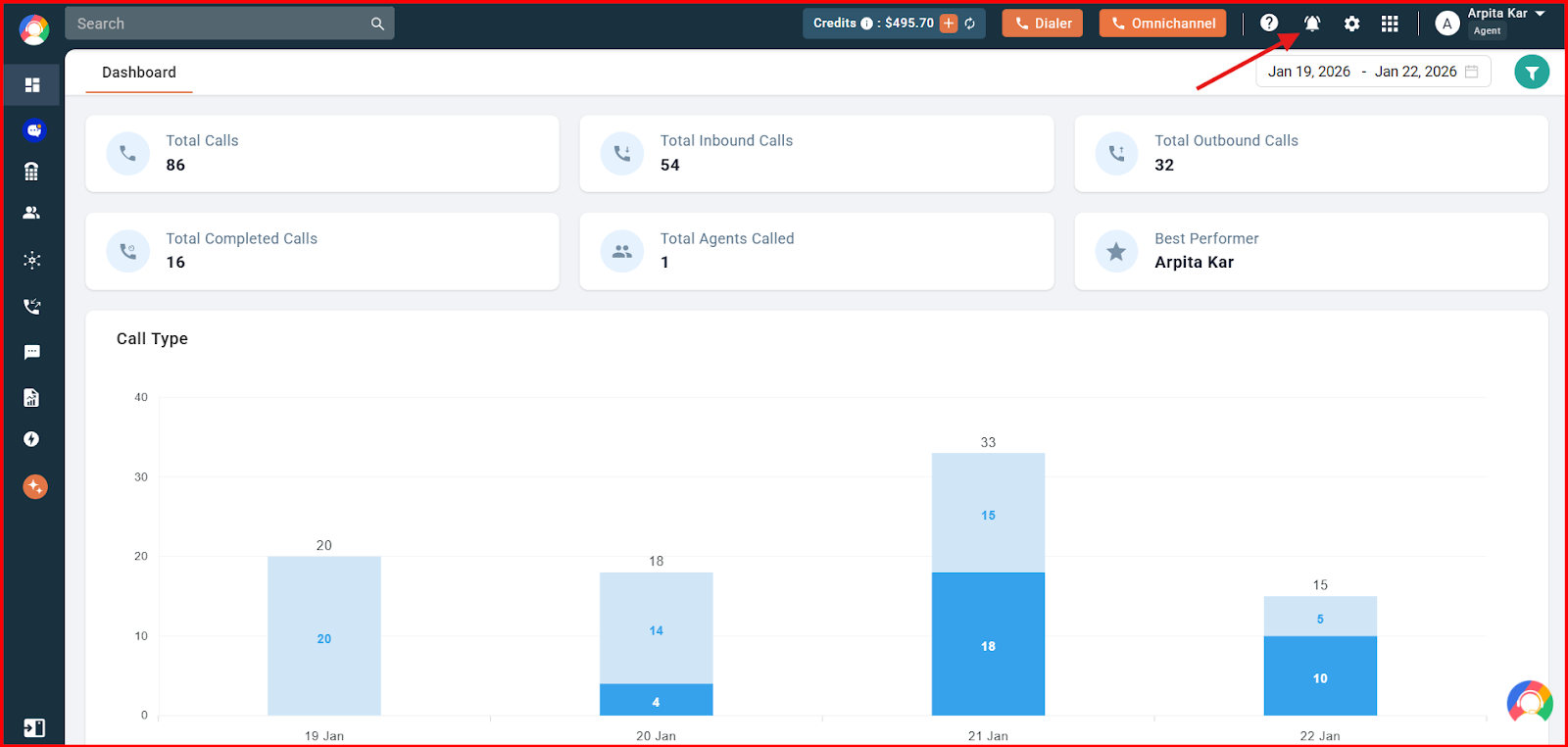
- Click the Notifications (bell) button in the top-right corner of your dashboard.
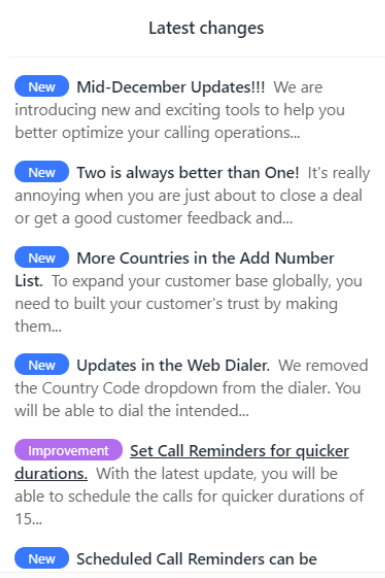
- Review the list of notifications in the panel that opens.
When there are no new notifications
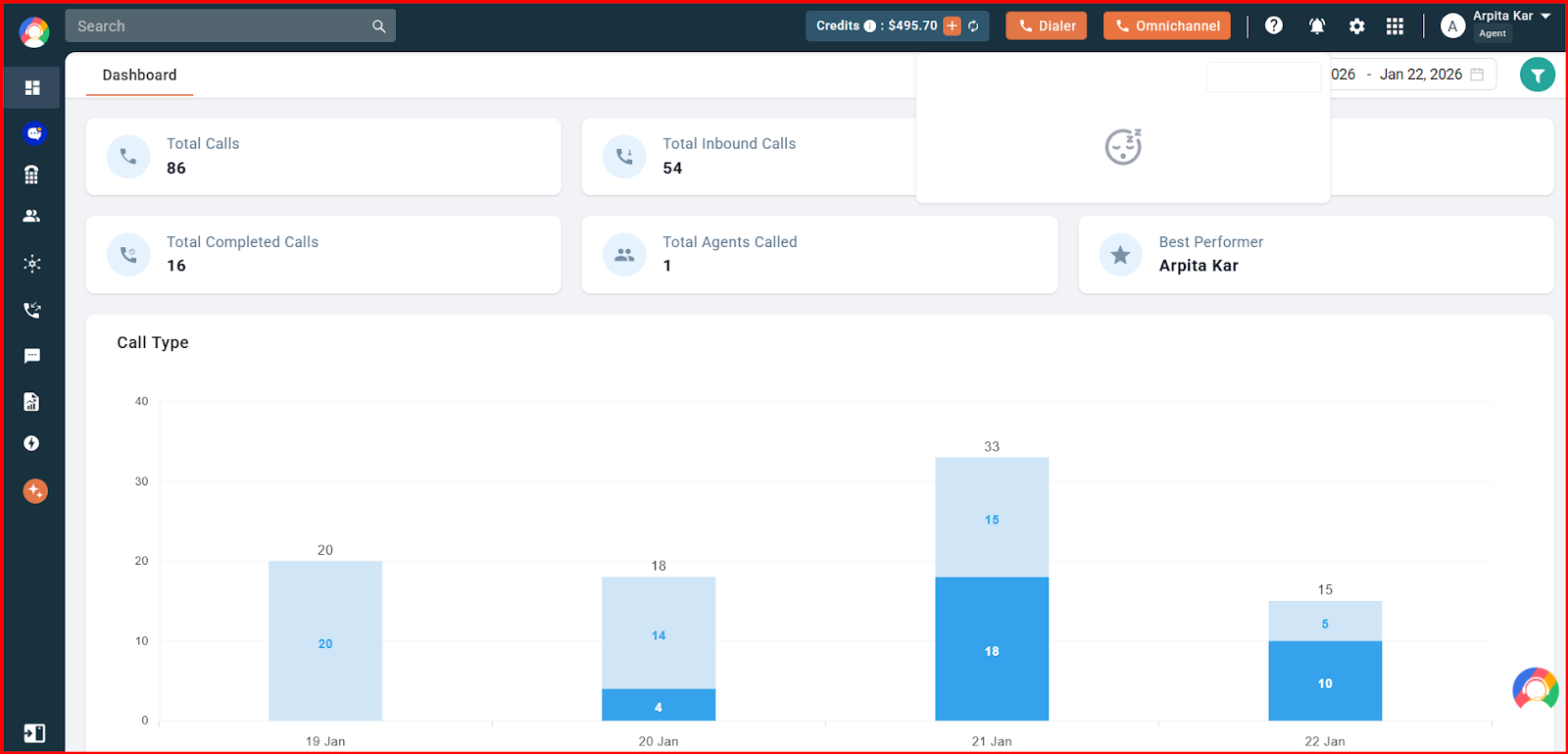
If you don’t have any new notifications, the panel appears empty, as shown below.
Still need help? Reach us at [email protected].