
Connecting CallHippo with Airtable syncs your contacts and automatically logs every call and SMS into your Airtable base, so your outreach data lives right alongside your records.
Before you begin
- Who can integrate: any CallHippo user with Owner or Admin access.
- Permissions needed: Admin rights on both your CallHippo and Airtable accounts.
- Sync timing: once set up, activity data syncs in real time.
- Pre-requisite: you must already have a workspace in Airtable.
- Modules included: Sales CRM → Contacts. CallHippo activities are passed into the Sales CRM app only.
Connect Airtable to CallHippo
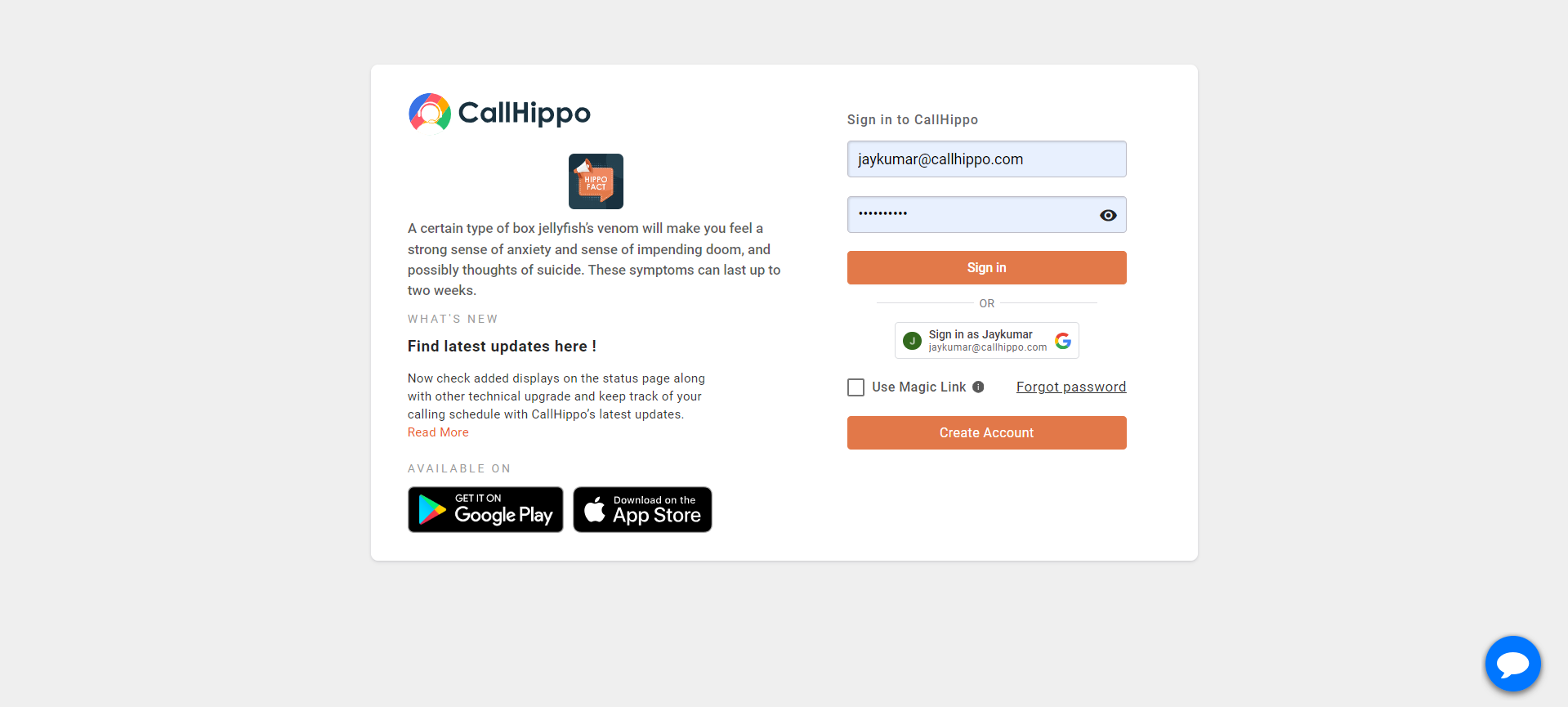
- Log in to CallHippo with your account credentials.
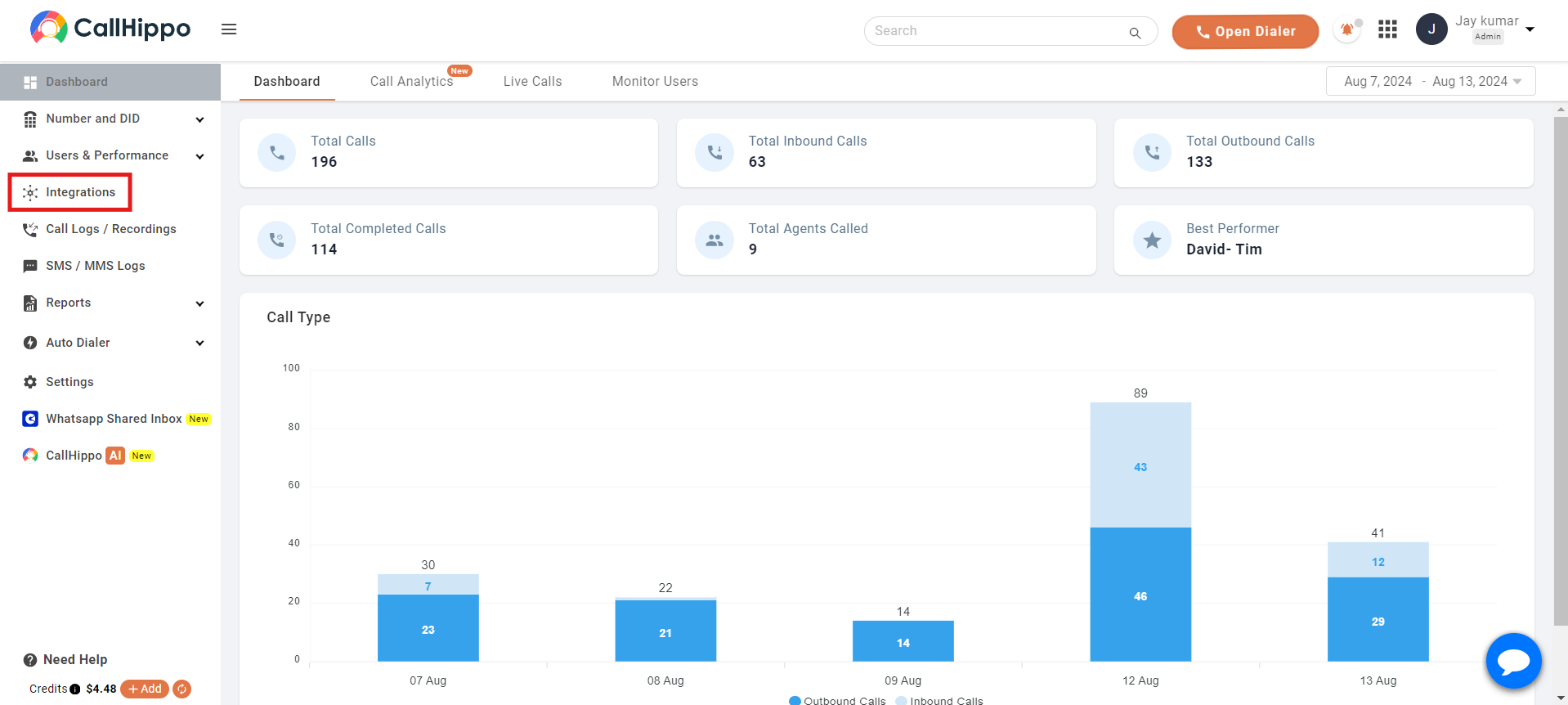
- Open the Integrations tab from the left sidebar.
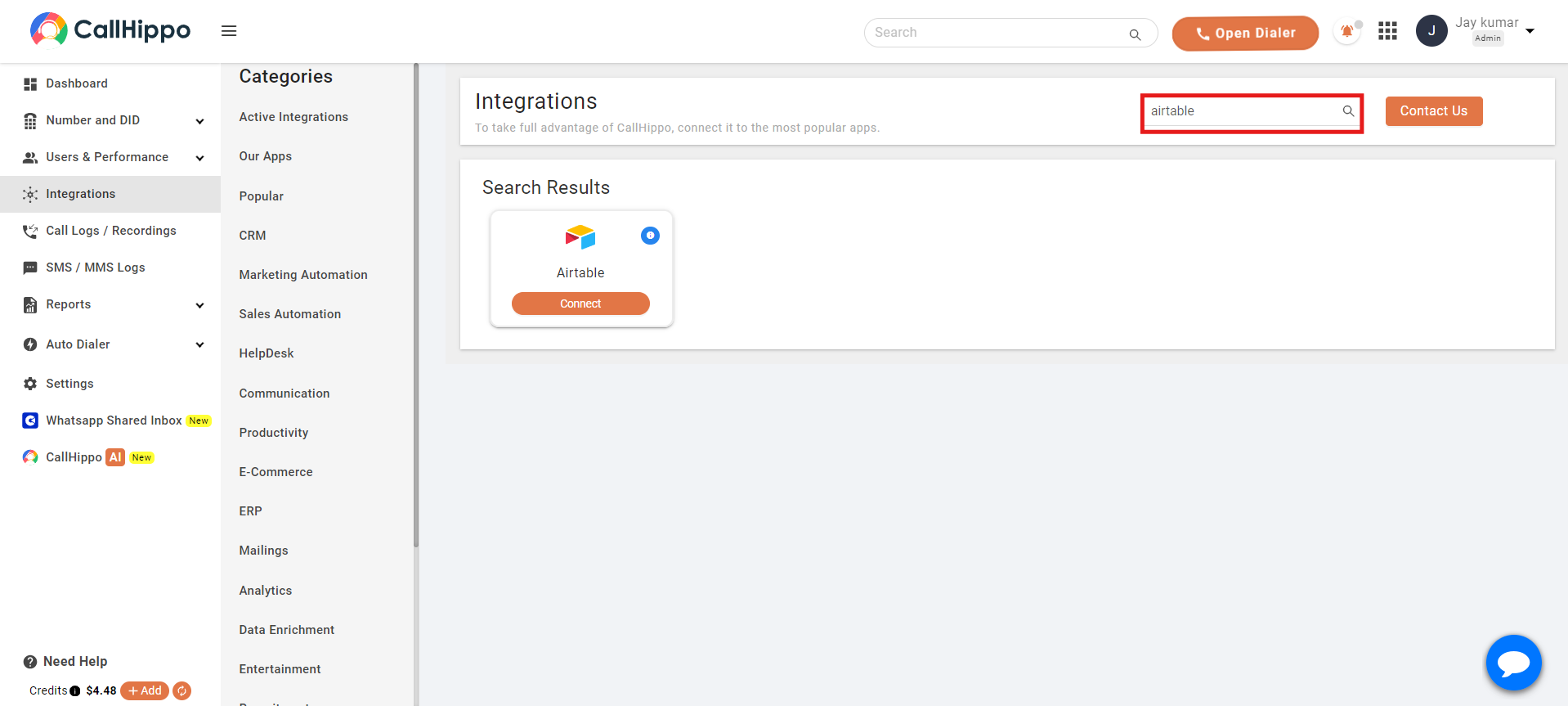
- Search for Airtable in the integrations list and click the Connect button.
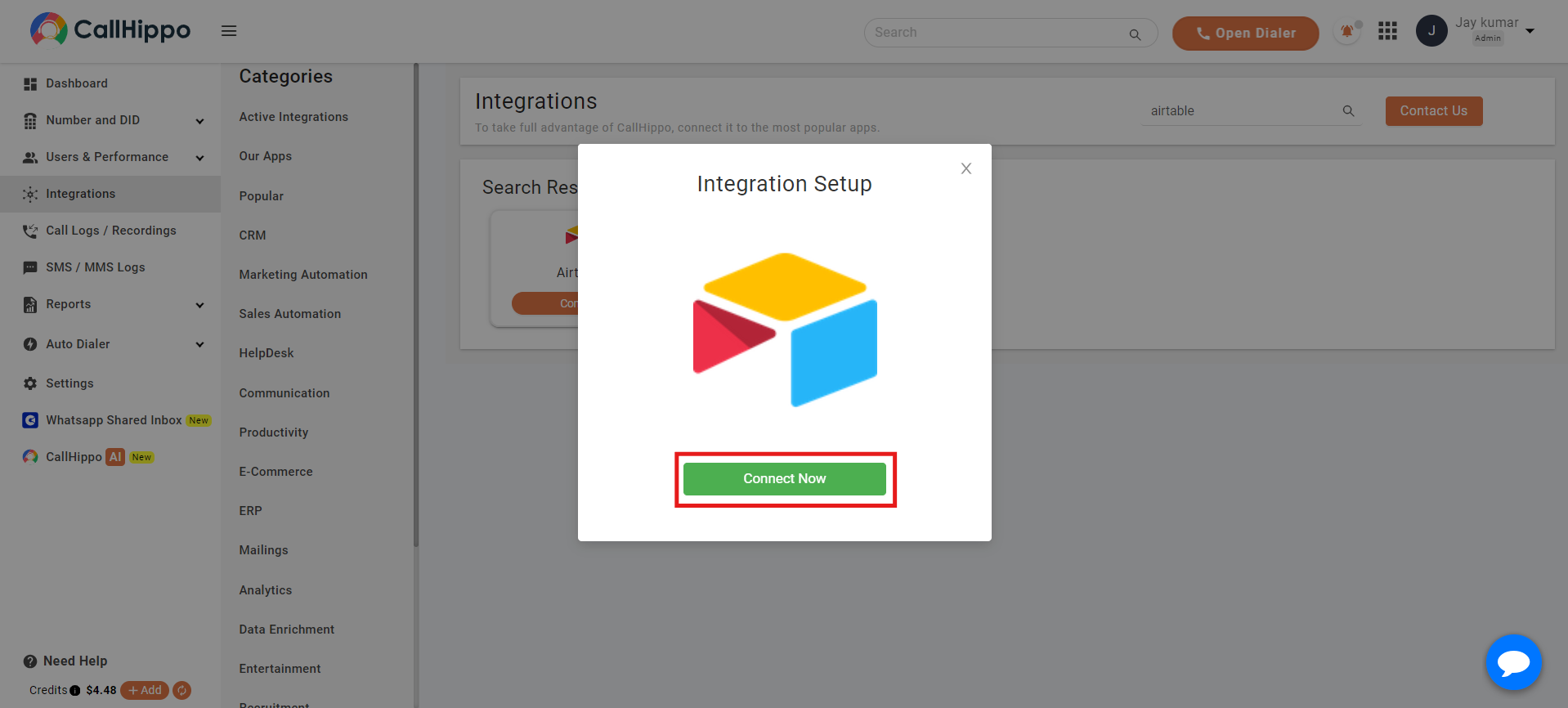
- In the pop-up that appears, click Connect Now.
- You are redirected to the Airtable login page. Enter your credentials and sign in.
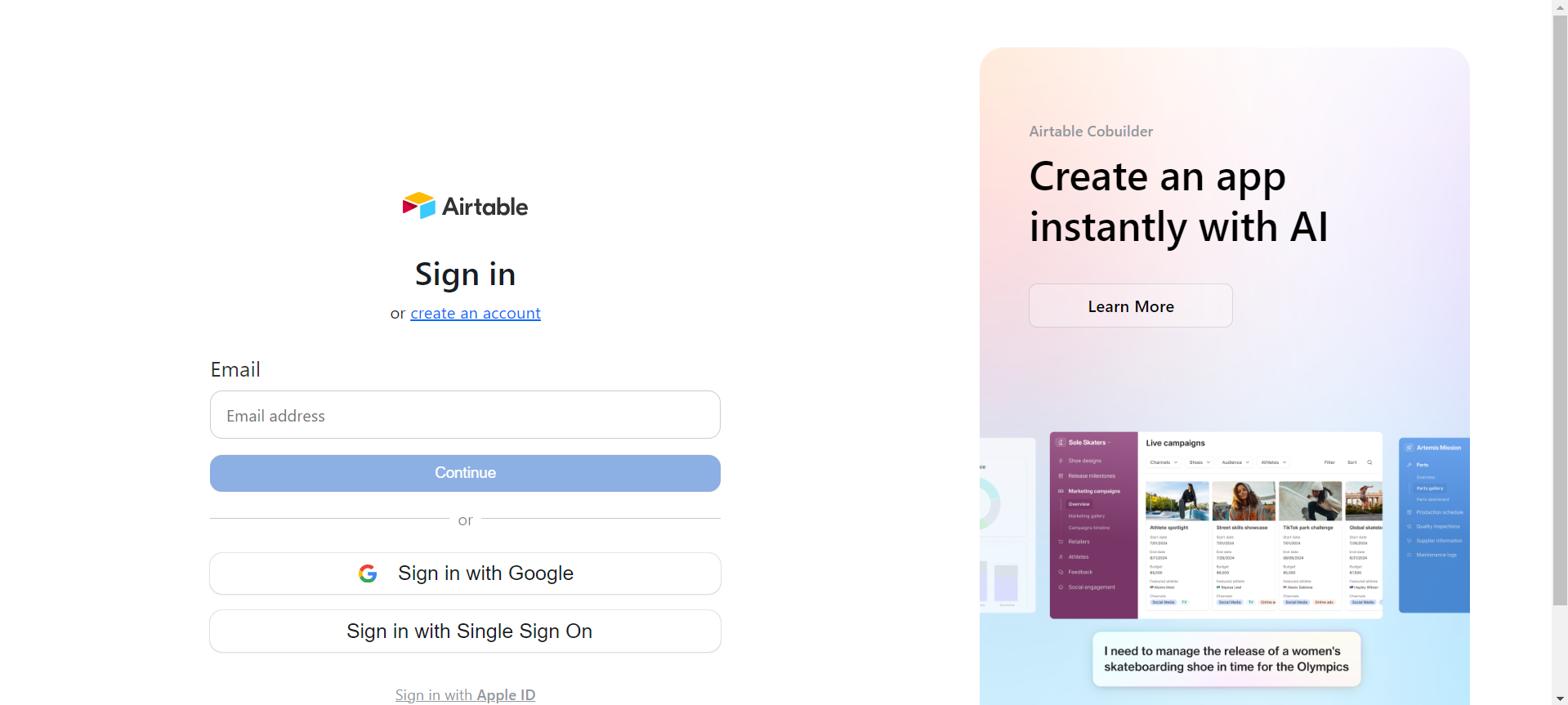
Grant access to your Airtable workspace
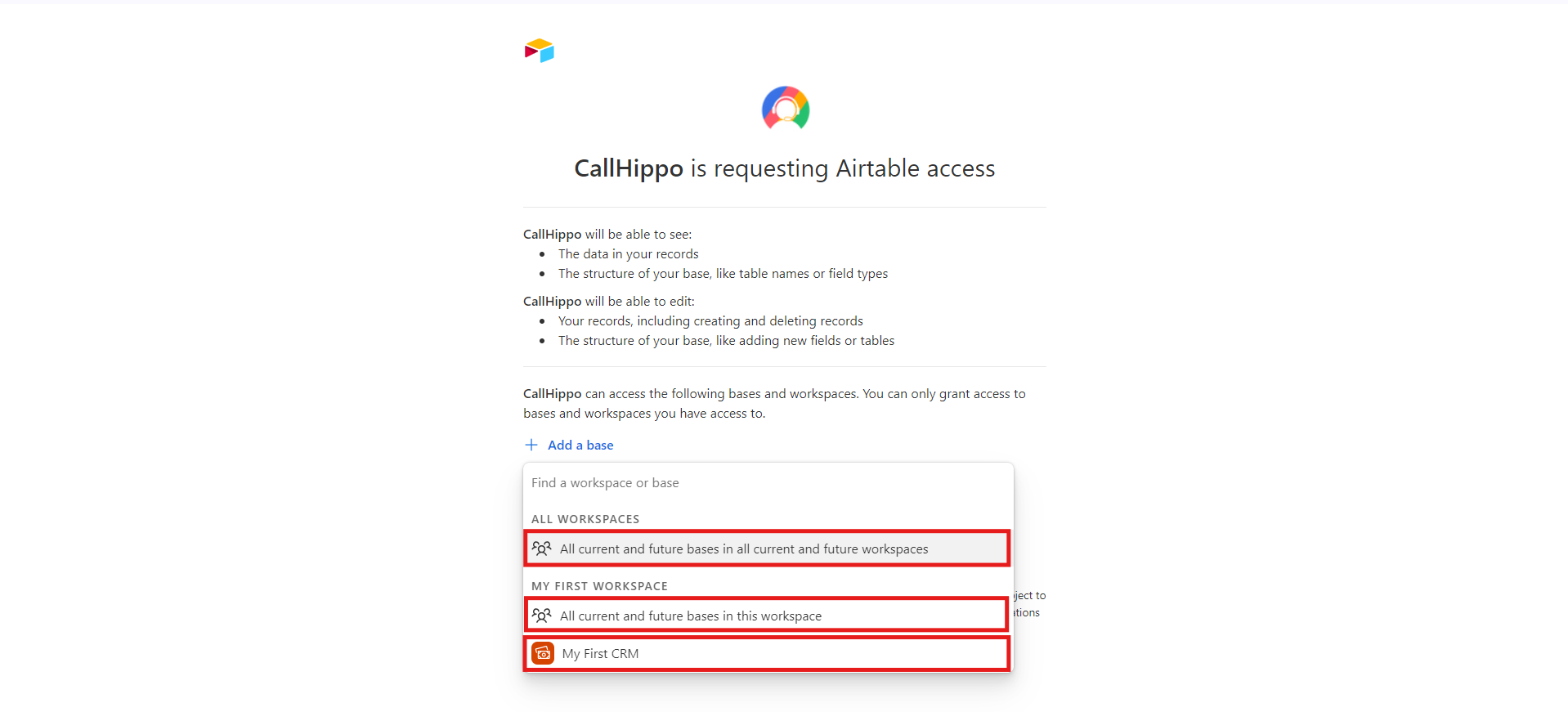
On the access screen, first add a base, then grant access. When adding a base you have three choices:
- All current and future bases in all current and future workspaces.
- All current and future bases in a chosen workspace.
- A specific base you have already created.
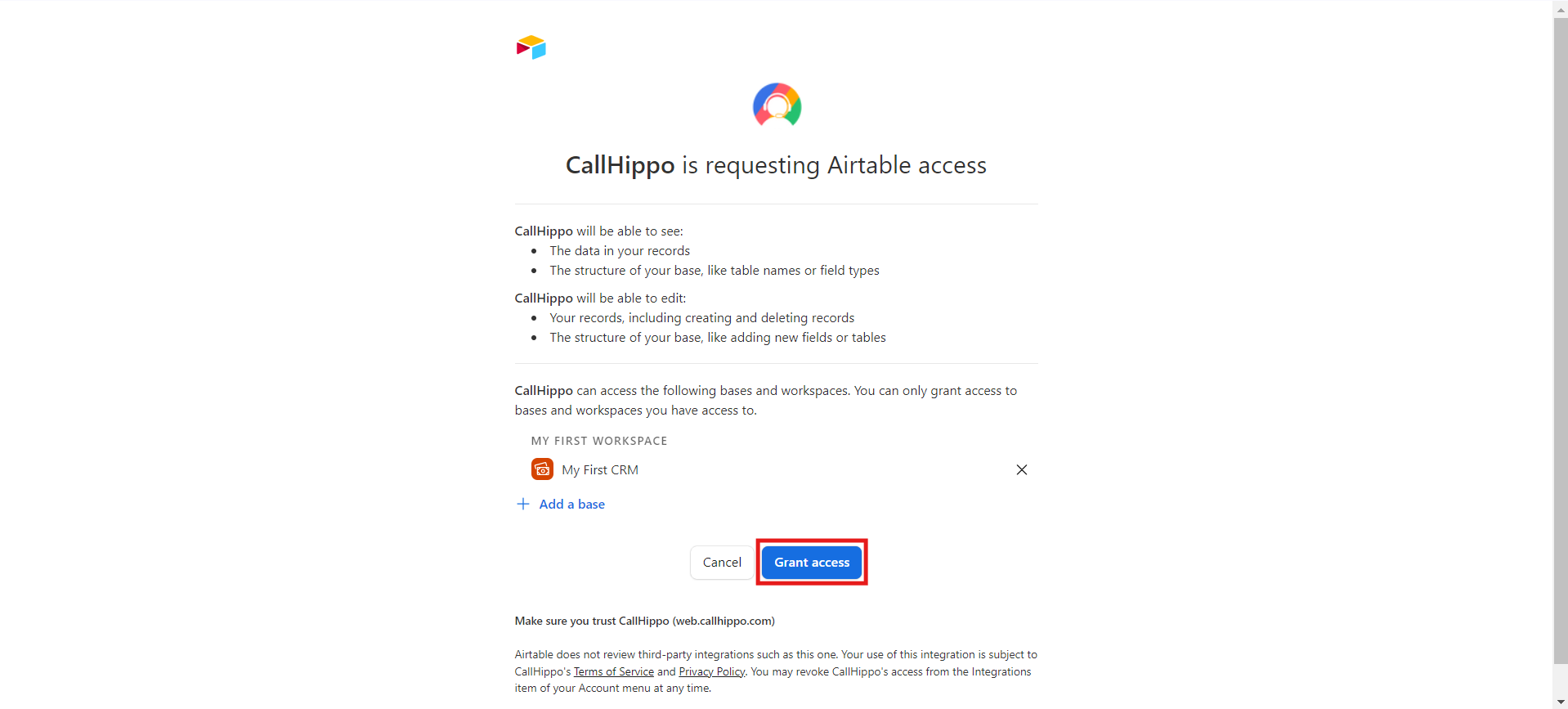
Once you have chosen a base, click Grant Access.
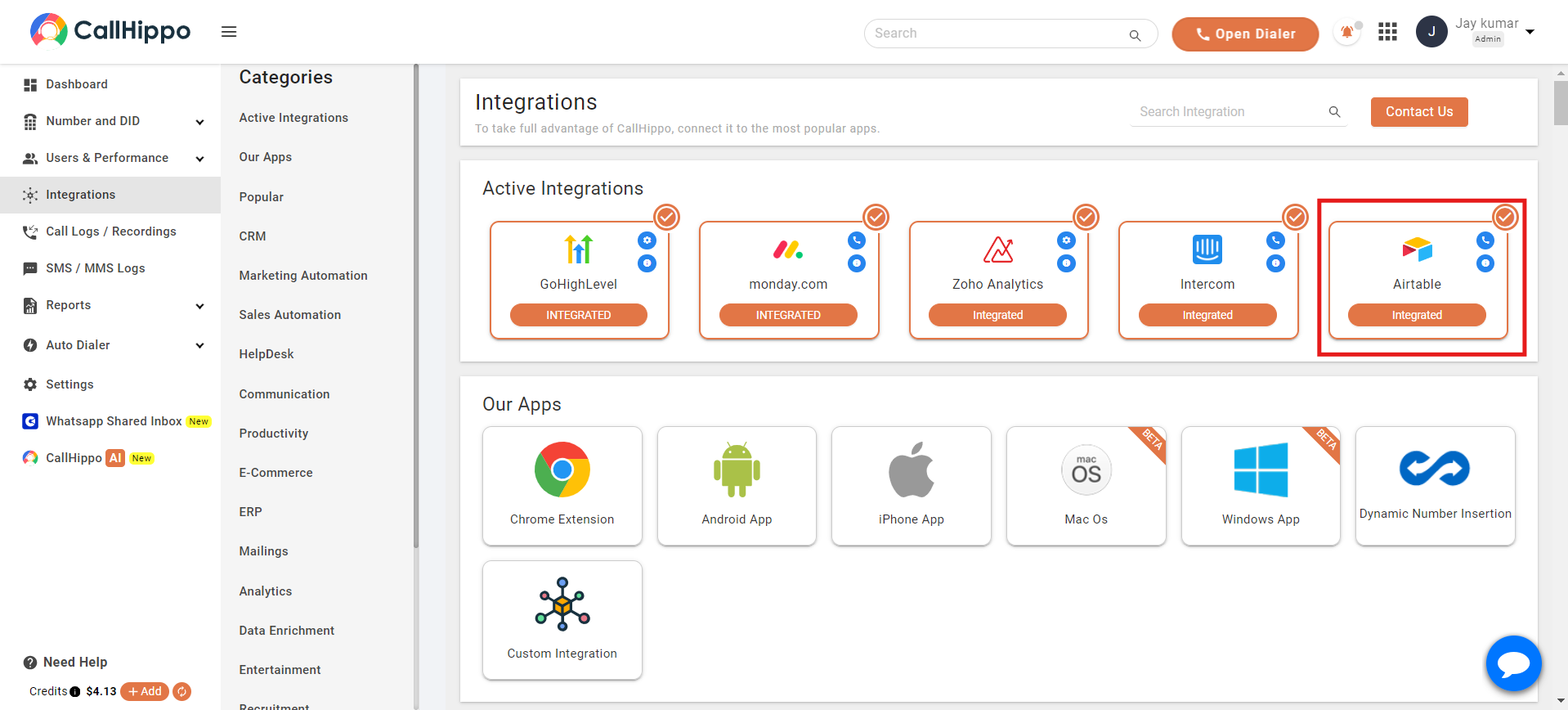
You are returned to the CallHippo integration page, where the status now reads Integrated, confirming Airtable is connected.
Where your data appears in Airtable
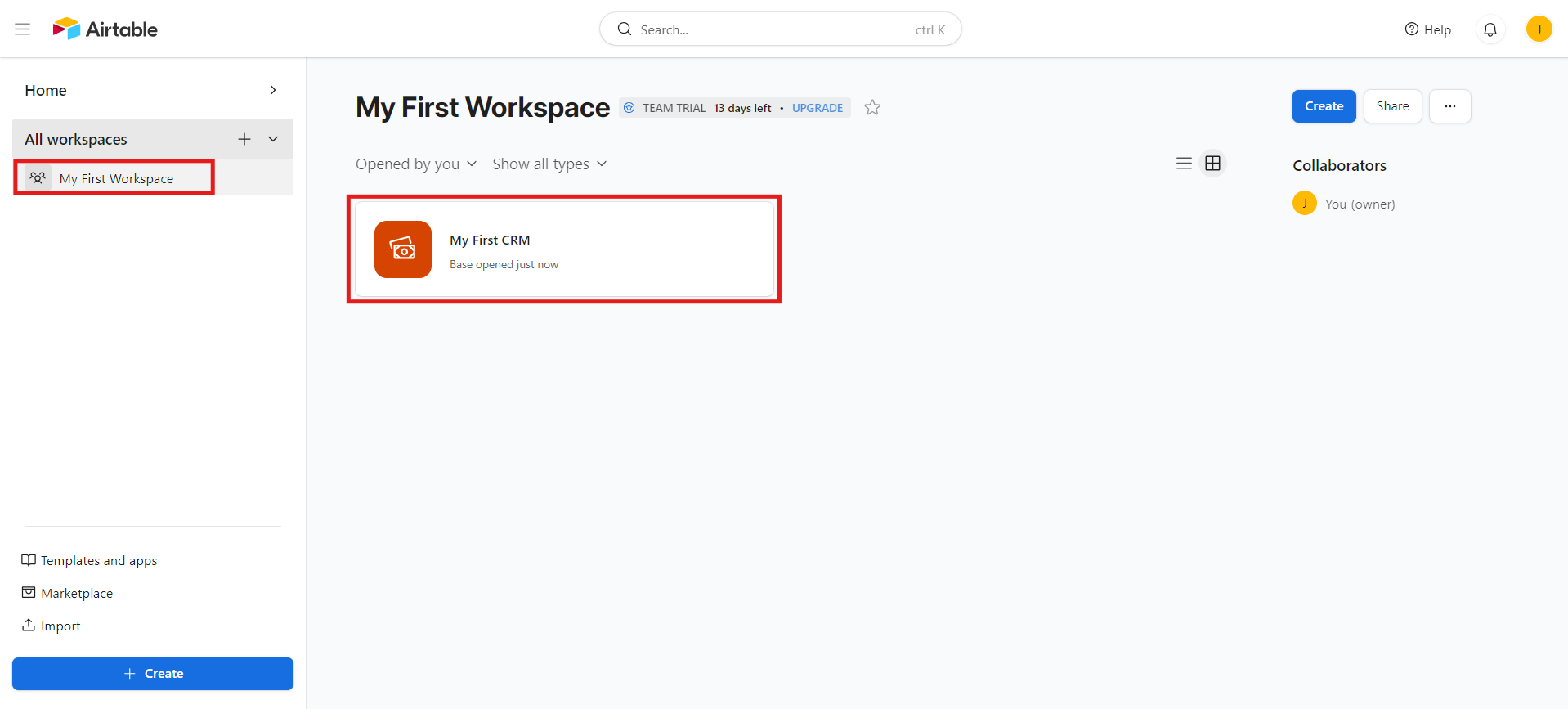
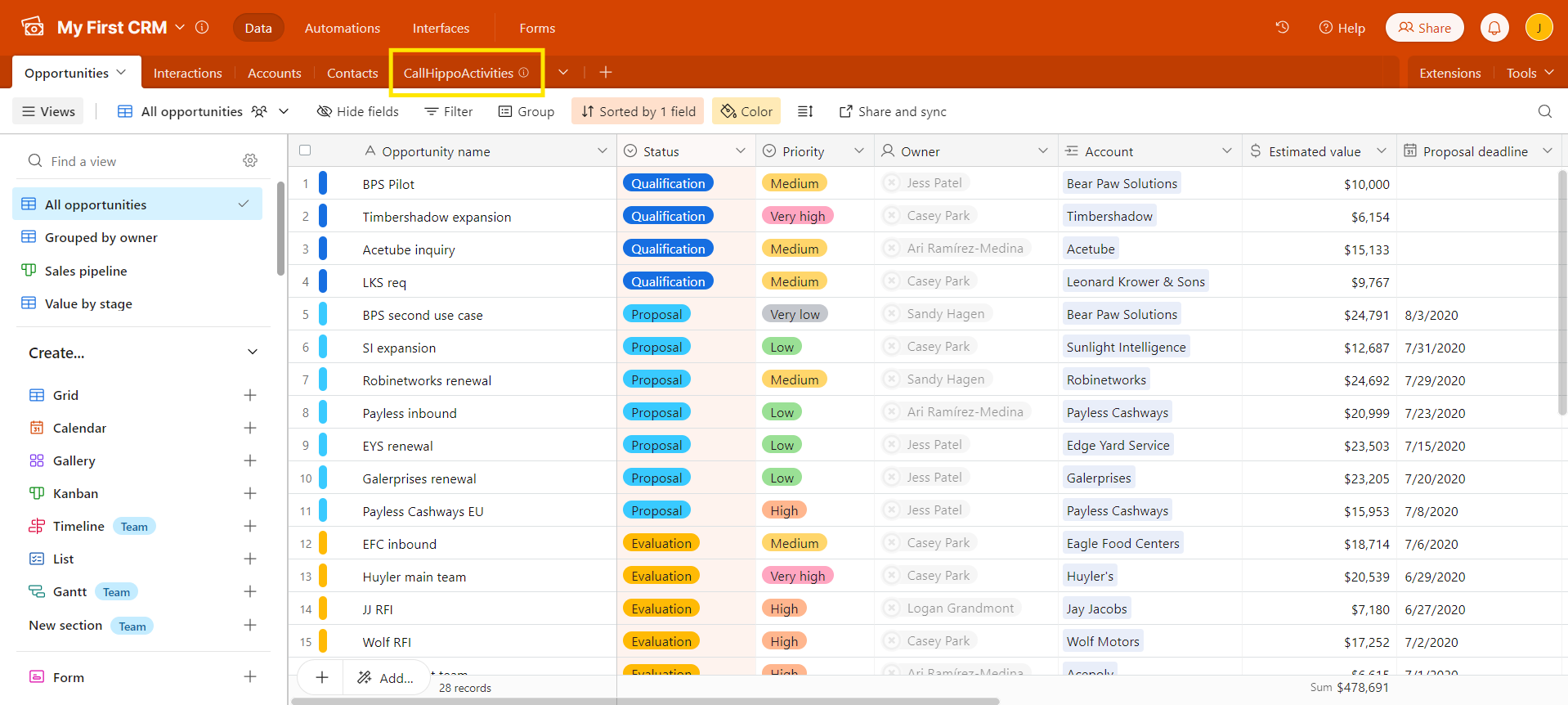
Log in to Airtable and open the workspace where the base lives. A CallHippoActivities table is created automatically inside your Sales CRM base.
- Contacts syncing: contacts from Airtable sync to CallHippo, but only once a click-to-call is made on them.
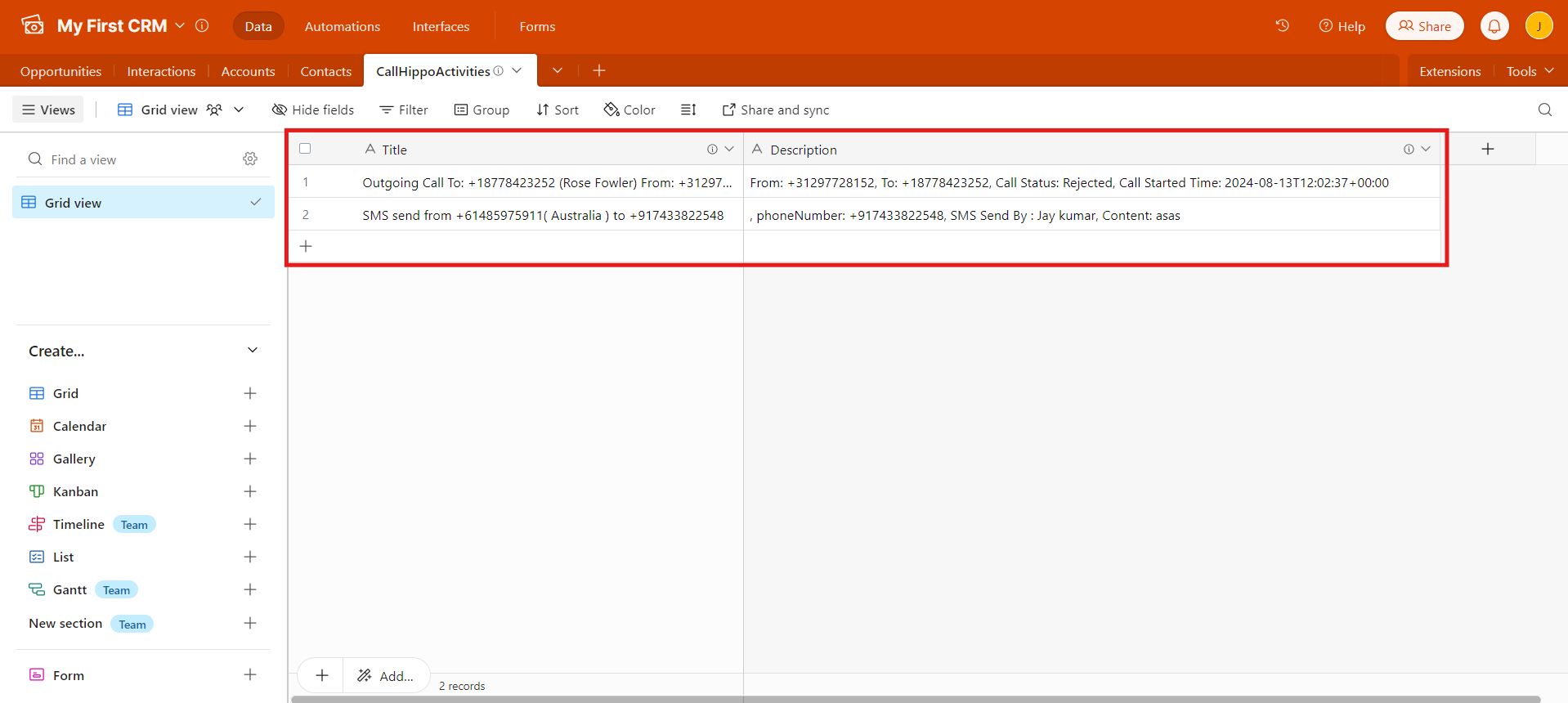
- Call activity: logs for calls made or received from Airtable contacts are recorded in the CallHippoActivities table, including call type, numbers, agent, status, duration and start time.
- SMS activity: logs for SMS sent or received are also recorded, including sender, recipient, sender name and message content.
Click-to-Call from Airtable
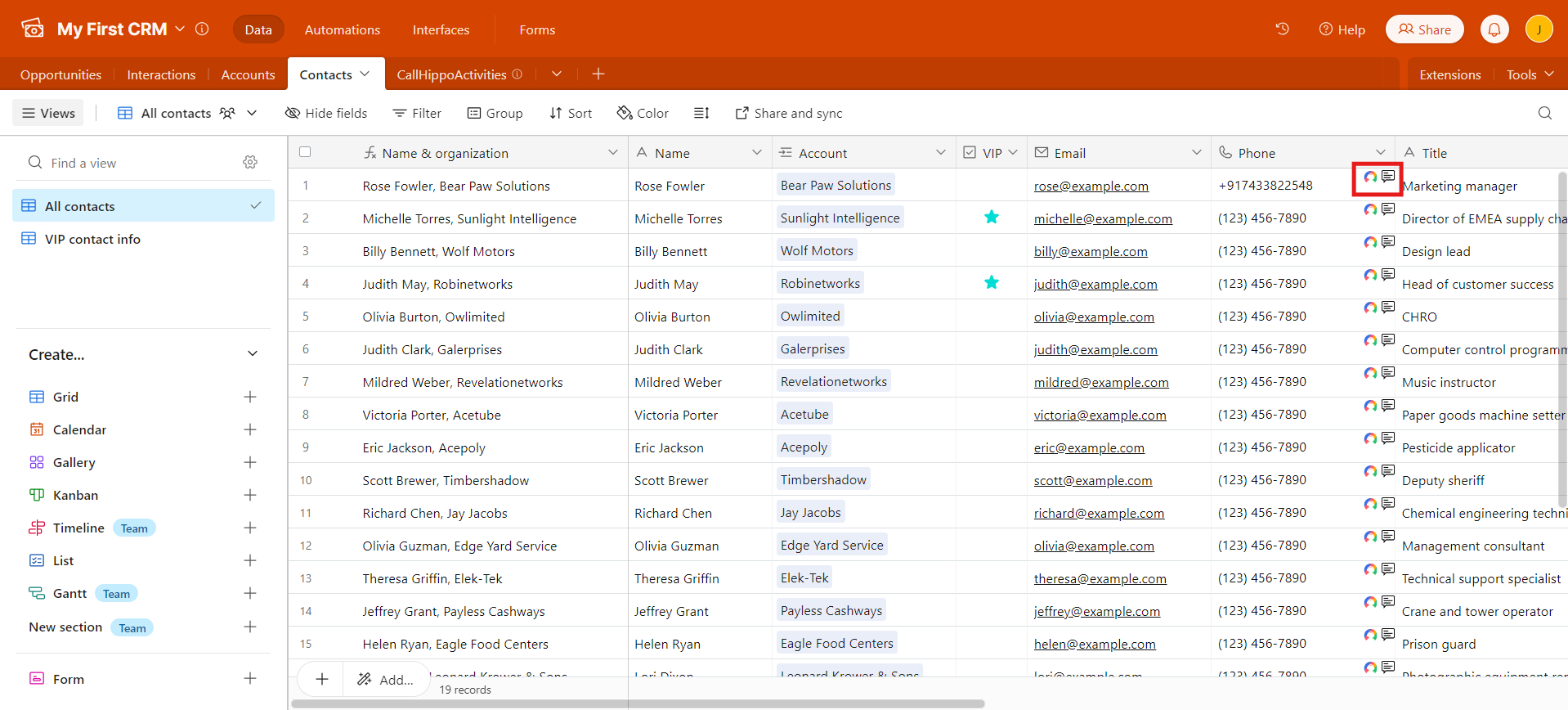
Install the CallHippo Click-to-Call Chrome extension to place calls straight from your Airtable contacts. Click the Click-to-Call icon next to a number and the call is placed through the CallHippo dialer. You can get the extension, CallHippo Virtual Phone System, from the Chrome Web Store.
FAQ
When do my Airtable contacts sync to CallHippo?
Contacts sync from Airtable to CallHippo only after a click-to-call is made on that contact.
Which Airtable app receives CallHippo activities?
Activities are passed into the Sales CRM app only, in the automatically created CallHippoActivities table.