
The Call Status Report gives you an at-a-glance view of the status of every call your team makes, from completed conversations to missed, cancelled, and unanswered calls, broken down by user and country.
Each call in CallHippo is tagged with a status that explains exactly what happened, so you can quickly see how many calls connected, where drop-offs occurred, and how each agent is performing over a chosen date range.
Where to Find the Call Status Report
- Log in to your CallHippo dashboard.
- Click Reports in the menu on the left of your screen.
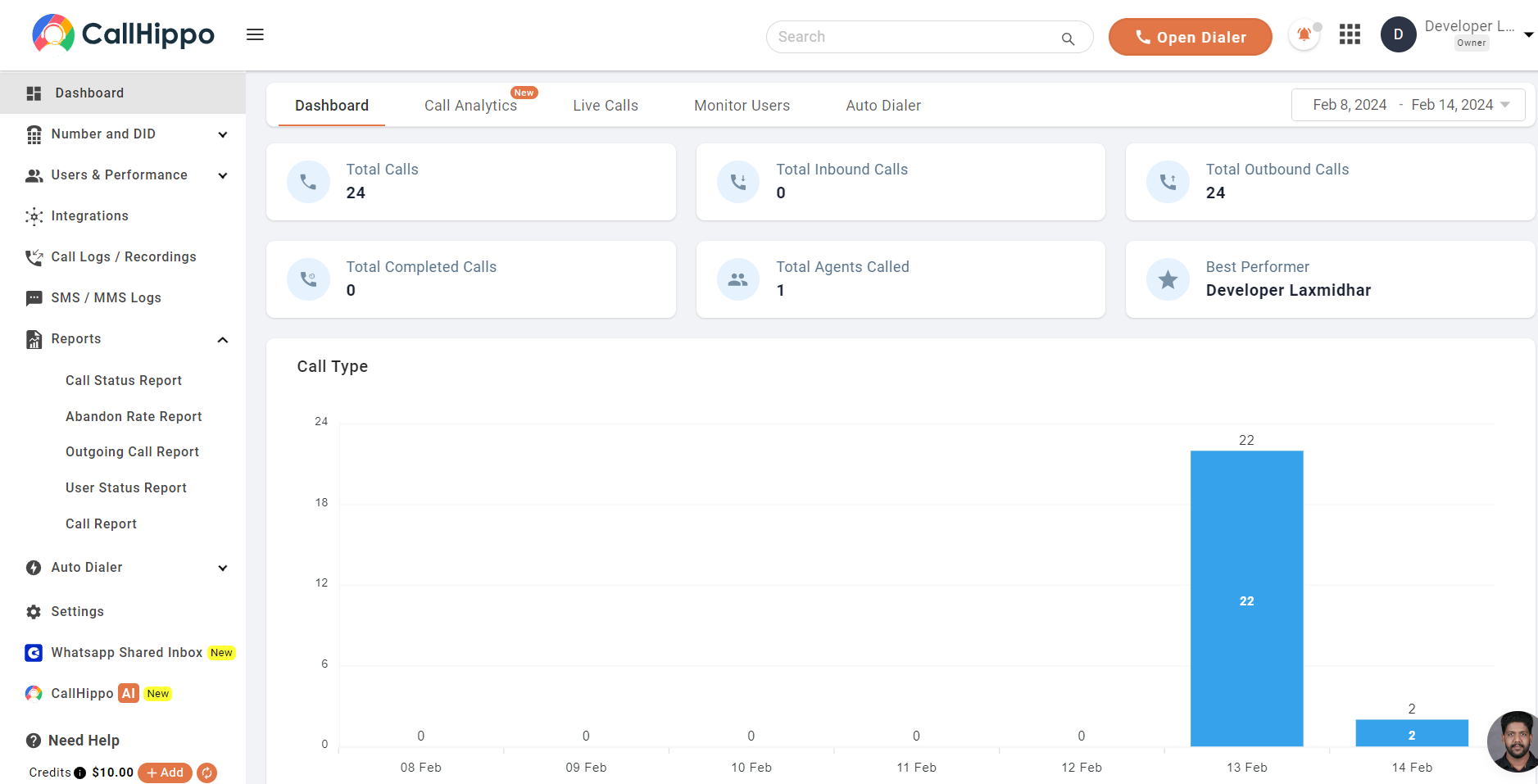
- Select Call Status Report to open the report, where each call status is displayed per user and date.
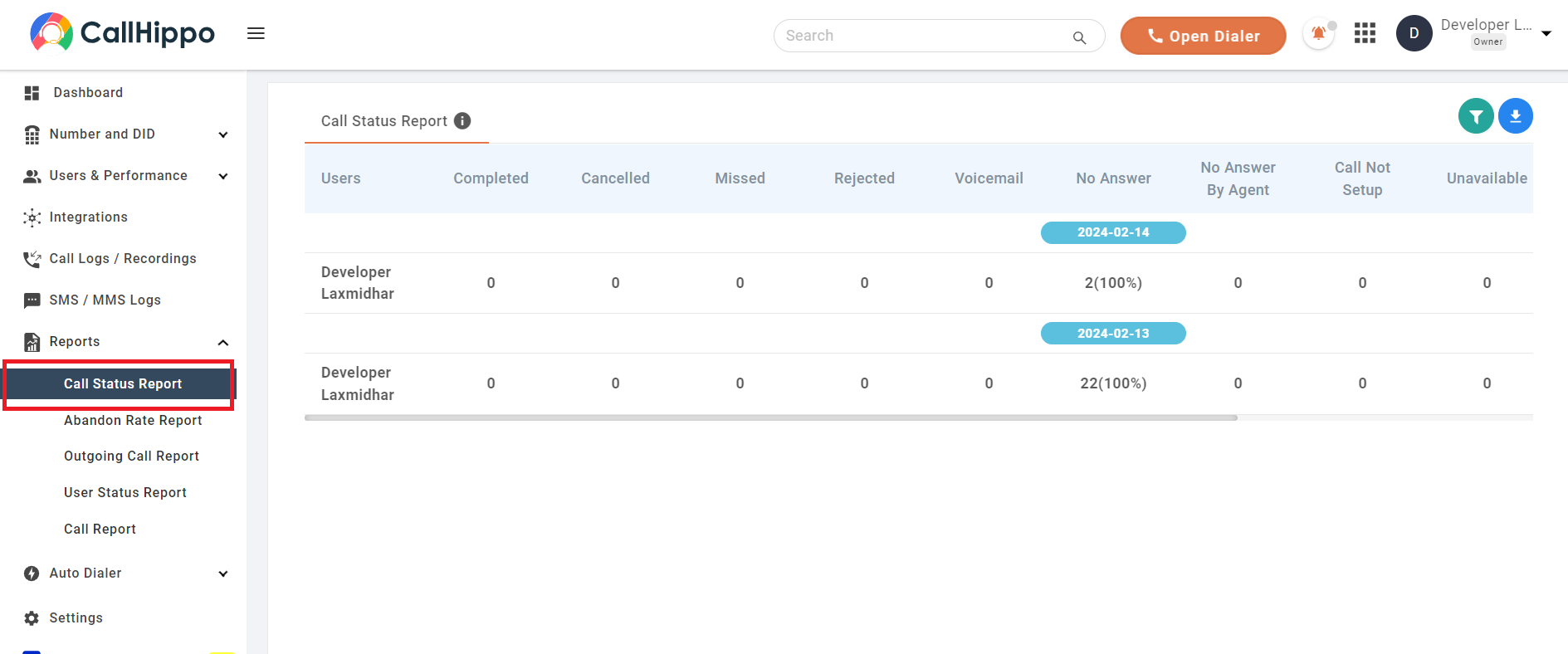
Understanding Each Call Status
Every call is assigned one of the following statuses:
- Welcome Message: the customer disconnected while the initial welcome message was playing.
- Completed: the customer and the user interacted on the call.
- Missed: the user did not pick up the call for some reason.
- No Answer: the user called, but the customer did not pick up.
- Canceled: the user disconnected before the customer picked up.
- IVR: the customer disconnected while the IVR message was playing.
- Voicemail: the user was busy or unavailable, so the customer’s call was redirected to voicemail.
- Unavailable: the user is not available for a call.
- Rejected: the customer intentionally rejected the call.
- Call Not Setup: the user or number is unavailable, out of service hours, or the number is blocked.
- Failed: the outgoing call did not connect due to an issue at the receiver’s end.
Downloading the Report
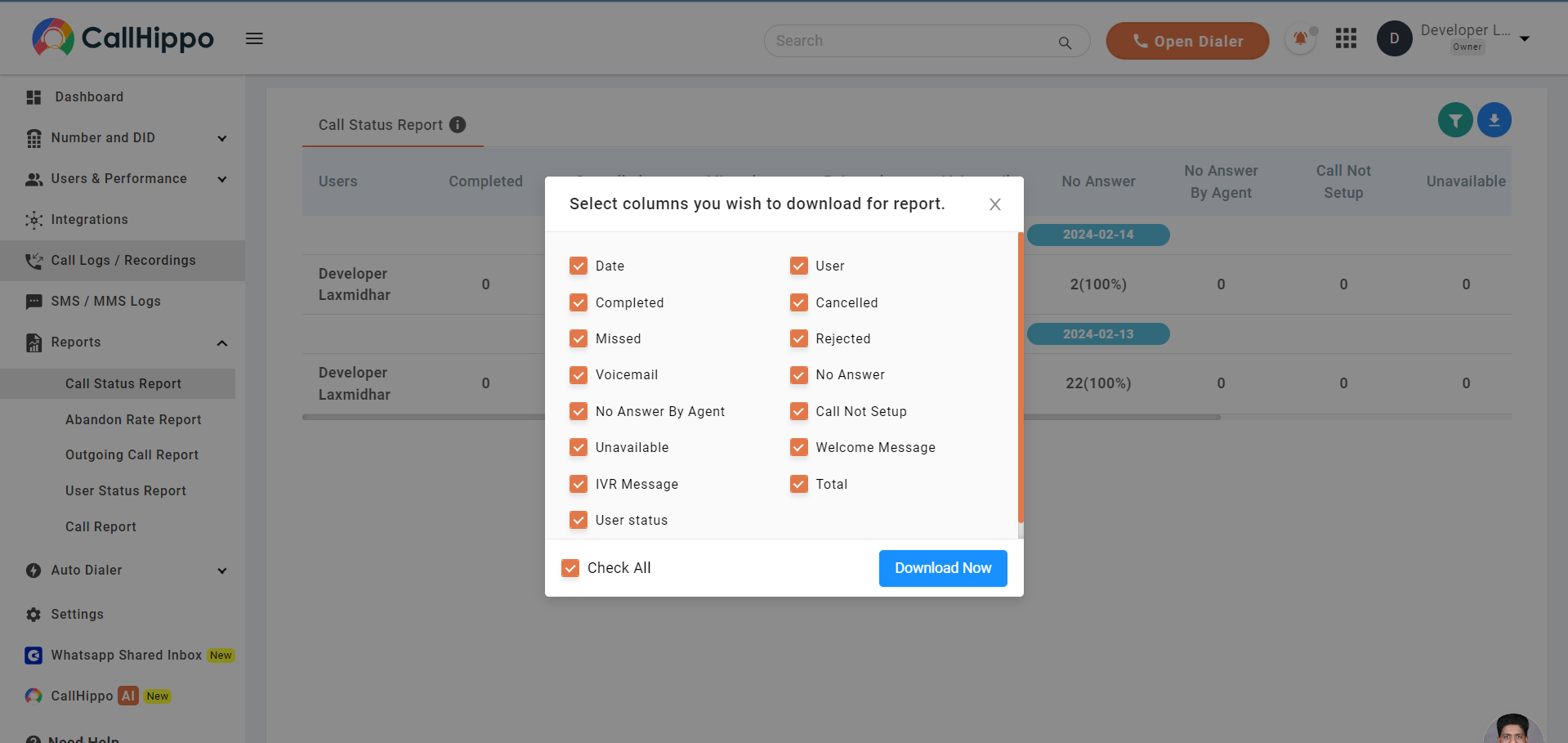
You can export the report with the exact status fields you need. Click the download icon, choose the columns you want to include, and click Download Now.
Frequently Asked Questions
What does the Call Status Report show?
It shows the status of all your calls, including the total calls made, the status of each call (such as Completed, Missed, or No Answer), and the country you called along with the number of calls per country.
Can I download the report with only certain statuses?
Yes. When you download the report, you can select the specific columns and status fields you want to include before exporting.