
Connecting Customer.io with CallHippo lets you bring your calling activity into your messaging workspace so you can build better-targeted segments and trigger automations around customer conversations. This guide walks you through collecting your Customer.io credentials and completing the connection inside CallHippo.
Before you begin
Make sure you have the following ready:
- An active Customer.io account with access to the Integrations area.
- A CallHippo account where you can manage integrations.
- Permission to view or manage your Customer.io API credentials.
Get your Customer.io Site ID and API Key
Start in your Customer.io workspace to collect the two credentials CallHippo needs.
- Log in to your Customer.io account.
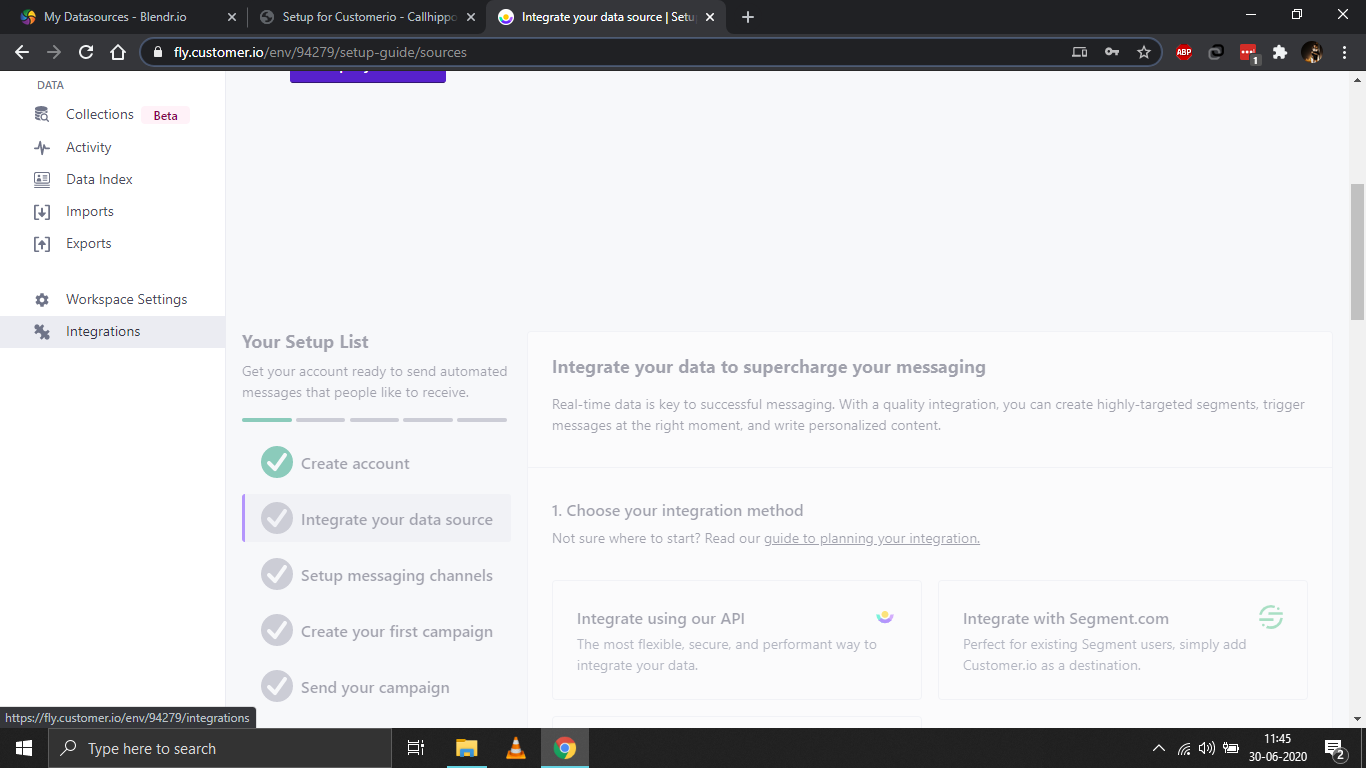
- Move your pointer to the left side of the Customer.io dashboard and select the Integrations tab.
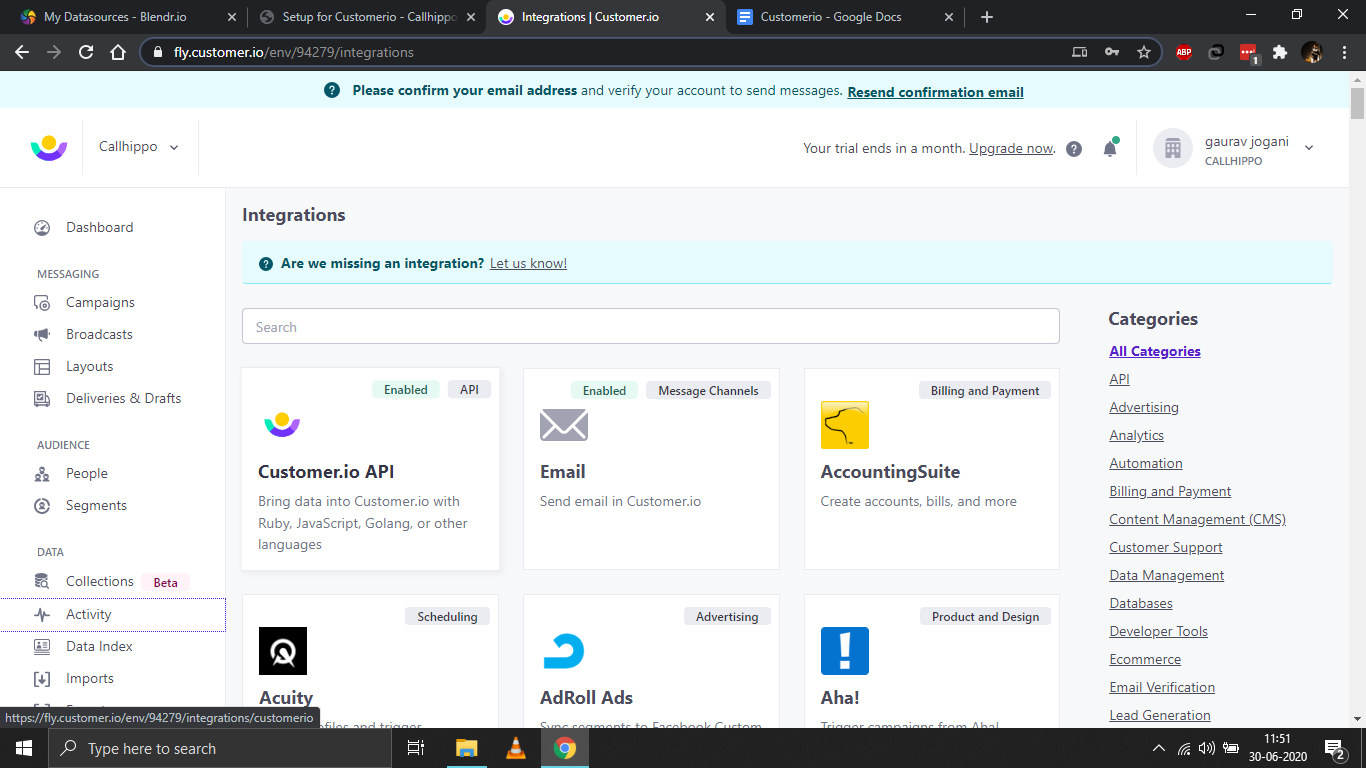
- Open the Customer.io API integration.
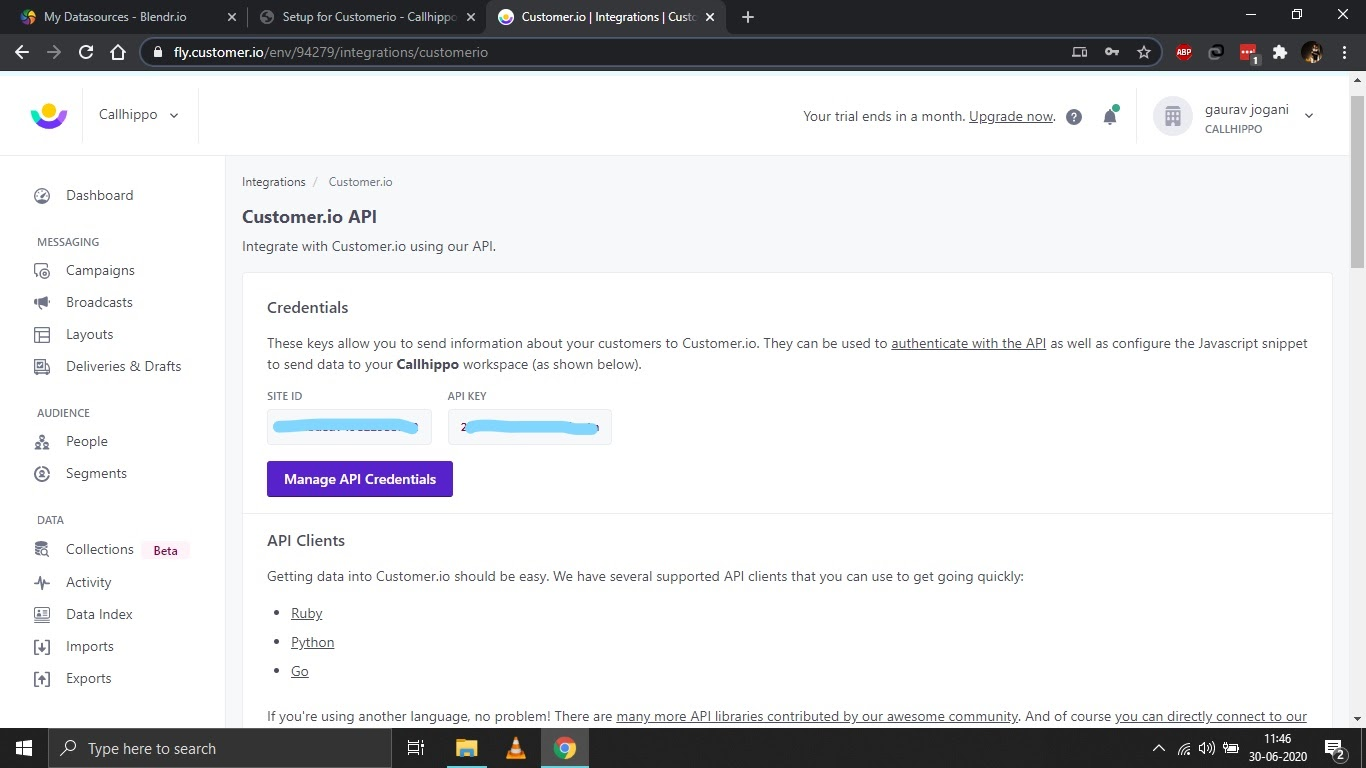
- On the Credentials screen, note down your Site ID and API Key. You will paste these into CallHippo in the next section.
Connect Customer.io in CallHippo
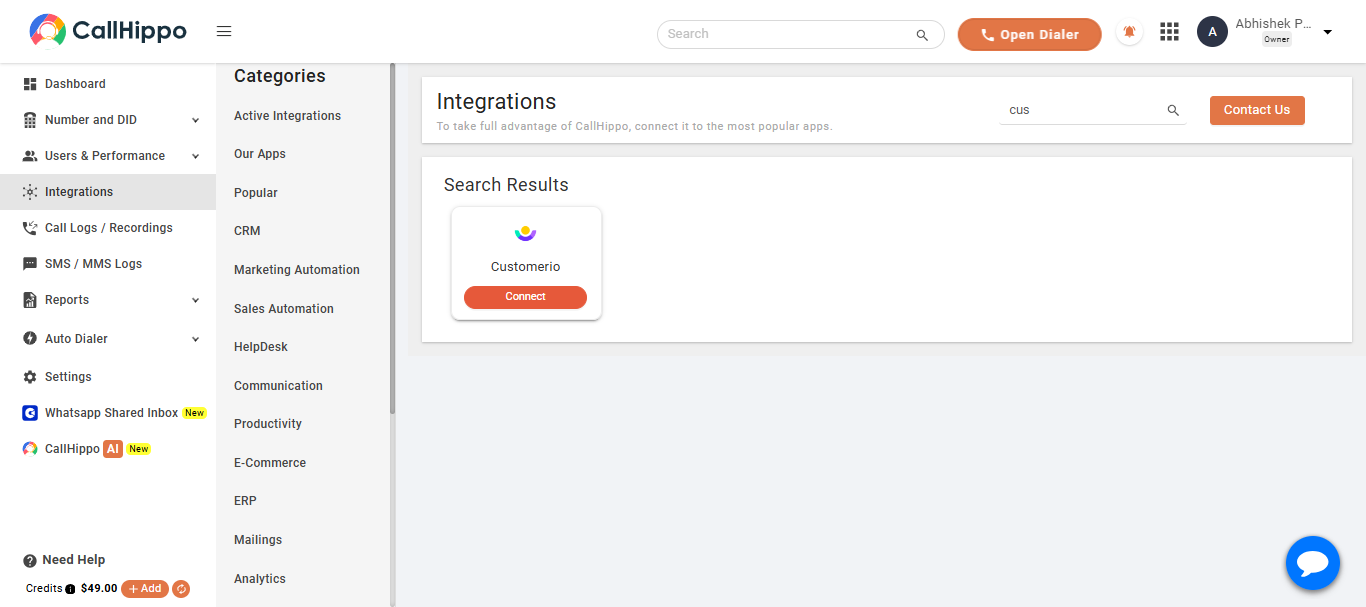
- Log in to your CallHippo account and open the Integrations tab.
- Search for Customerio and click Integrate (or Connect) on the Customerio card.
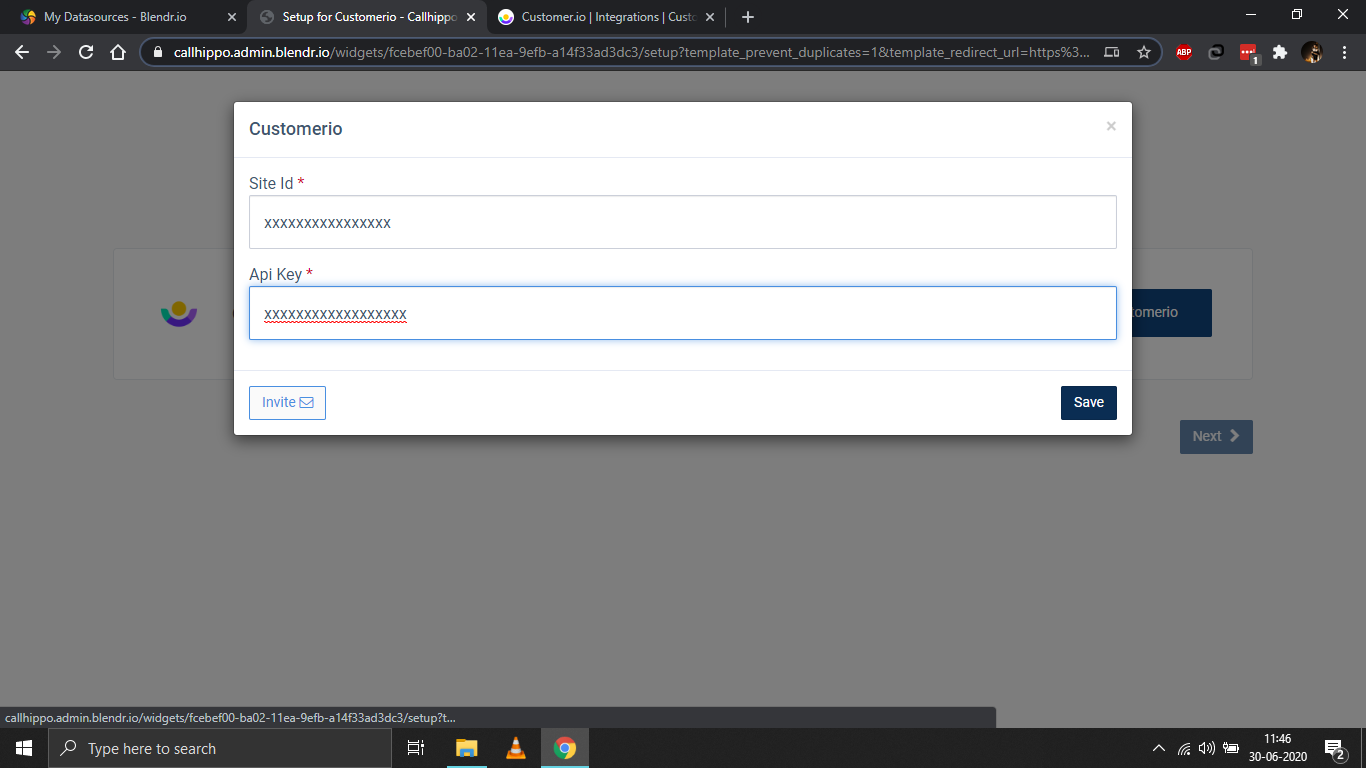
- In the popup, enter the Site Id and Api Key you copied from Customer.io, then click Save.
- Click Okay and then Next to complete the setup.
Verify the integration
After saving, you are redirected back to your CallHippo account. Open the Integrations page and confirm the Customerio status now shows Integrated. Your account is now connected and ready to sync call activity with Customer.io.
Still need help? Reach us at [email protected].