
Link your Front shared inbox with CallHippo to sync contacts, place calls with a single click, and log every call and SMS as a note, so your team can handle phone support alongside email in one place. Here’s how to set it up.
Connect Front to CallHippo
Set up the integration from your CallHippo dashboard.
- Log in to your CallHippo account.
- In the left sidebar, click Integrations.
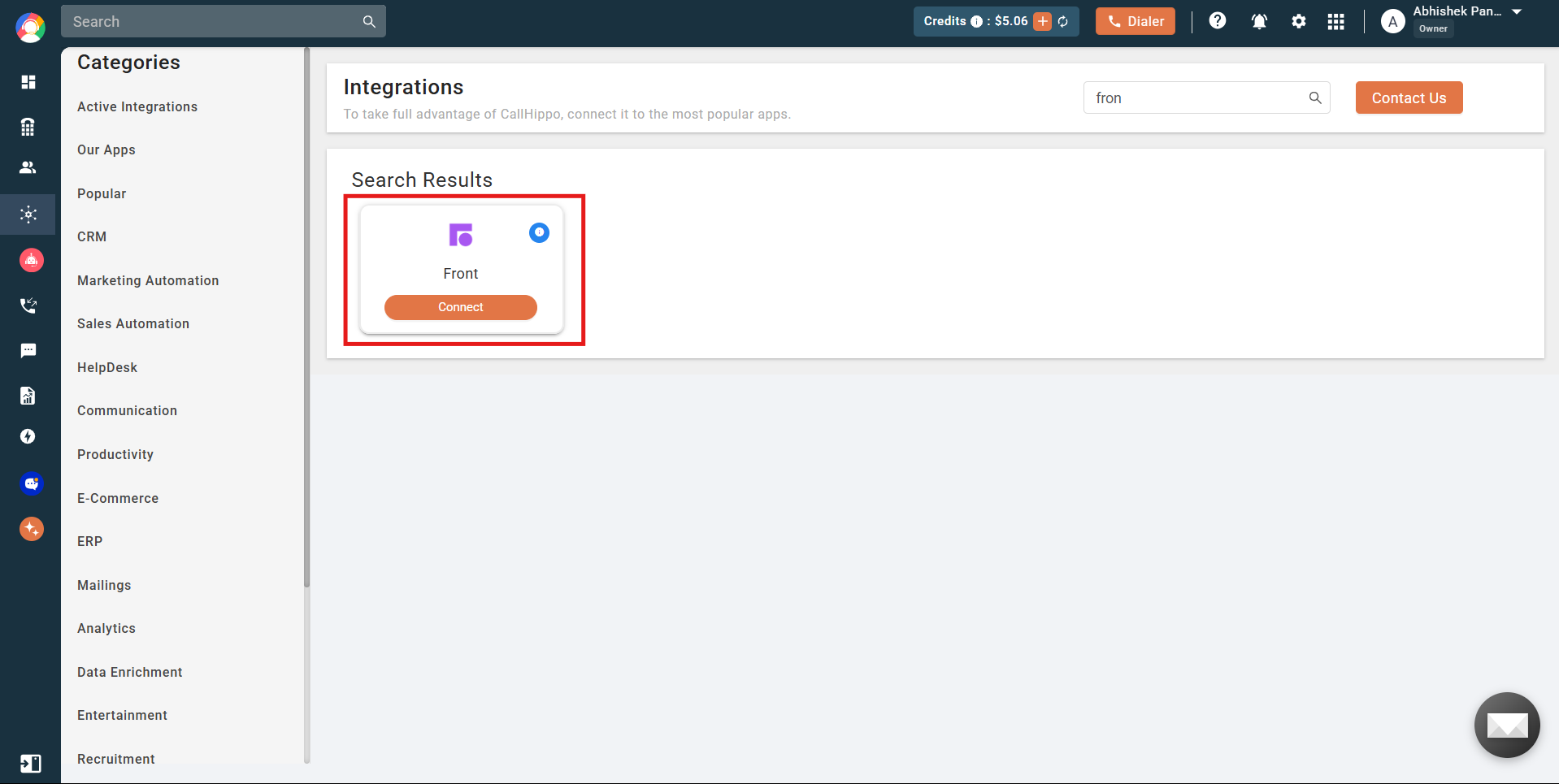
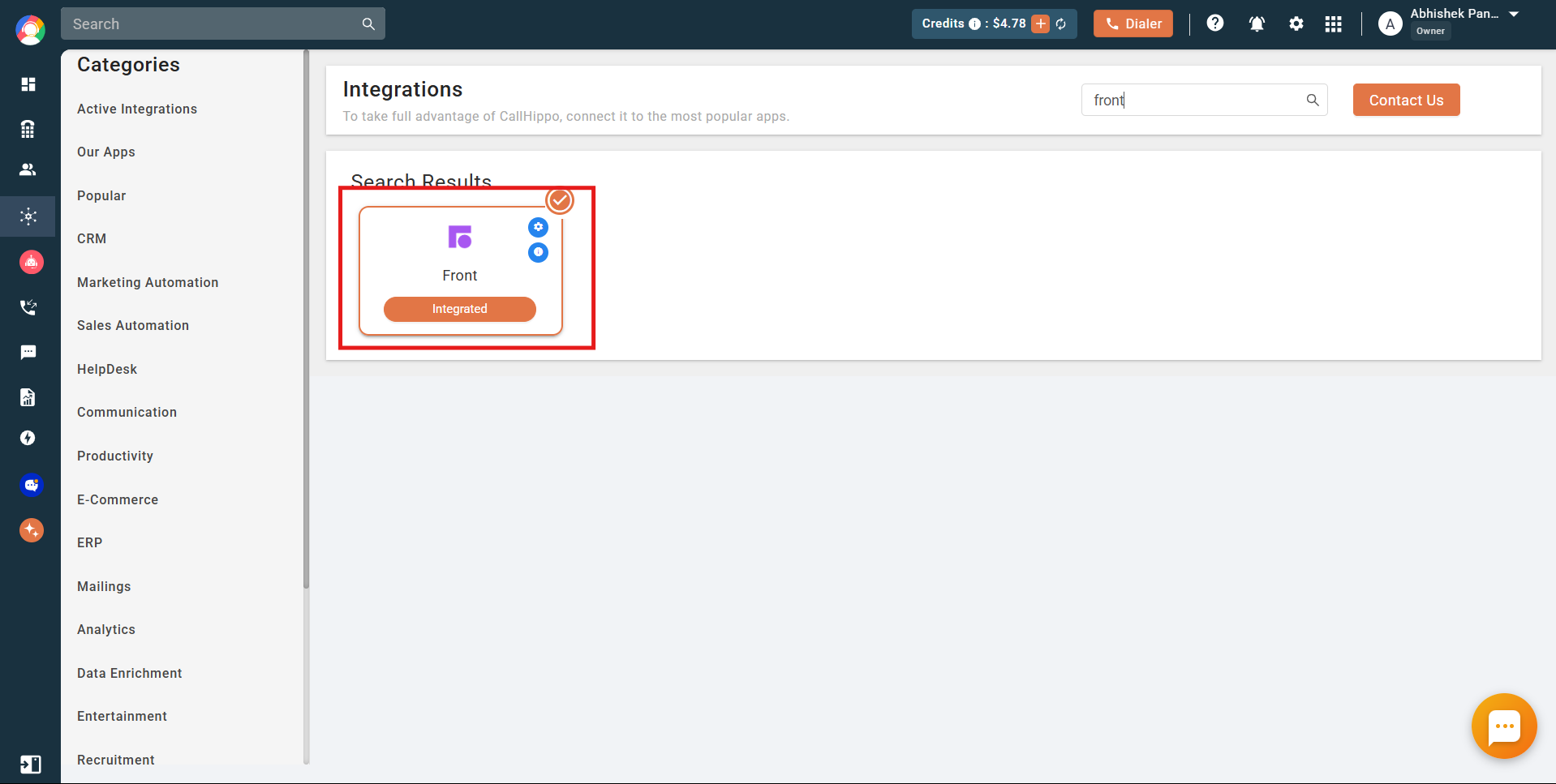
- Find Front in the list of applications and click Connect.
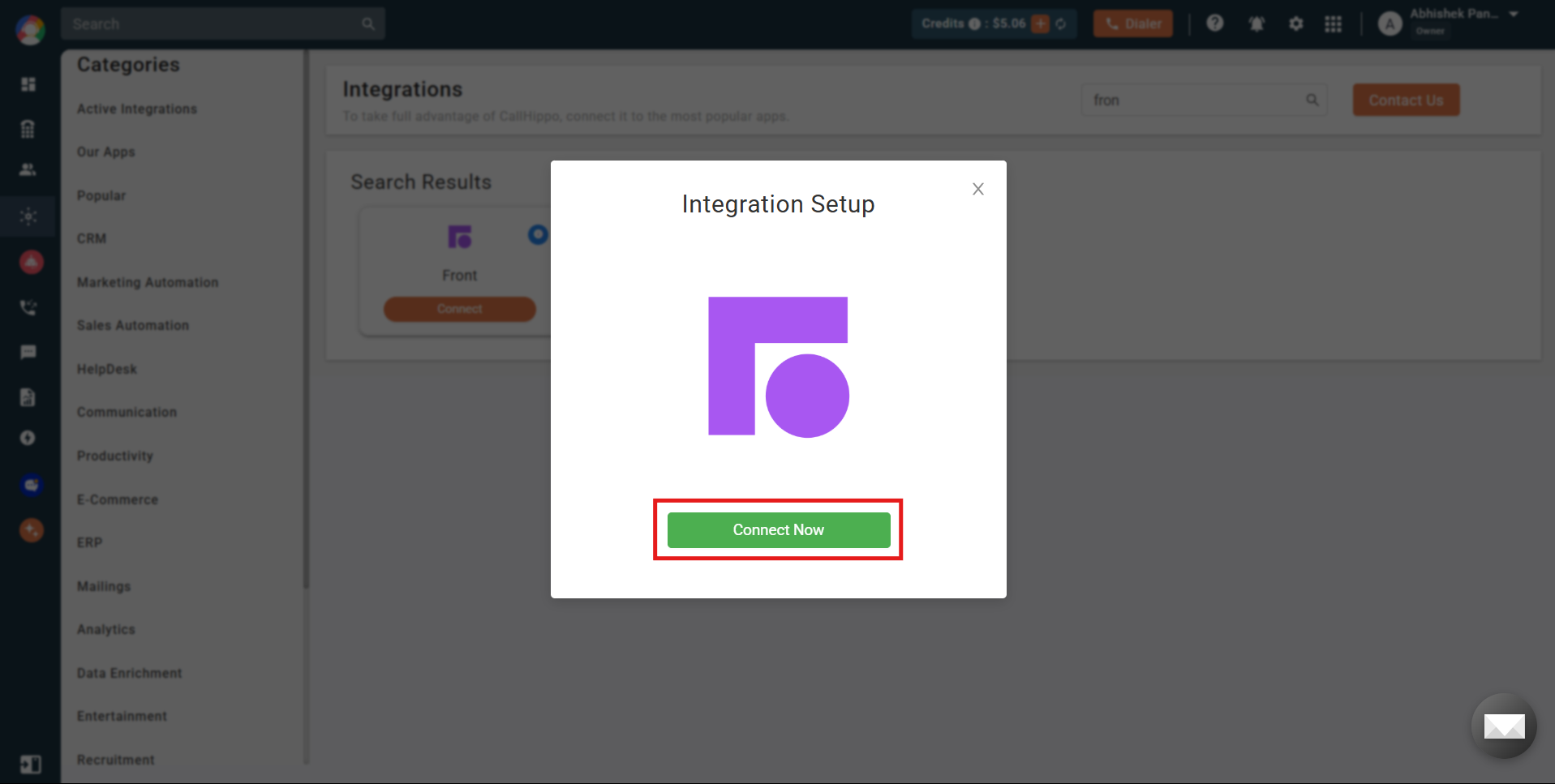
- In the pop-up that appears, click Connect Now.
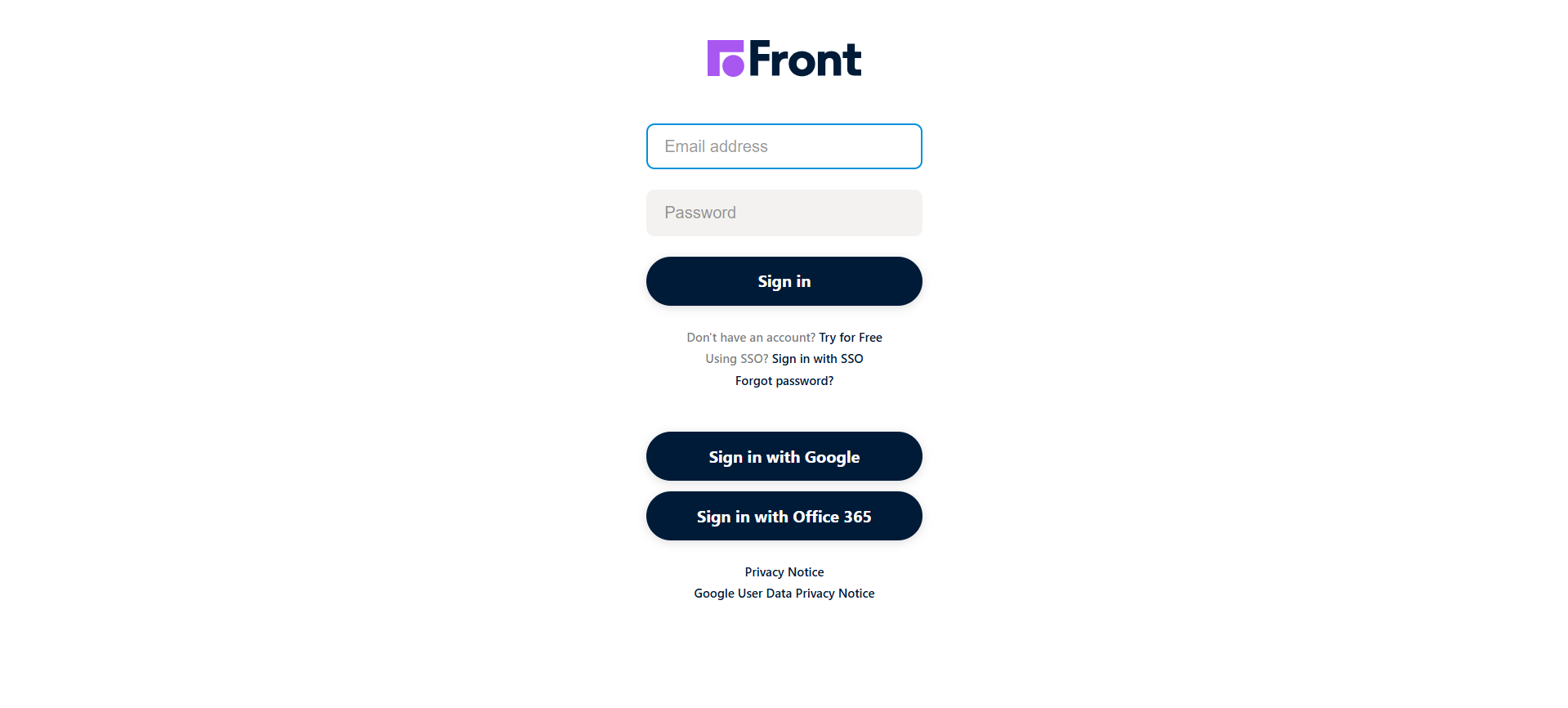
- You are redirected to the Front login screen. Sign in (if you are already logged in to Front, you go straight to the permissions page).
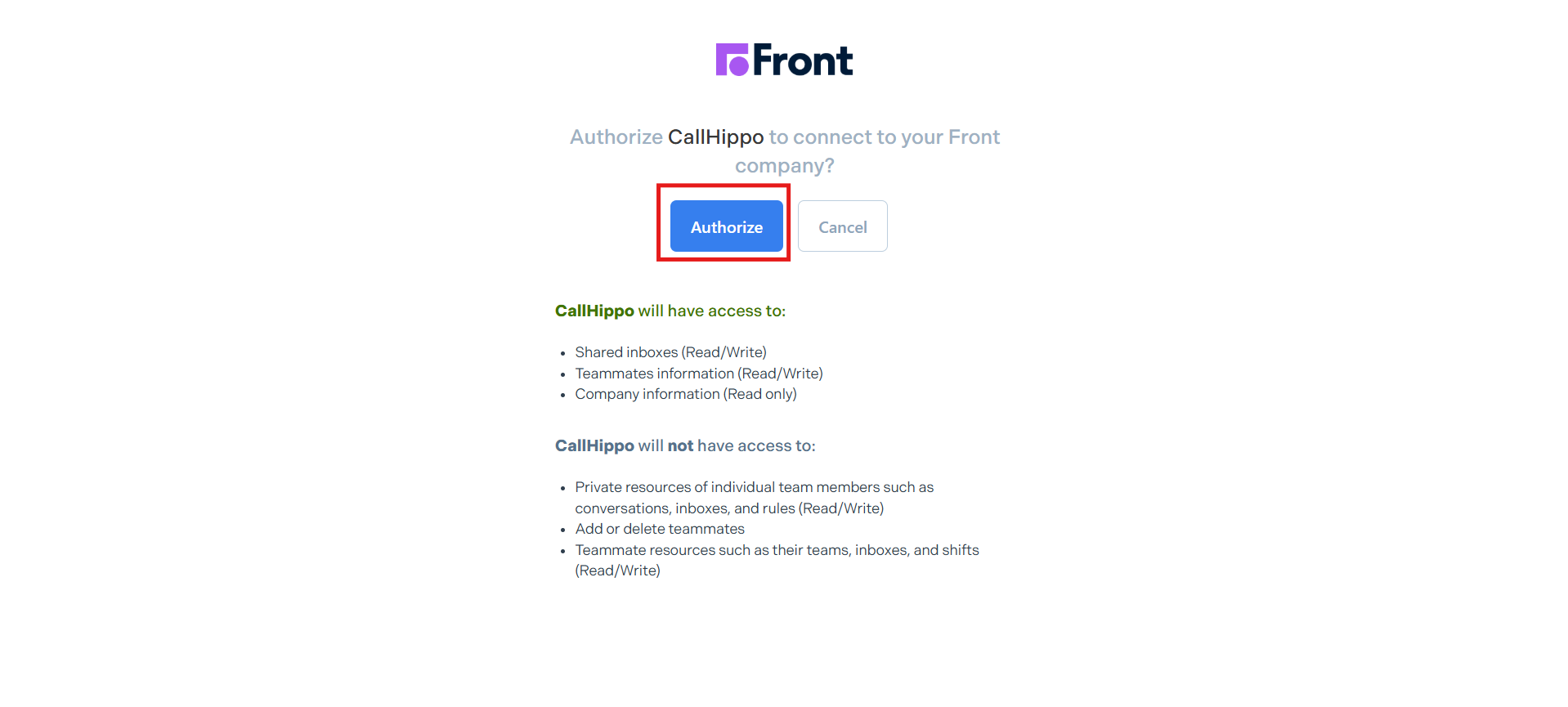
- On the permissions page, click Authorize to grant CallHippo the access it needs.
- You are returned to CallHippo, and the integration status shows Integrated. Front is now connected.
Enable Click to Call
To dial numbers directly from Front, install the CallHippo Click-to-Call Chrome extension:
What the Front integration does
- All existing and new contacts with a phone number in Front (except private contacts) are synced to the CallHippo dialer when a Click to Call action is performed on that contact.
- For every call or SMS made through the CallHippo dialer, CallHippo creates a note recording the Call or SMS activity on the relevant contact.
Limitations
- Custom fields are not synced.
- Private contacts are not synced.
Still need help? Reach us at [email protected].