
Need quick answers while using CallHippo? You can find instant solutions right inside your dashboard.
Find instant solutions
- Log in to your CallHippo account at web.callhippo.com/dashboard.
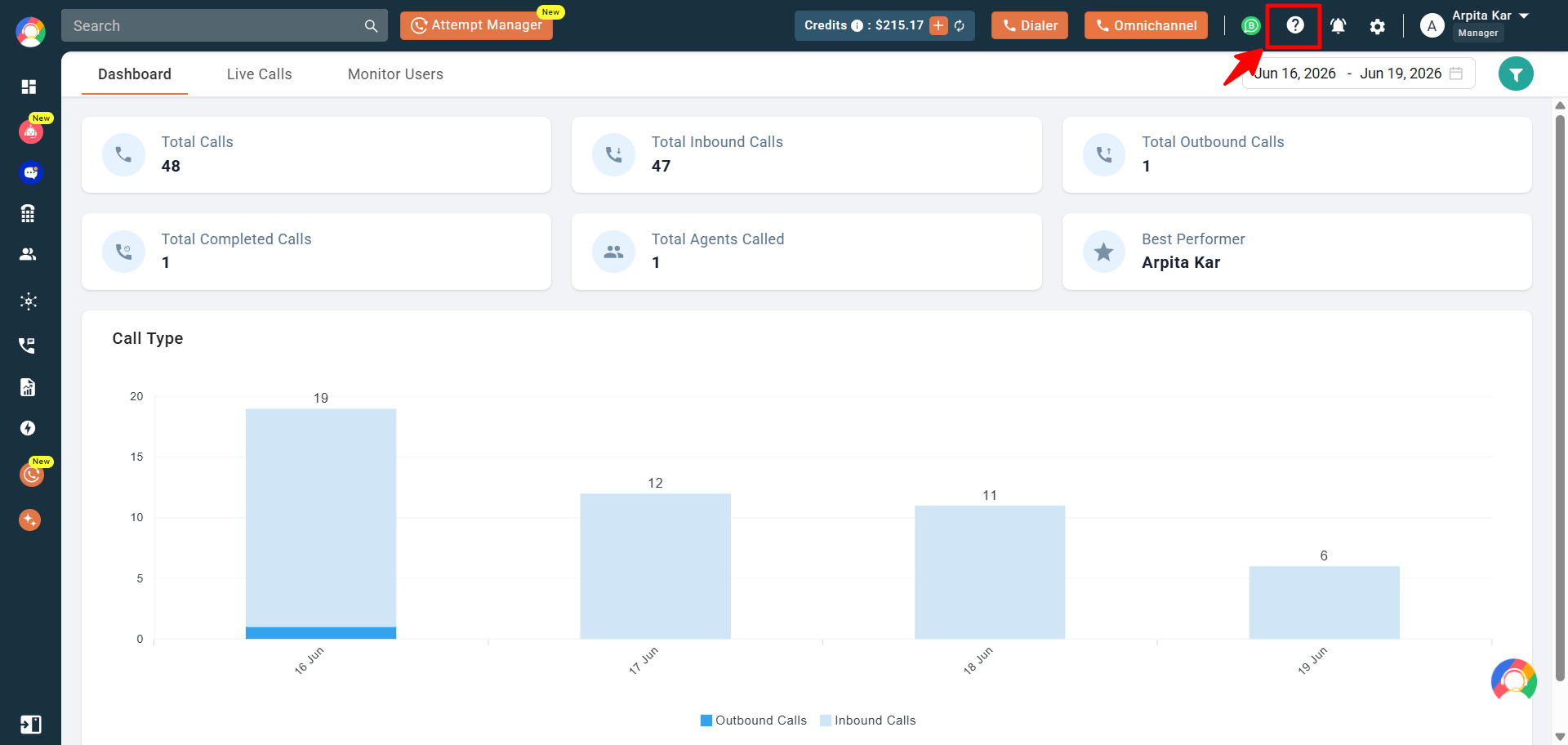
- Click the ? (Need Help) icon at the top of the dashboard.
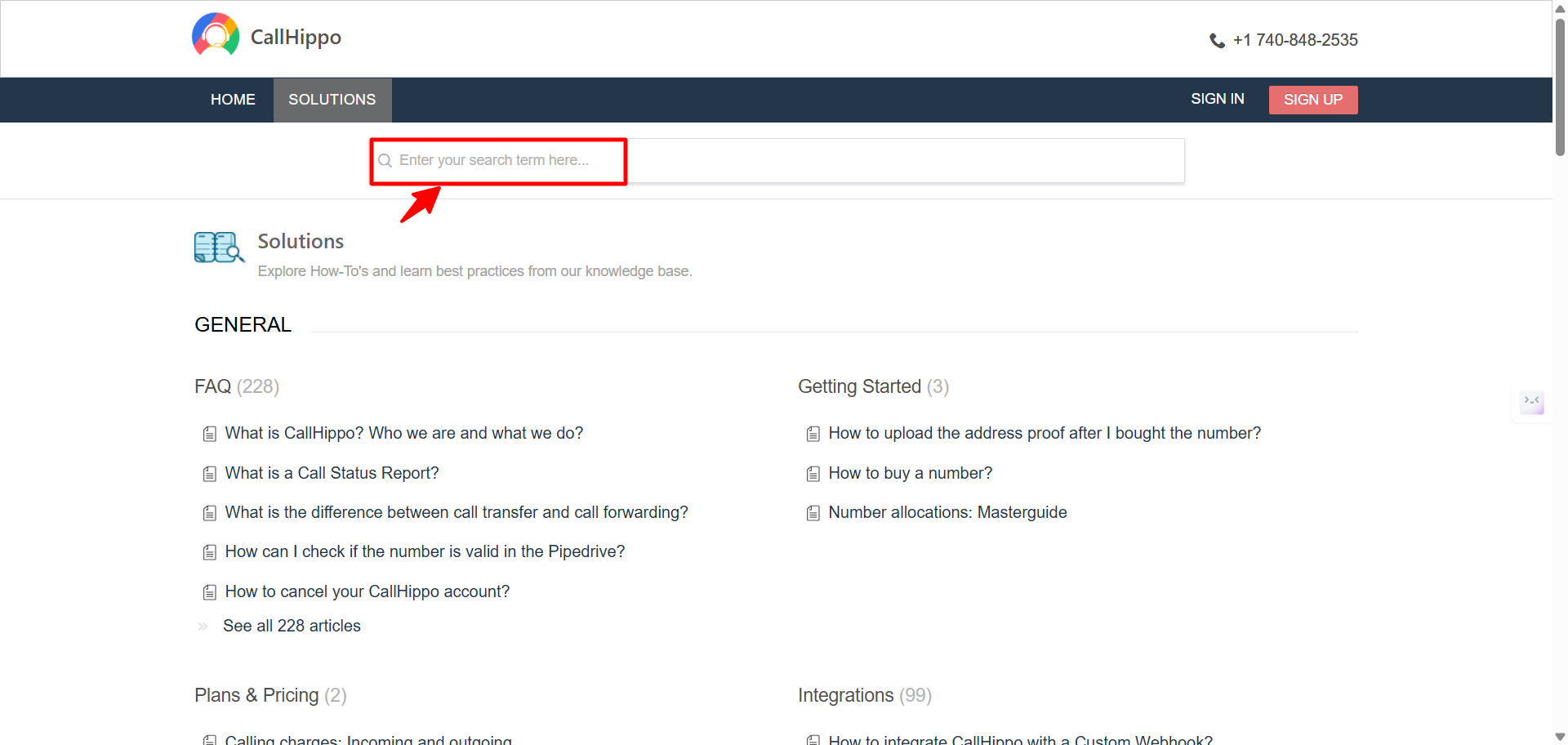
- Browse the FAQs and support articles to resolve your query instantly.
- Type your question into the search bar, and the platform will provide a helpful answer.
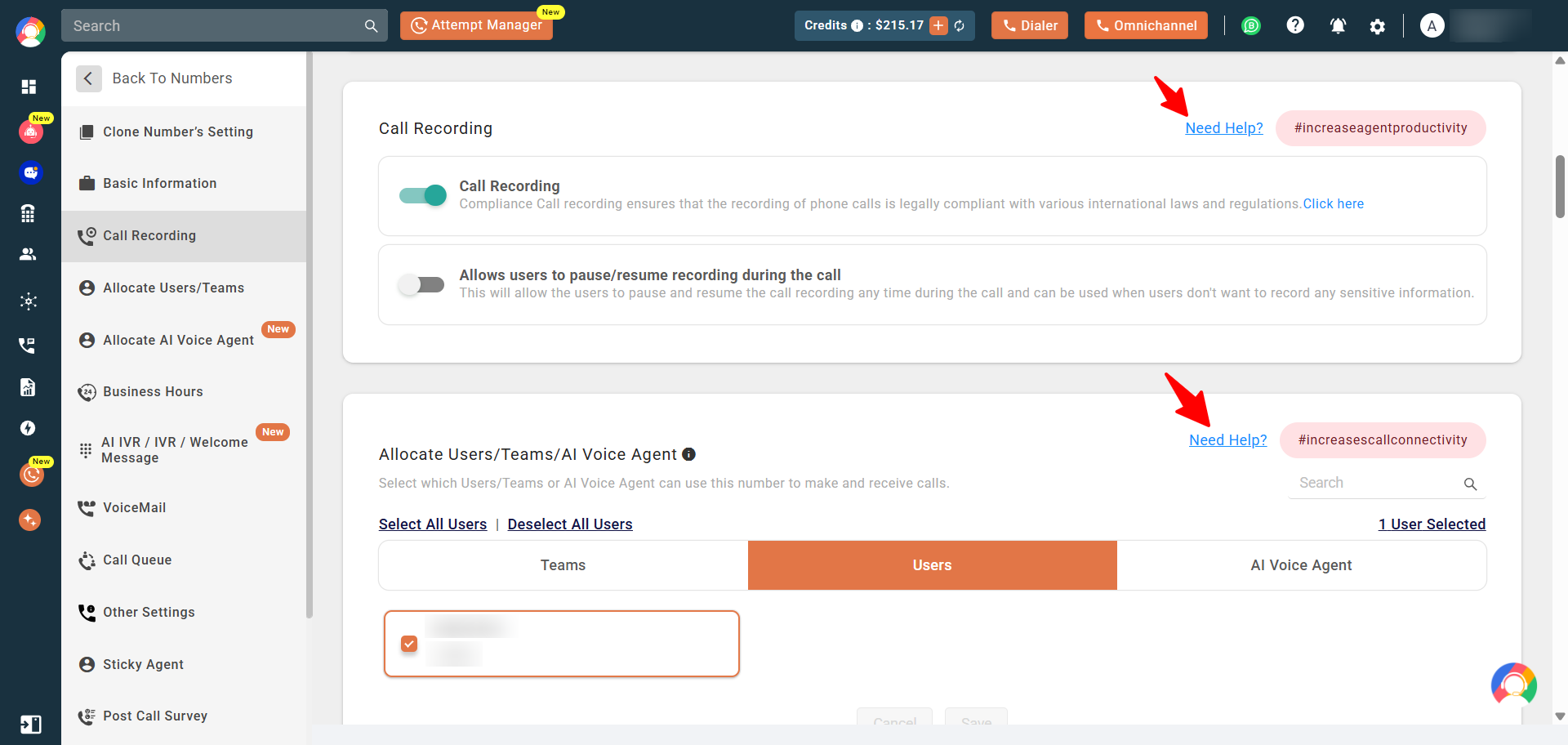
Additionally, you can click the blue Need Help link shown against each feature to learn more about it.
We hope this helps. If you still have questions, feel free to reach out at [email protected].