
The CallHippo Magic Link is a password-free login option that lets you access your account instantly — a simple, secure way to sign in without having to remember a password.
What is a Magic Link?
The CallHippo Magic Link is a password-free login option that lets you access your account instantly. It’s a simple and secure way to log in — perfect if you don’t want to remember passwords or need quick access.
Where to get the Magic Link
You can request a Magic Link directly from the CallHippo login page. Just enter your registered email address, and the link will be sent to your inbox within seconds.
How to use it
- Open the CallHippo login page and enter your registered email address.
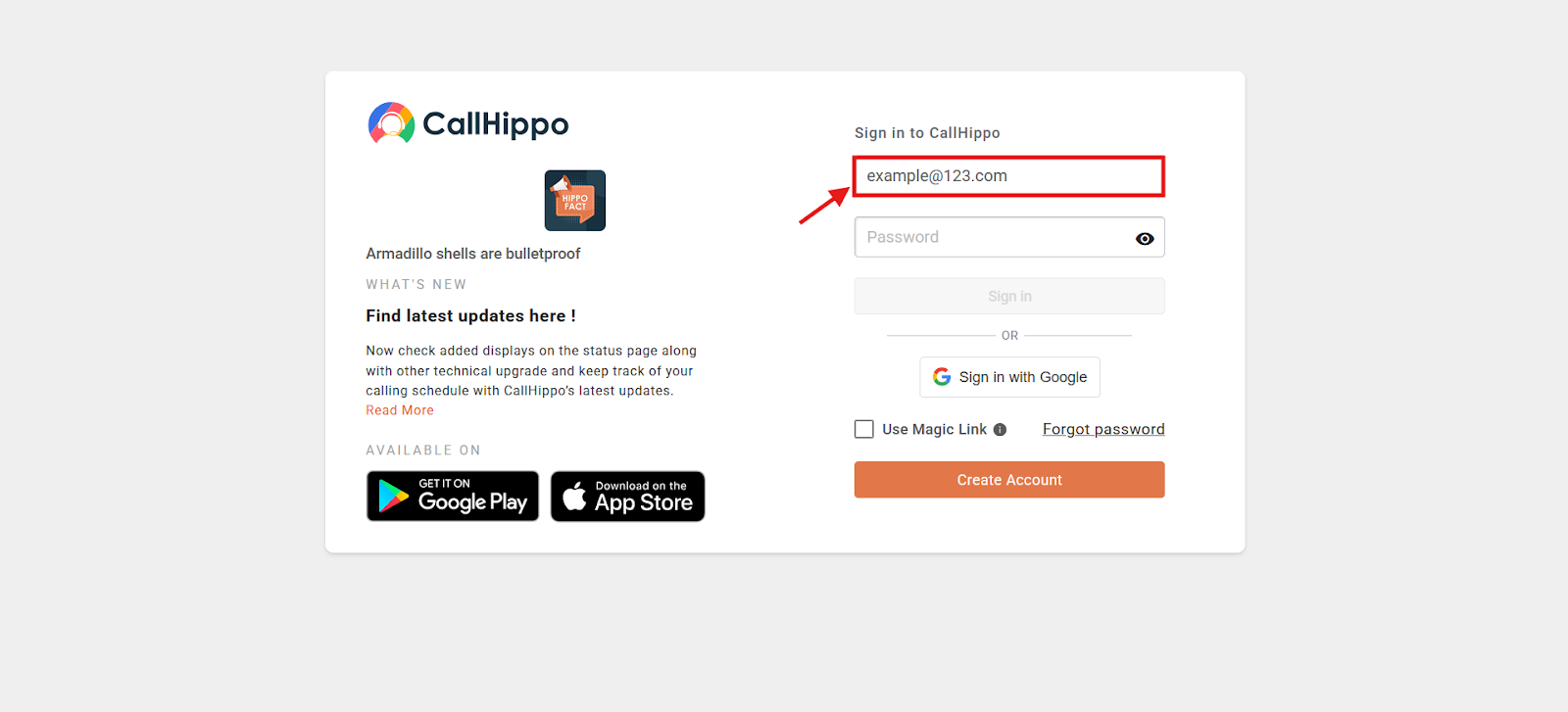
- Tick the Use Magic Link checkbox.
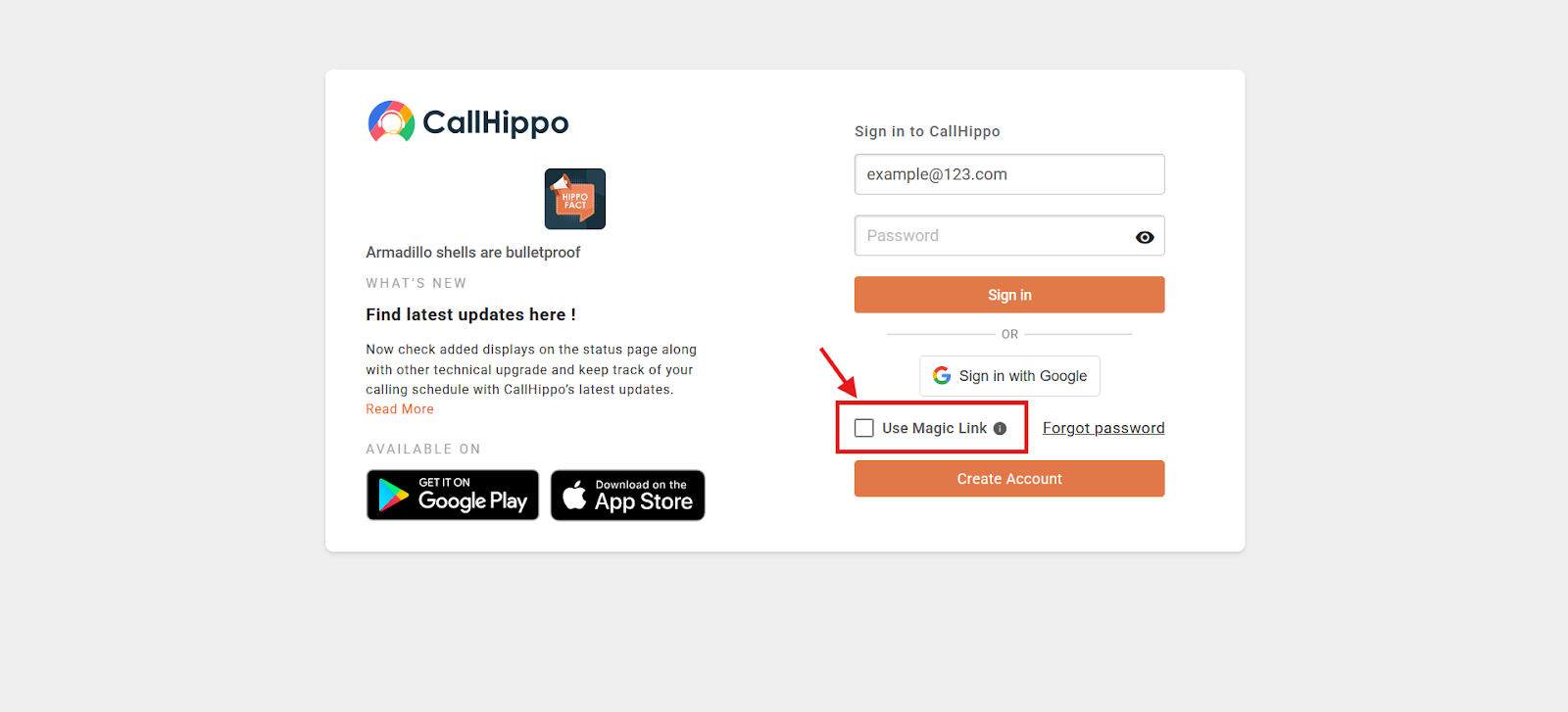
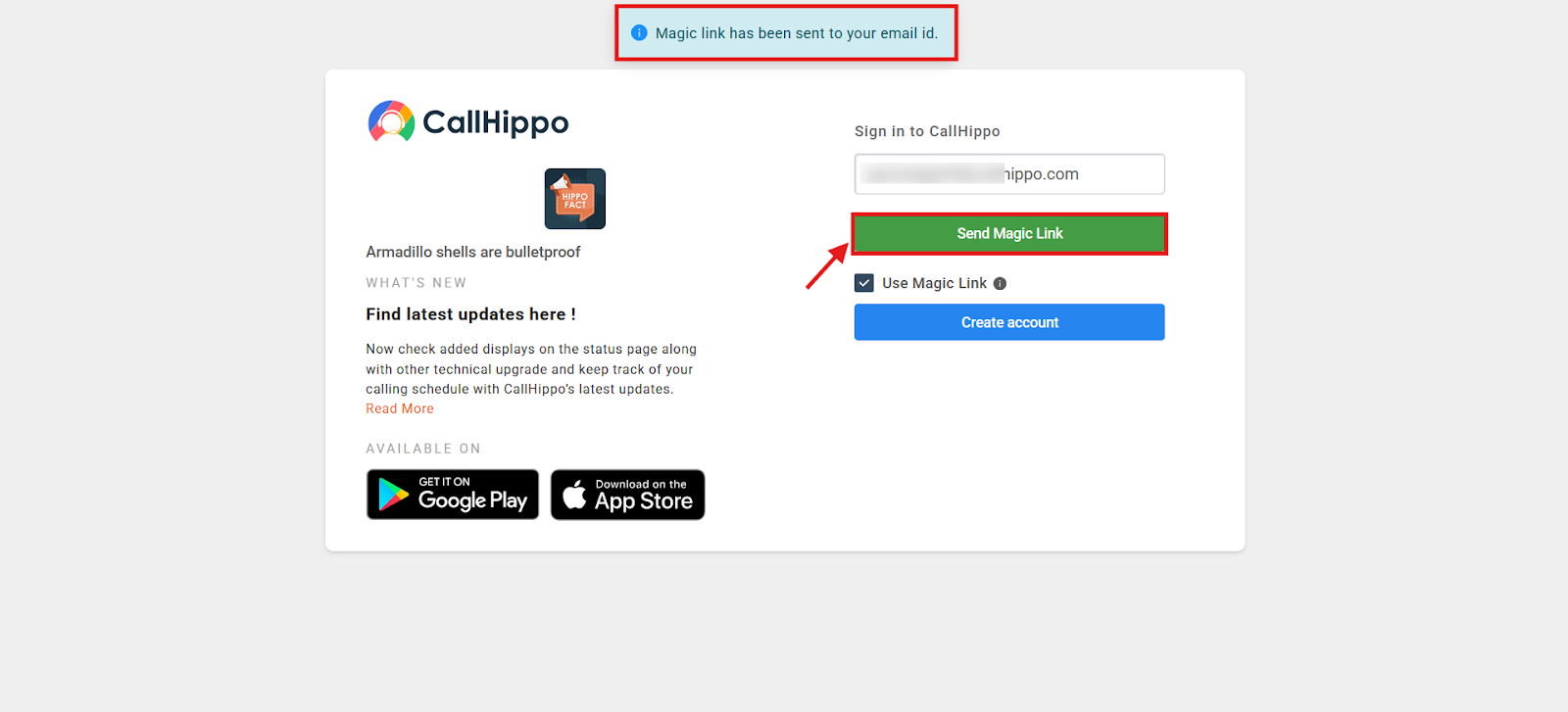
- Click Send Magic Link. You’ll see a confirmation that the link has been sent to your email.
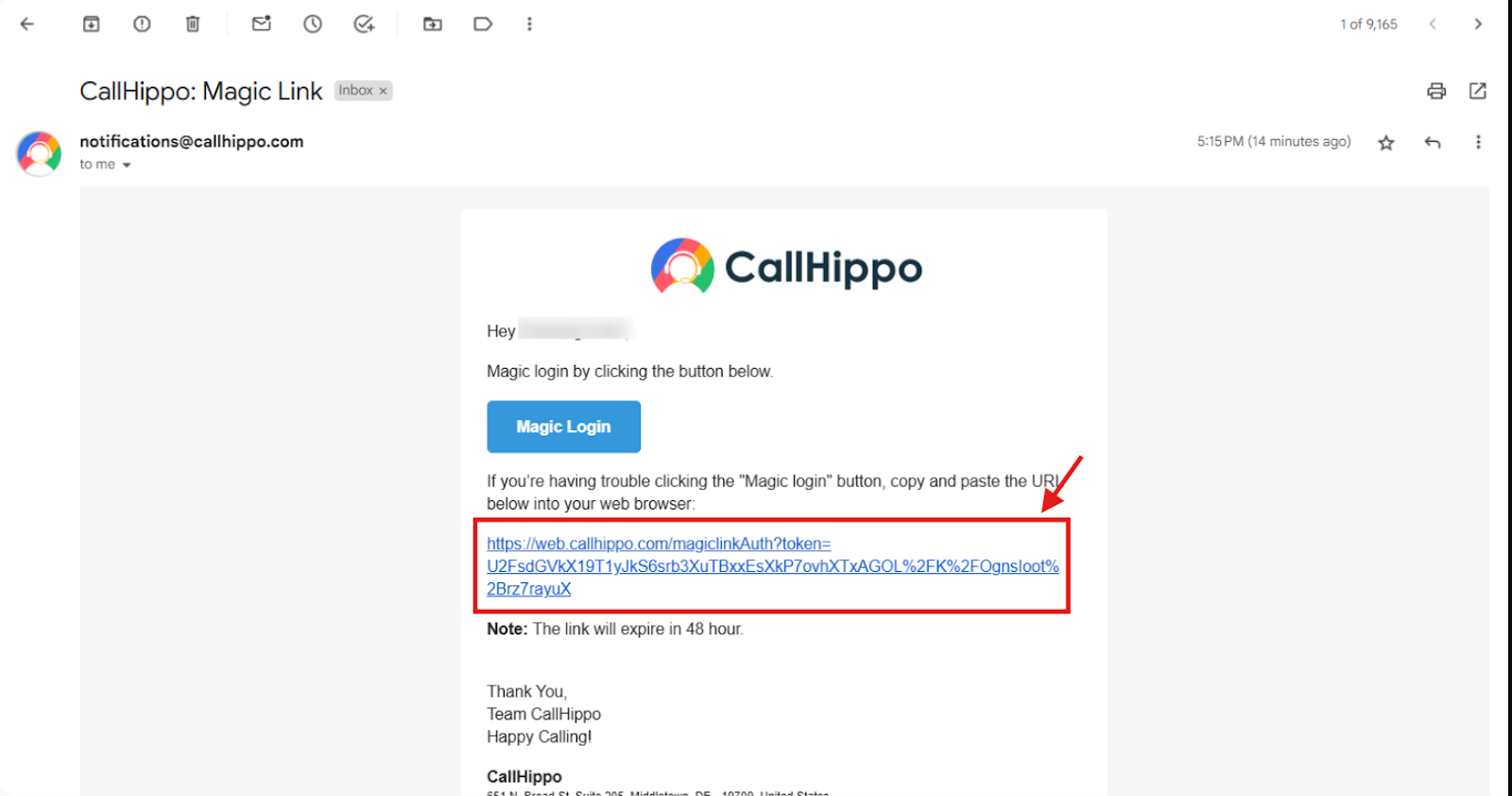
- Open the email from CallHippo and click Magic Login — or copy the link into your browser.
- You’re logged in — no password needed.
Important things to know
- Magic Links are valid for 48 hours from the time they’re generated. Once expired, the link can’t be reused.
- Magic Links work only for the dashboard and web dialer. They cannot be used to log in to the mobile or desktop apps.
We hope this helps. If you still have questions, feel free to reach out at [email protected].