
Connecting CallHippo with Outreach syncs your prospects into the dialer and logs every call and SMS back to Outreach automatically, so your sales activity stays in one place.
Connect Outreach in CallHippo
- Log in to your CallHippo account.
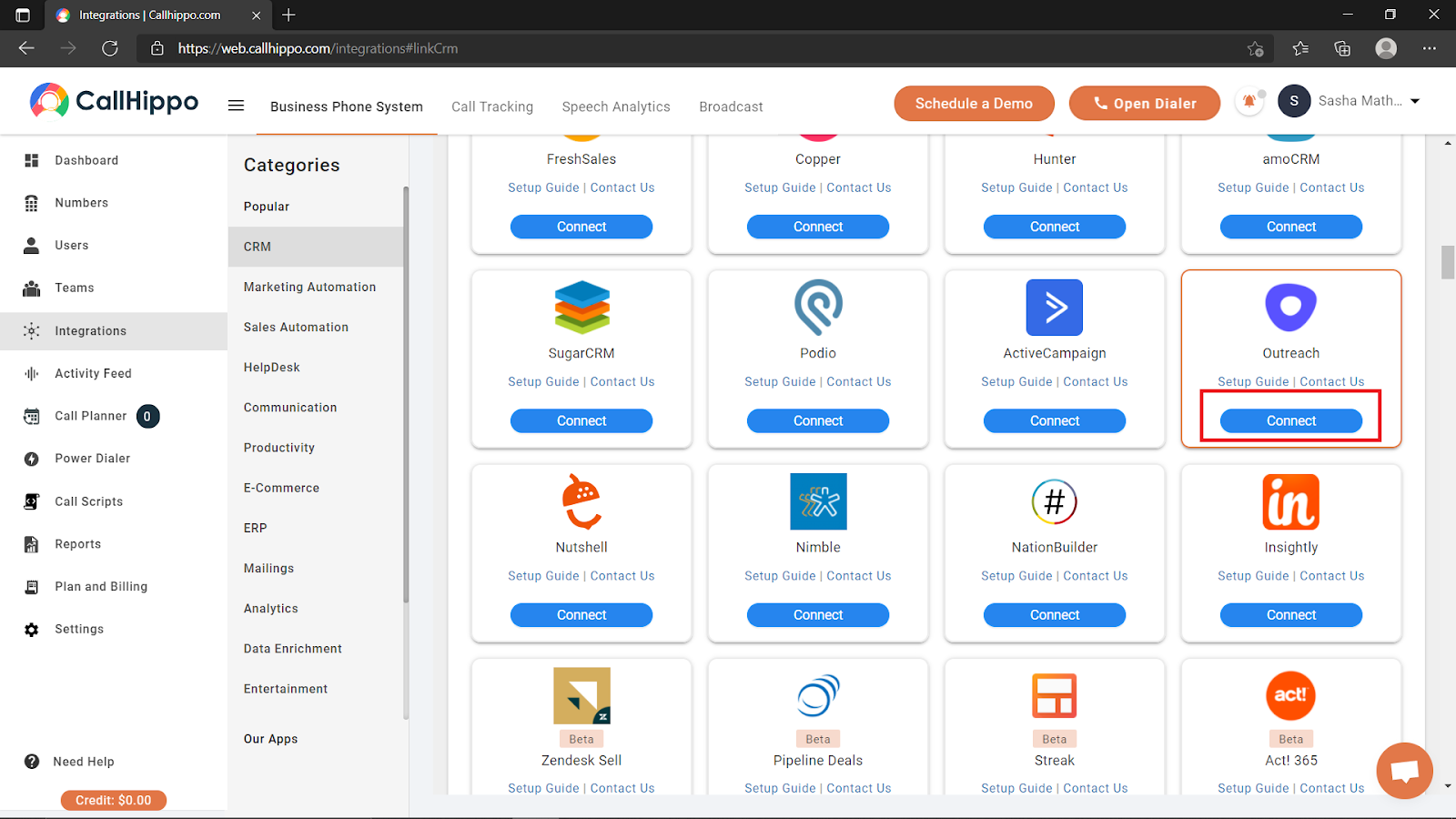
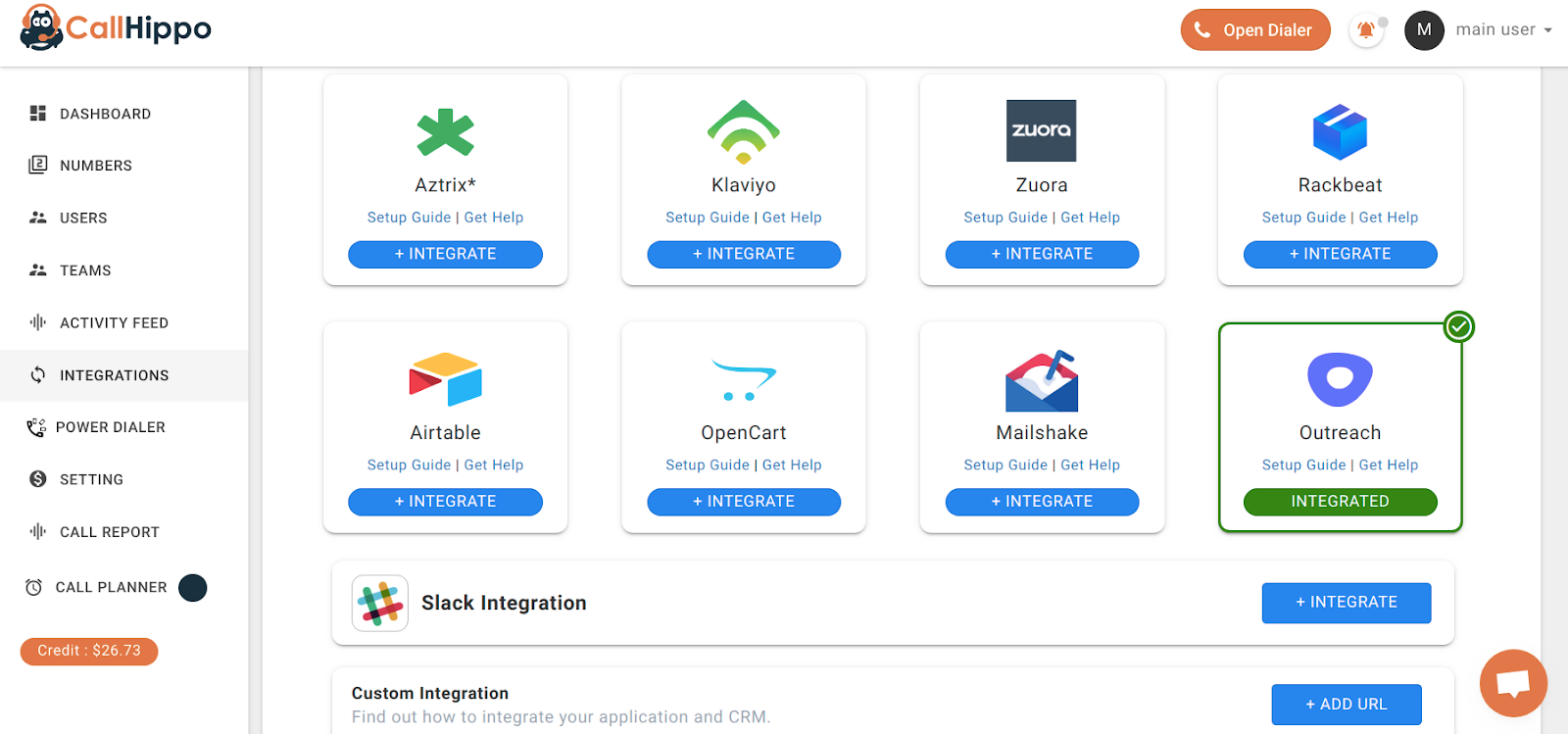
- From the left sidebar of your dashboard, open Integrations.
- Find Outreach and click Connect (Integrate).
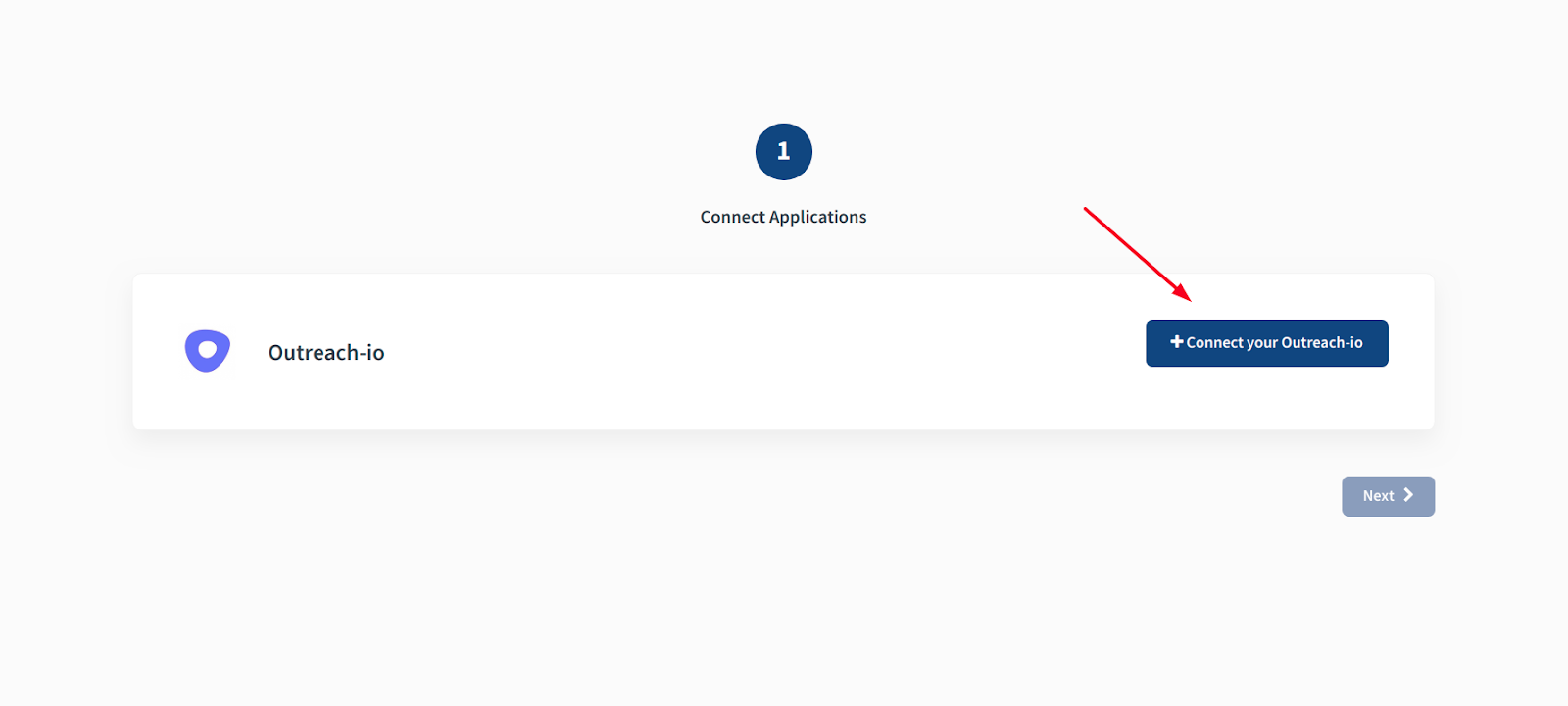
- You are taken to the setup page. Click Connect your Outreach.io.
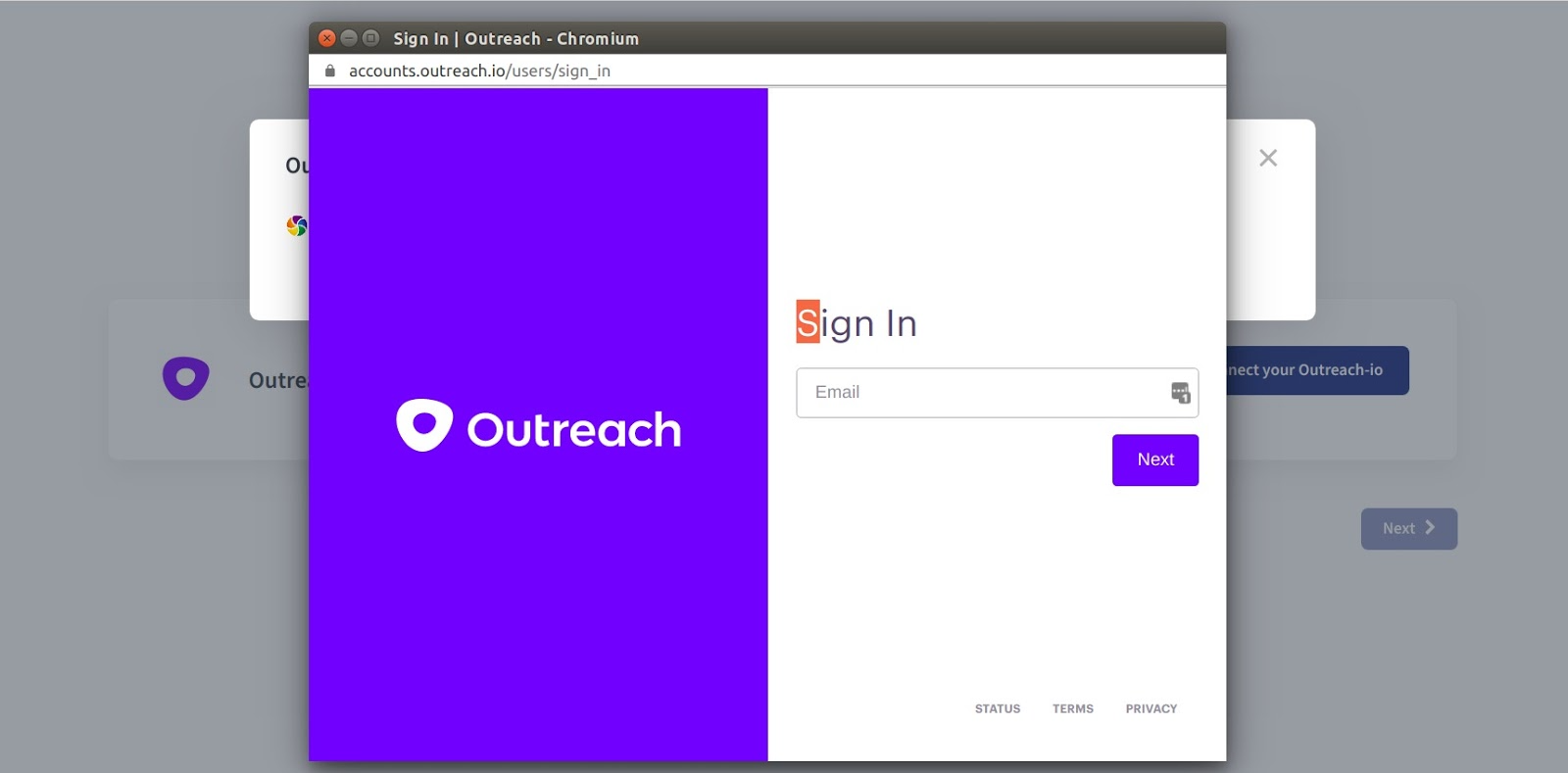
- Enter your Outreach email and click Next, then enter your password and click Sign In.
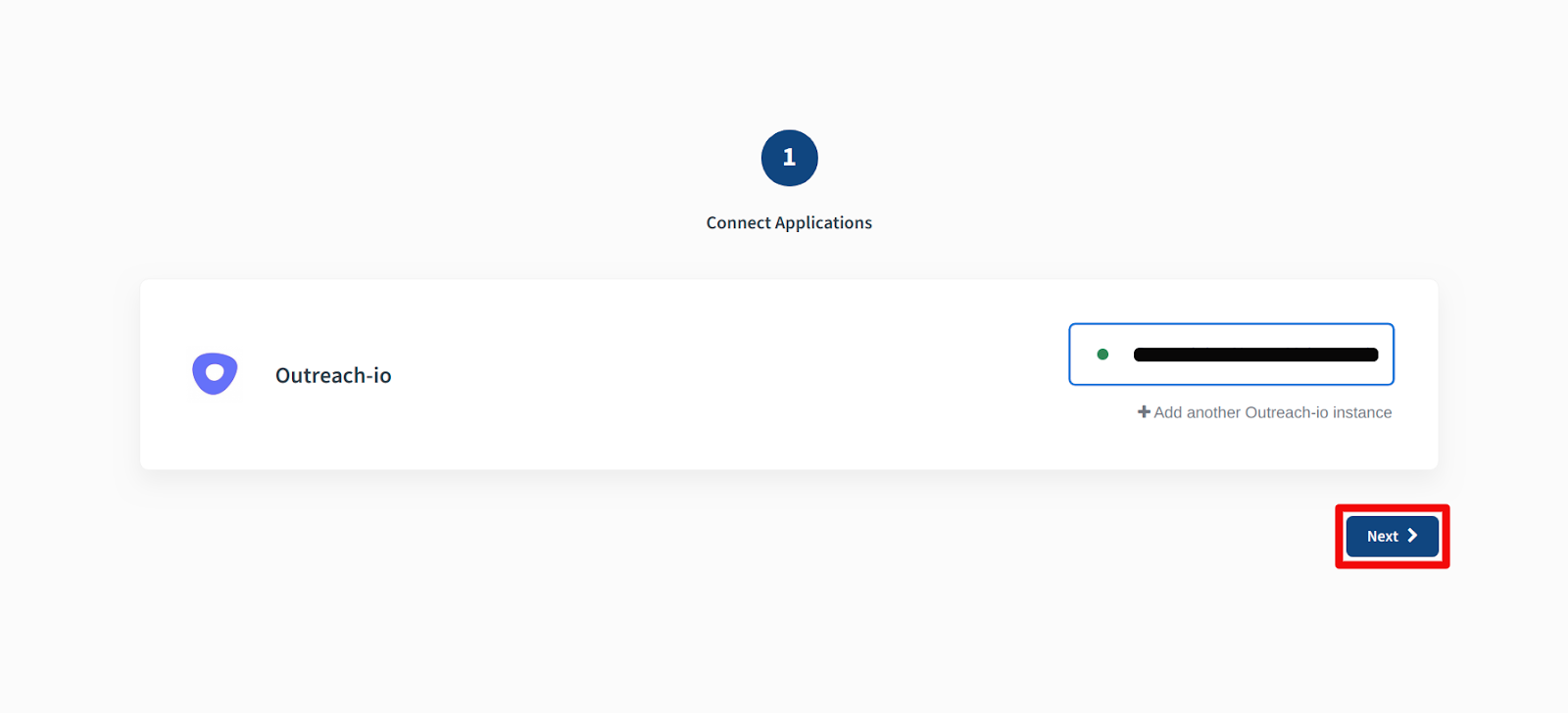
- Once your Outreach account is connected, click Next to complete the integration.
- You will see a confirmation that your account with Outreach is integrated successfully.
What the Outreach integration does
- Prospect sync: All your Outreach prospects are synced into the CallHippo dialer as contacts. Adding, updating, or deleting a prospect in Outreach reflects in CallHippo in real time.
- Call activity: Every call made to or received from an Outreach contact is logged in the CallHippo dialer and appears in the Calls section of that prospect in Outreach.
- SMS activity: Every SMS sent or received from an Outreach contact is logged in the CallHippo dialer.
- Sub-user visibility: A CallHippo sub-user must also be invited in Outreach if the admin needs to see that sub-user’s activity.
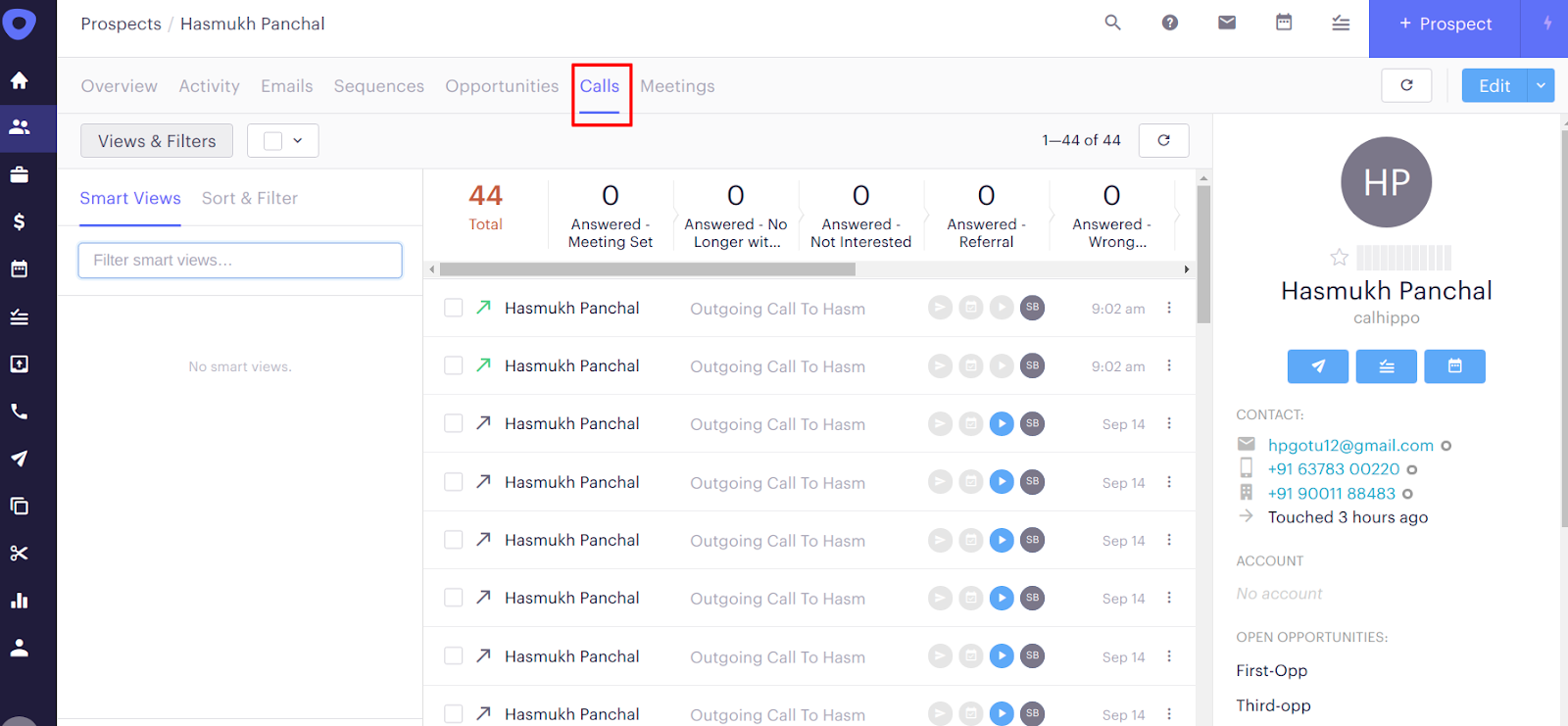
Note: Call log activity is sent to Outreach only when the CallHippo caller and the Outreach user share the same account email.
Enable Click to Call
To place calls directly from Outreach, install the CallHippo Click-to-Call Chrome extension from the Chrome Web Store.
Frequently asked questions
Why is my call activity not showing in Outreach?
Call logs only sync when the CallHippo caller’s email matches the Outreach user’s account email. Make sure both accounts use the same email address.
Do prospect changes sync automatically?
Yes. New, updated, and deleted prospects in Outreach are reflected in CallHippo in real time.