
Connecting Salesforce Marketing Cloud with CallHippo lets you bring your calling data into the same platform you use for marketing campaigns and customer journeys.
Create an installed package in Salesforce Marketing Cloud
CallHippo connects using a Client ID and Client Secret generated by an installed package, so create one first.
- Log in to your Salesforce Marketing Cloud account.
- Go to Setup (upper-right corner, under your name).
- Under Platform Tools in the left panel, open Apps.
- Create a new package and give it all the required permissions.
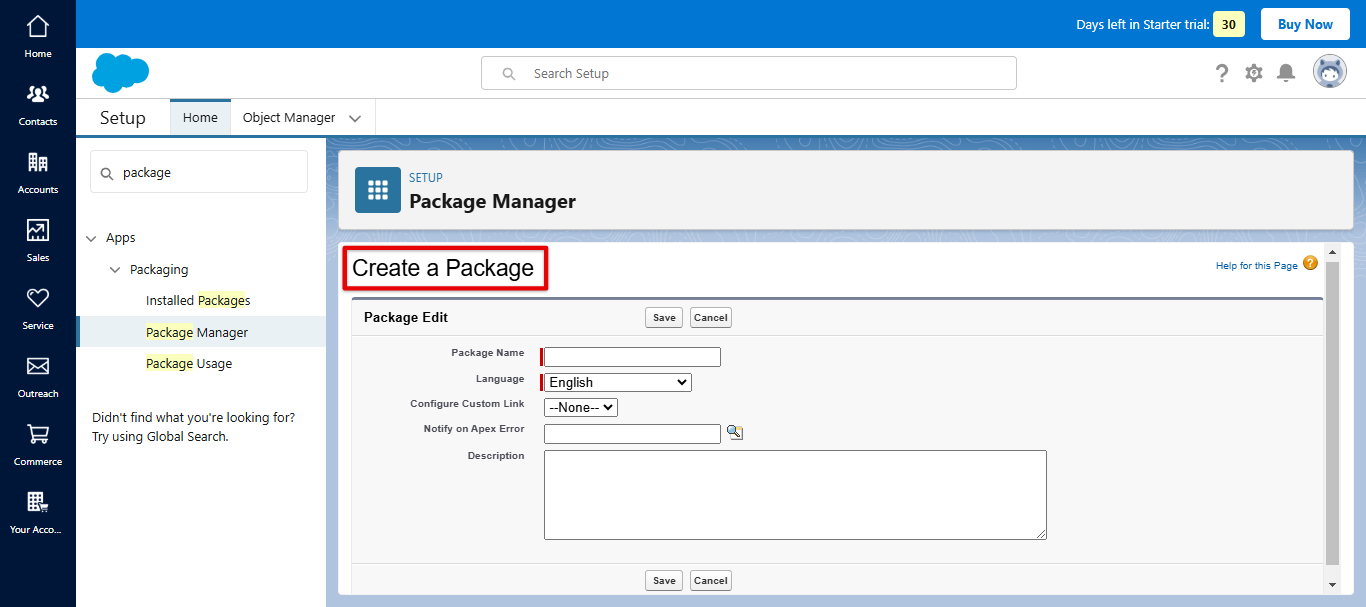
- Add an API Integration component to the package. Use your account subdomain to enter the redirect URI, for example https://SUBDOMAIN.auth.marketingcloudapis.com/, and click Save. The component is added along with your Client ID and Client Secret.
Connect Salesforce Marketing Cloud in CallHippo
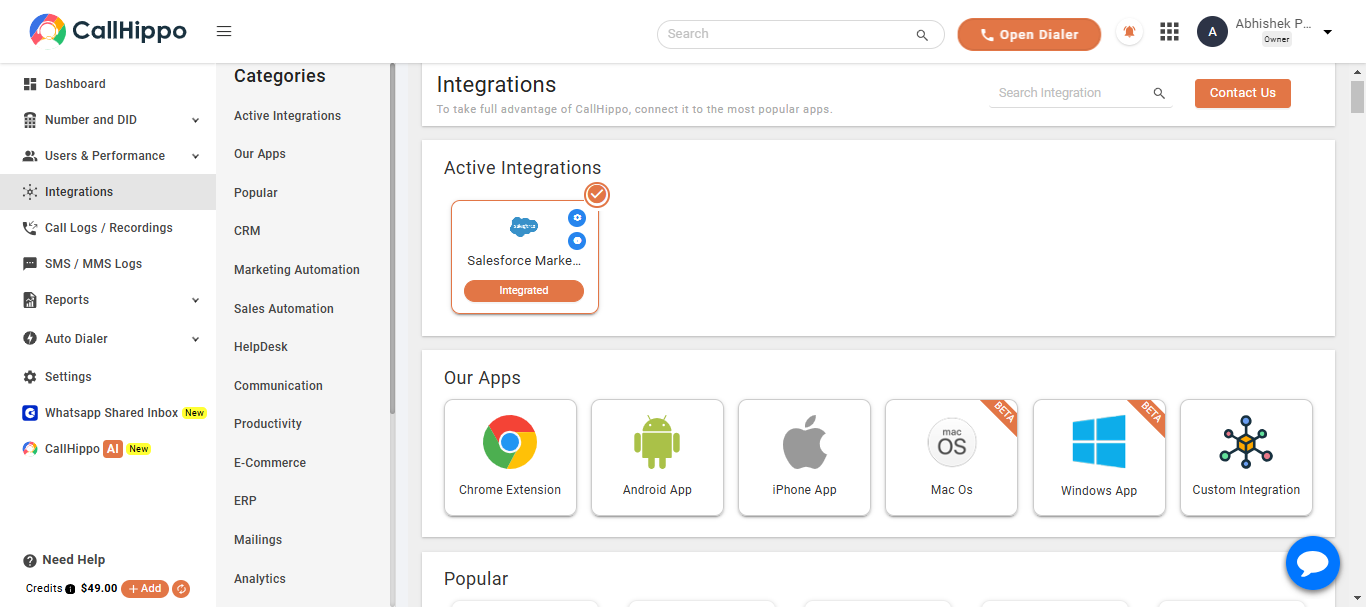
- Log in to your CallHippo account and open the Integrations tab.
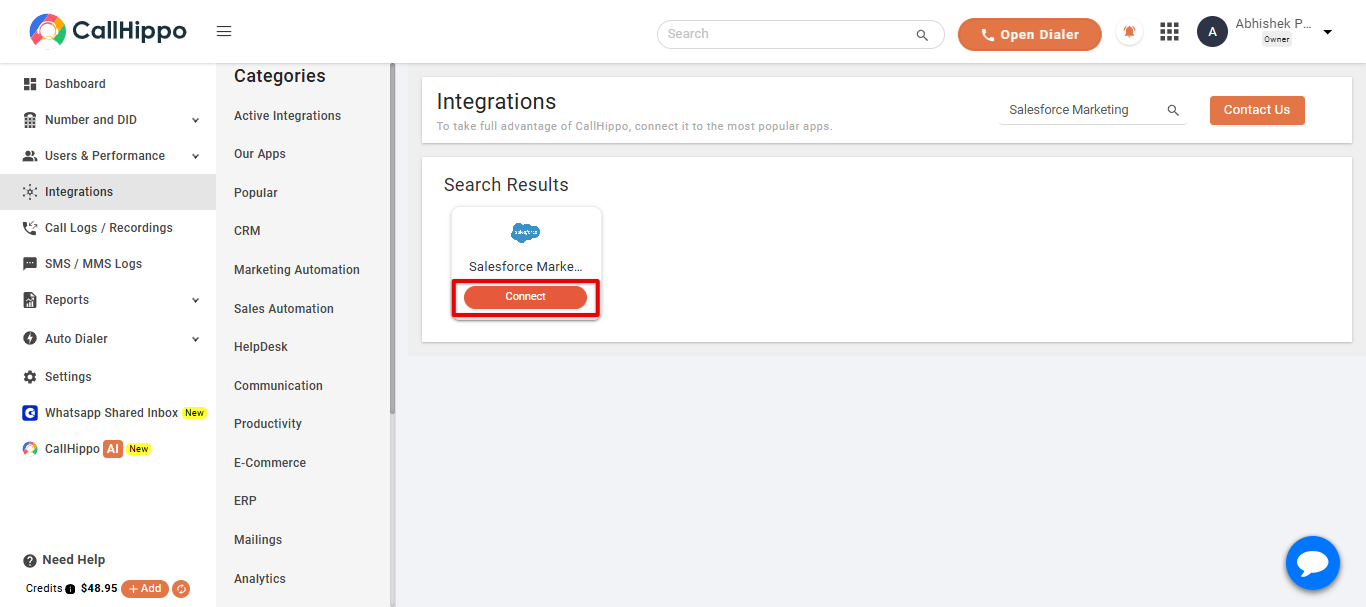
- Find Salesforce Marketing Cloud and click Connect.
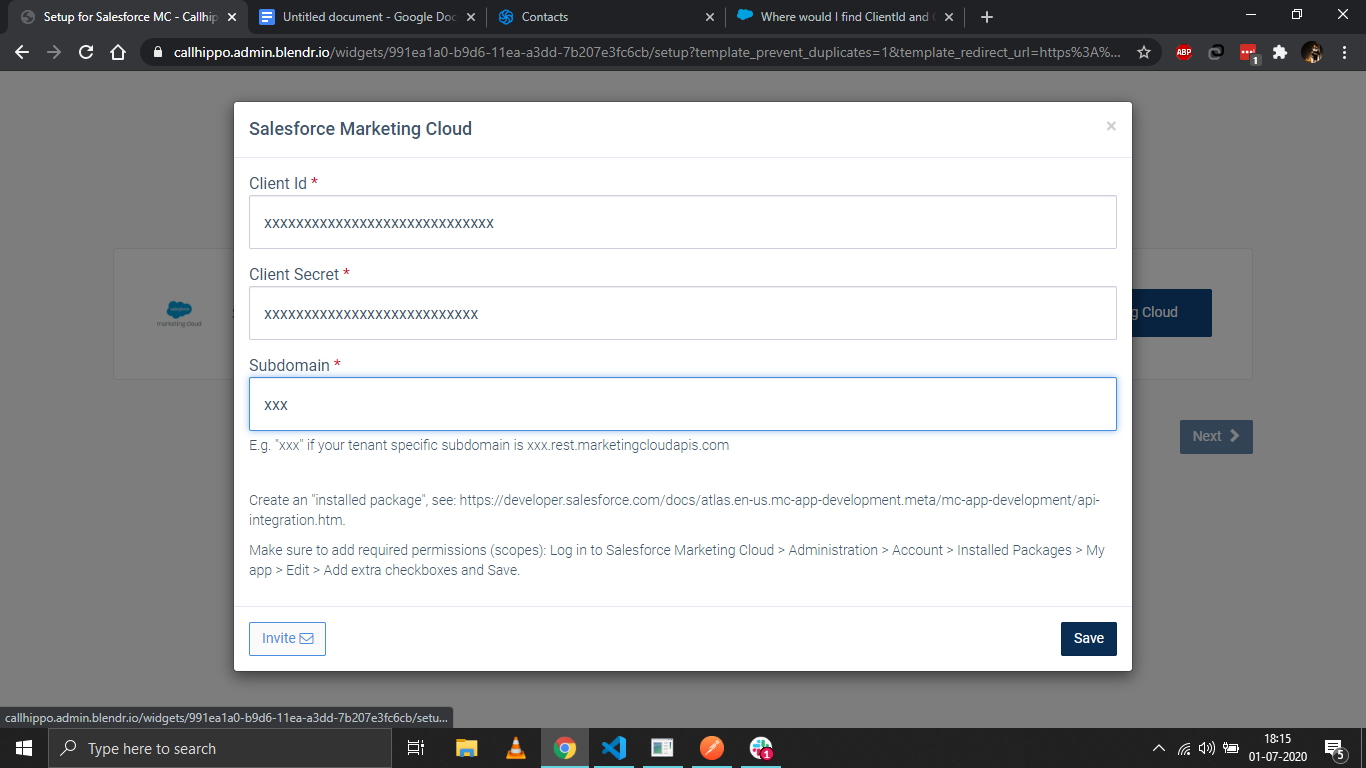
- Enter the Client ID, Client Secret and Subdomain you noted from the installed package, then click Save.
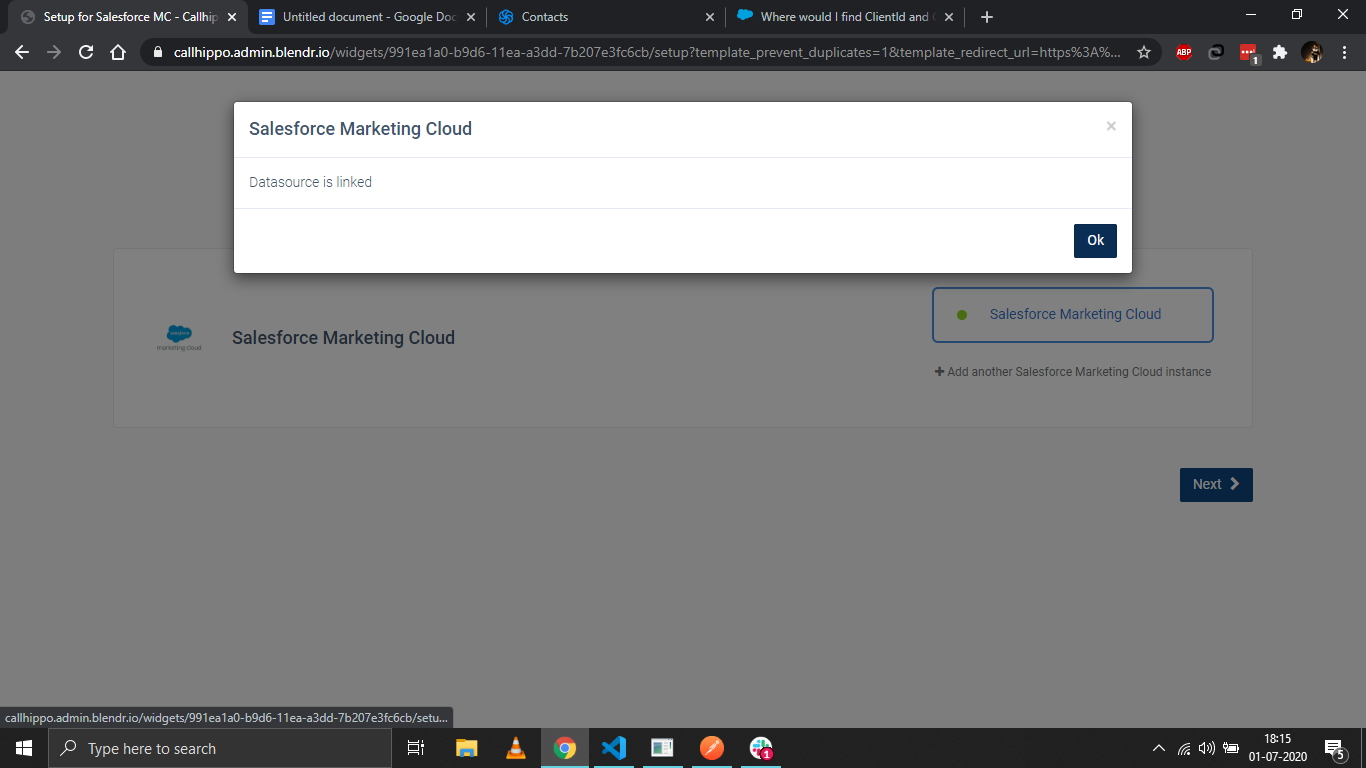
- When you see Datasource is linked, click Ok.
- Click Next. You are redirected back to your CallHippo account and the status changes to Integrated.
Where do I find my Client ID and Client Secret?
They are generated when you add an API Integration component to an installed package in Salesforce Marketing Cloud. Copy both values before leaving that screen.
What do I enter as the subdomain?
Use the tenant-specific part of your Marketing Cloud API domain. For example, if your domain is xxx.rest.marketingcloudapis.com, enter xxx as the subdomain.
Need help linking Salesforce Marketing Cloud? Reach us at [email protected].